

Gradient Quotes
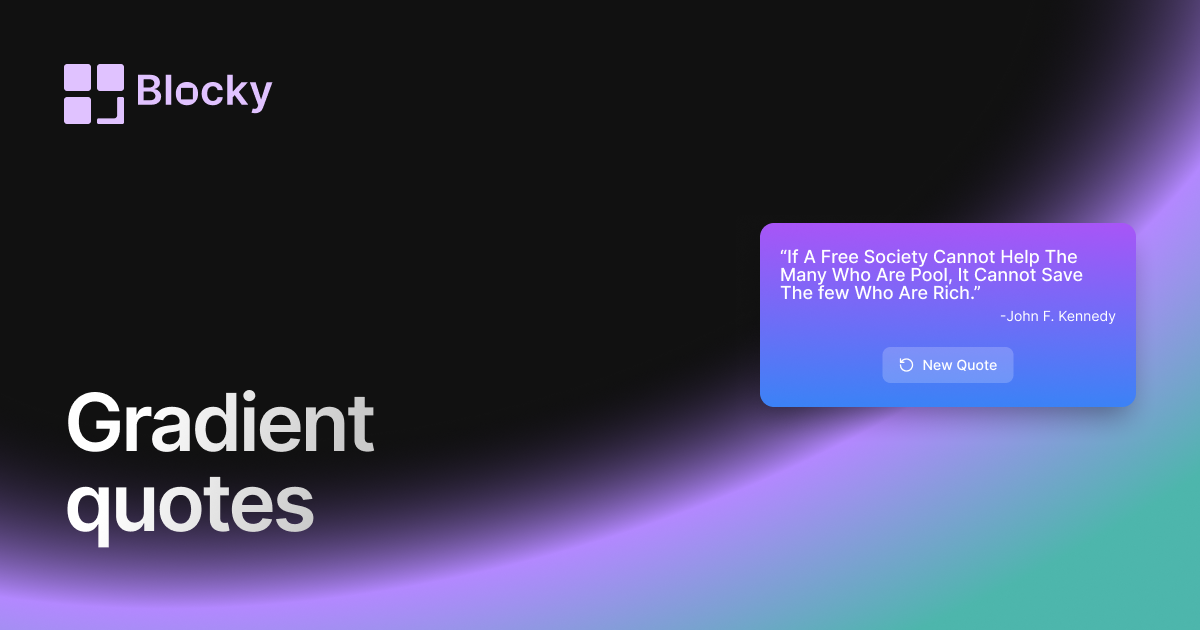
Display powerful quotes in a vibrant gradient card with customizable quote and author styles. Perfect for motivational dashboards in Notion.
Inspect the widget before it reaches a live page.
Tune labels, data, colors, and layout from one editor.
Embed the finished specimen back into Notion.
Specimen notes — Gradient Quotes
Click button to load quote
Gradient Quotes Widget for Notion
The Gradient Quotes widget adds a splash of color to your daily inspiration. With smooth transitions, lively backgrounds, and customizable themes, this variant is perfect for users who want their Notion dashboards to feel both thoughtful and beautifully alive.
Whether you're designing a mood board, building a creative hub, or curating motivational content, Gradient brings both meaning and mood.
Use Cases
- Aesthetic Dashboards: Add visual flair to your Notion workspace.
- Daily Planning Pages: Start each day with an uplifting quote wrapped in color.
- Creative Zones: Feature bold quotes to inspire writing or design.
- Study & Focus Setups: Energize your workspace with motivational energy.
- Reflective Journals: Match your quote tone to your emotional palette.
Features
- Gradient backgrounds that smoothly shift over time or on refresh
- Rotating quotes with author attribution
- Fully responsive design for all Notion embed sizes
- Optional animations: fade, zoom, or text float
- Preset color themes or fully customizable gradients
Customization Options
- Choose from curated quote collections or import your own
- Select gradient styles: radial, linear, diagonal
- Customize font, text alignment, and shadow styles
- Toggle animations and quote change intervals
- Light/dark theme overrides or auto-detection
- Optional decorative accents (quote marks, emojis, icons)
Rotates Dynamically
Each time the widget loads, it selects a quote and displays it with a fresh gradient—making your dashboard feel dynamic and alive. Return to your page throughout the day to be surprised and inspired.
How to Embed in Notion
- Open Blocky and choose the Gradient Quotes Widget variant.
- Select your quote source (preset or custom).
- Choose or customize your gradient background.
- Copy the embed URL.
- Paste it into your Notion workspace using
/embed.
Because inspiration should look as good as it feels.
Nearby variants for the same type.
The current specimen is excluded so the grid only offers alternate treatments.
Related variant
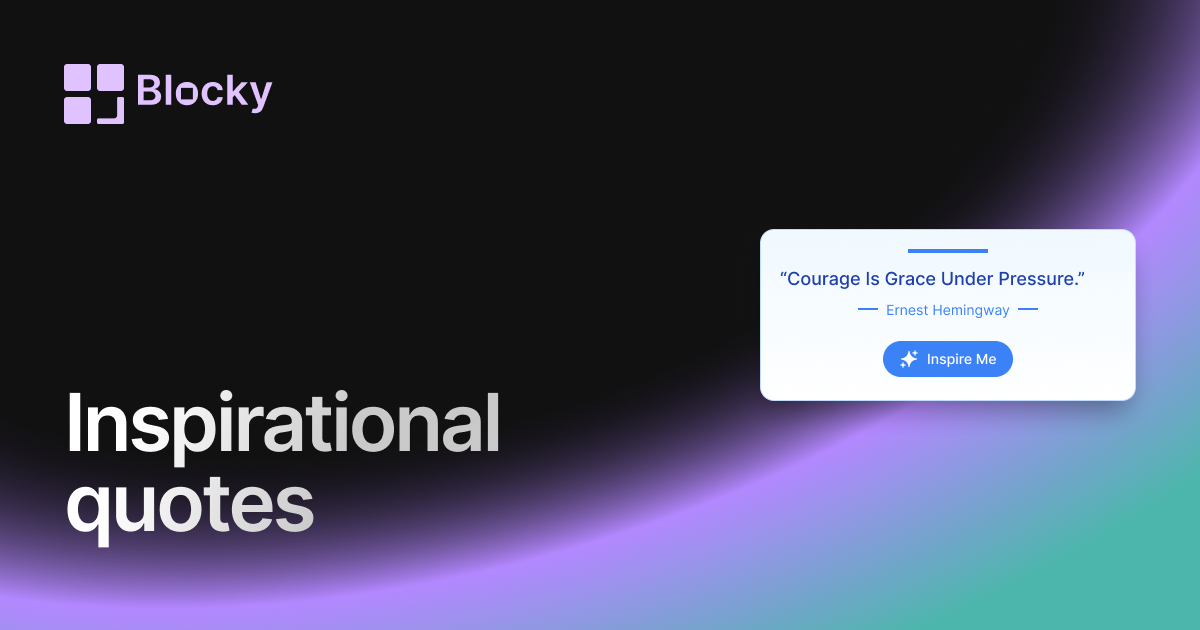
Inspiration Quotes
Share thoughtful, creative, or motivational quotes in a uniquely styled card with gradient borders and rich typography, perfect for your aesthetic Notion pages.
Open related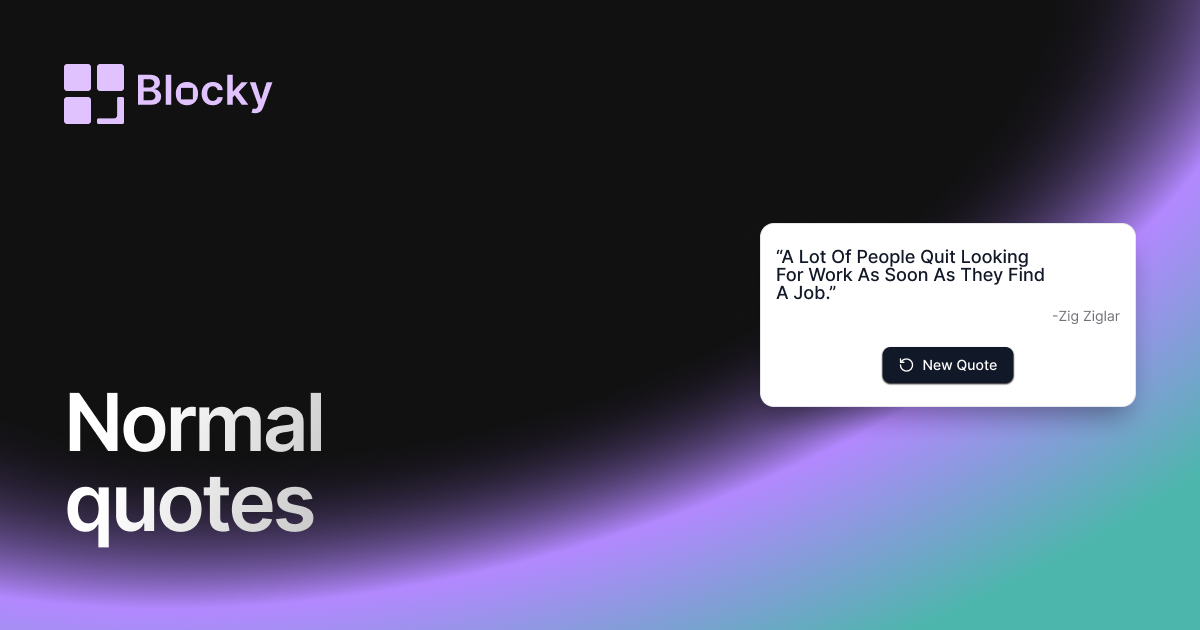
Related variant
Normal Quotes
Show rotating quotes in Notion with a clean widget built for dashboards, journals, study pages, and daily motivation blocks.
Open related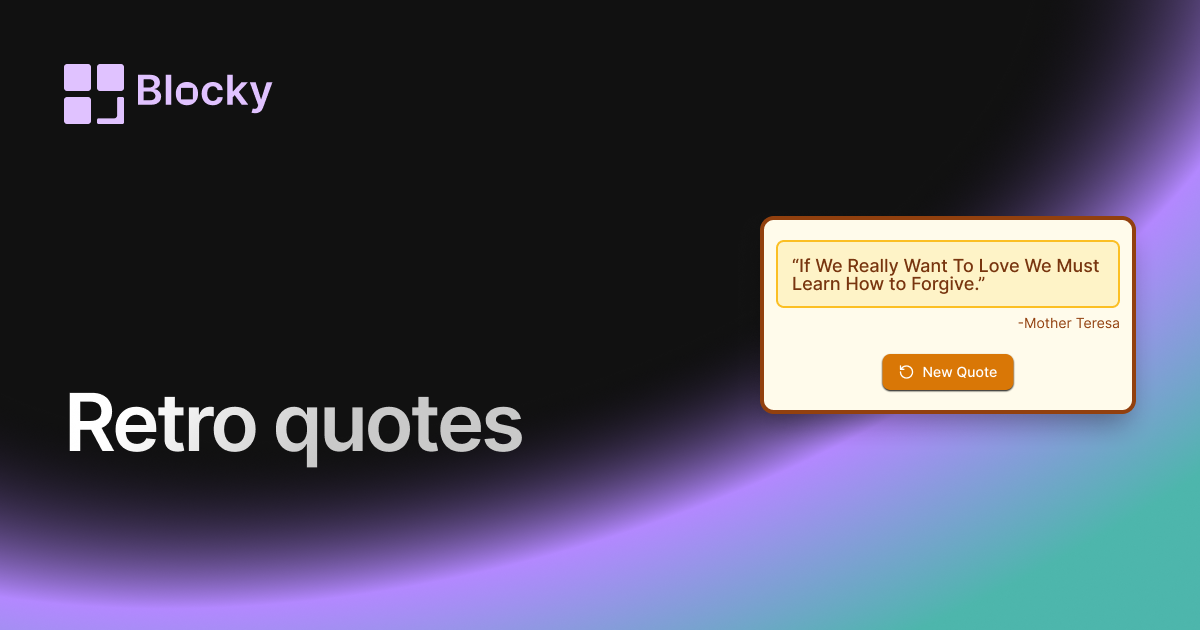
Related variant
Retro Quotes
Add a vintage flair to your Notion pages with the Retro Quotes widget. Designed with nostalgic vibes, it delivers classic inspiration in a timeless format.
Open related