

Holiday Countdown
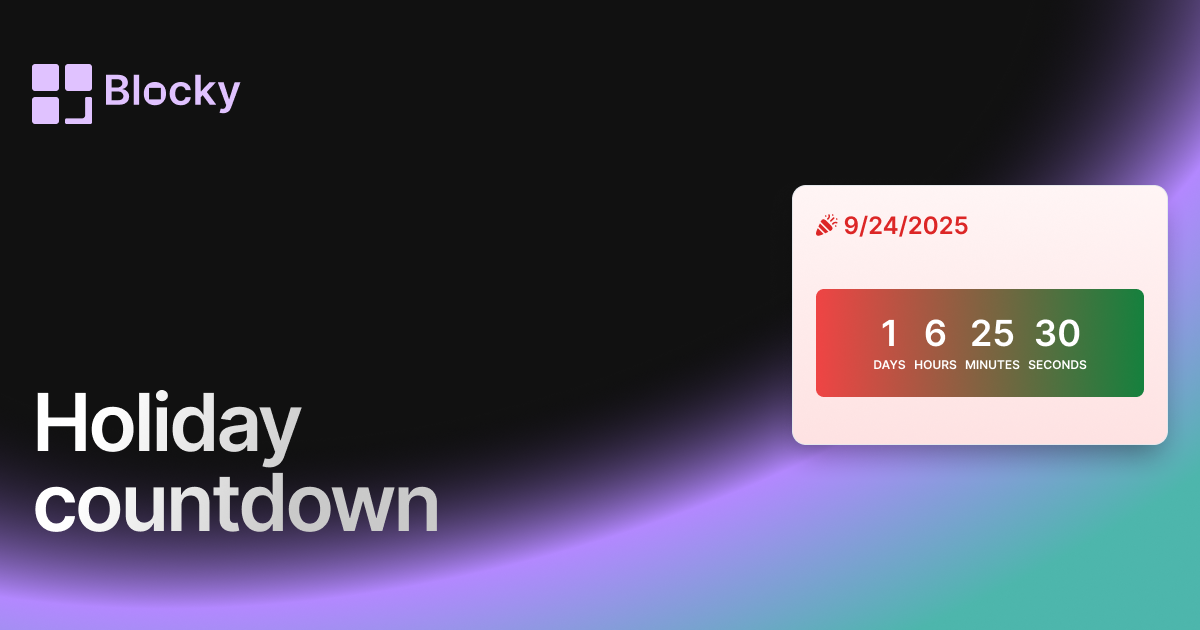
Festive countdown widget for tracking time until holidays, birthdays, or seasonal events in Notion.
Inspect the widget before it reaches a live page.
Tune labels, data, colors, and layout from one editor.
Embed the finished specimen back into Notion.
Specimen notes — Holiday Countdown
Holiday Countdown Timer Widget
The Holiday Countdown Timer is a festive, fun way to bring seasonal cheer to your Notion pages. Whether you're counting down to Christmas, a birthday, or a big celebration, this widget adds personality and warmth to your dashboard.
With cheerful gradients, themed colors, and bold timer text, it’s the perfect widget for anyone who wants their Notion setup to feel more alive, celebratory, or simply cozy.
What Is It?
The Holiday Countdown is a live countdown timer designed with seasonal flair. It features red-green gradients, soft snow-toned backgrounds, and a bold timer that feels right at home in holiday-themed Notion layouts.
It’s not just about tracking days — it’s about building anticipation and joy.
Use Cases
- Christmas Countdown: Track the days until your favorite winter holiday.
- Birthday Tracker: Embed it in your personal or shared Notion pages to highlight birthdays.
- Celebration Planning: Use it for any upcoming party, event, or launch with a joyful visual flair.
- Classroom Dashboards: Make learning spaces more fun and seasonal with a live timer.
Customization Options
Designed to capture the spirit of celebration, the Holiday Countdown can be personalized to match your page while keeping its vibrant, happy tone.
Adjustable Settings:
- Card Gradient Colors (From/To)
- Timer Gradient Colors
- Timer & Header Text Color
- Border Accent Color
You can even style it to match non-winter celebrations using your own color palette!
Why Use a Holiday Timer?
A countdown isn’t just a timer — it’s a motivator, a visual reminder, and a mood setter. The Holiday Countdown Timer helps you:
- Build excitement leading up to a big day
- Create shared anticipation on public dashboards
- Decorate your digital space without clutter
- Celebrate creatively in Notion, whether personally or with a team
It adds joy and intentionality to your workspace.
How to Add to Your Notion Page
- Choose the Holiday Countdown Timer in Blocky.
- Set your countdown target date (e.g., Dec 25).
- Pick your festive color palette.
- Copy your embed link.
- Paste it into your Notion page using
/embed.
Now your page is ready to celebrate!
Nearby variants for the same type.
The current specimen is excluded so the grid only offers alternate treatments.
Related variant
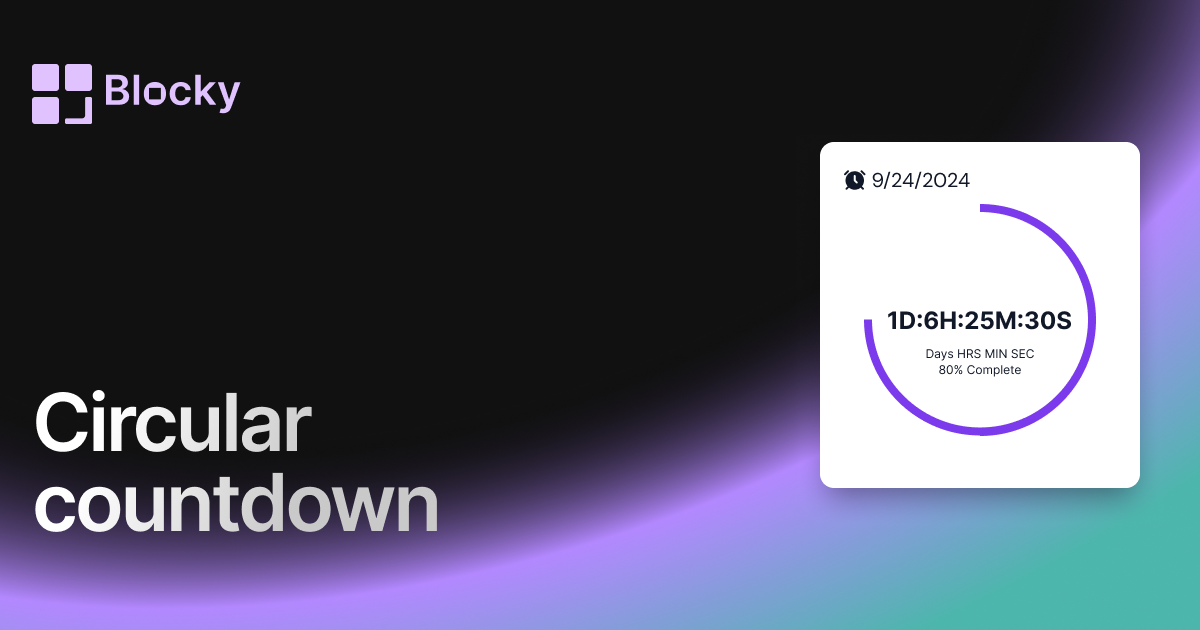
Circular Countdown
Add a circular countdown timer to Notion with visual progress, deadline context, and a compact layout for dashboards.
Open related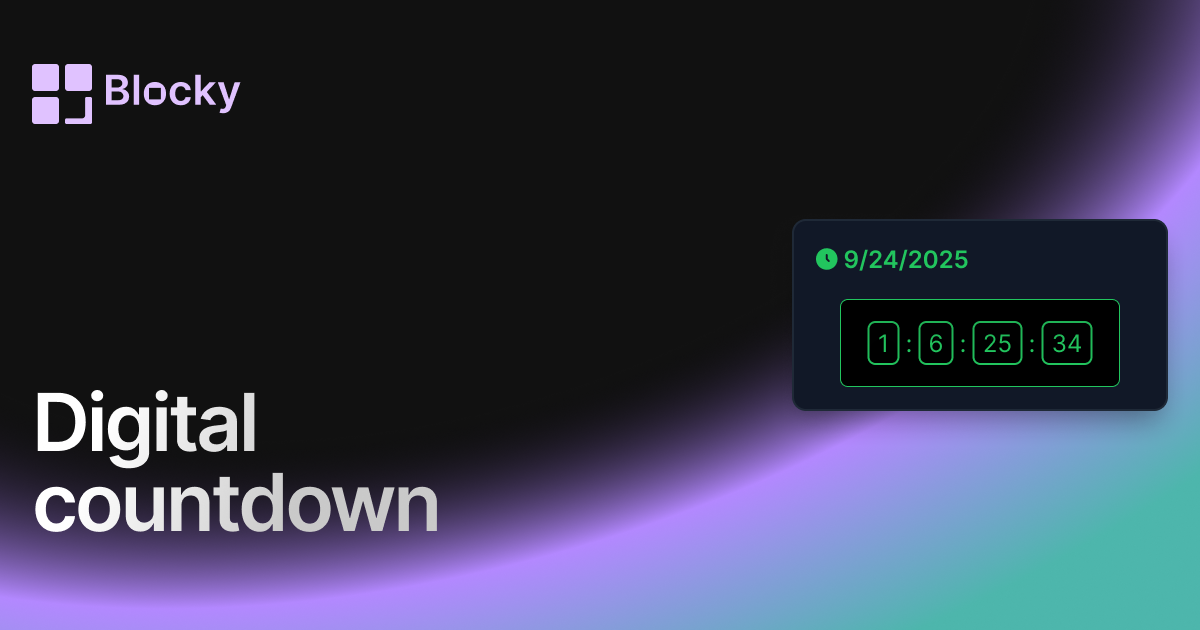
Related variant
Digital Countdown
Use a digital countdown widget in Notion for launches, deadlines, events, and high-contrast dashboard reminders.
Open related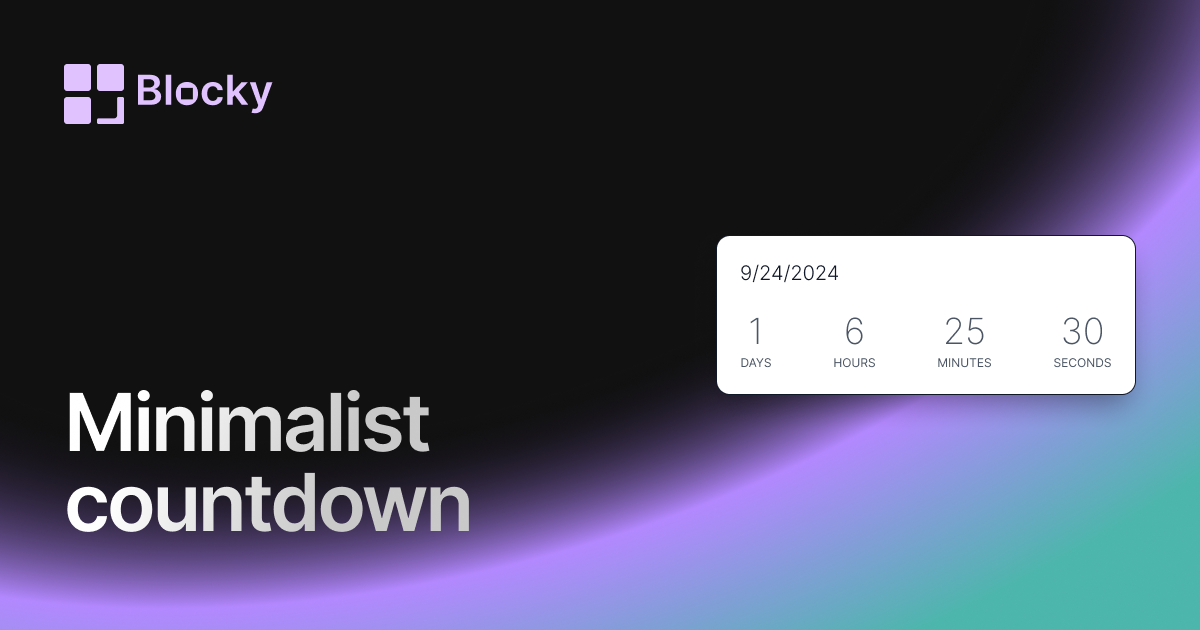
Related variant
Minimalist Countdown
Add a minimalist countdown timer to Notion for clean deadline tracking, launch reminders, and uncluttered dashboards.
Open related
Related variant
Normal countdown
Add a classic countdown timer to Notion with clean styling, configurable dates, and dashboard-ready deadline tracking.
Open related