

Normal Horoscope
Embed daily horoscopes in your Notion workspace with a clean, informative card layout. Customize text, icons, and button colors to align with your aesthetic.
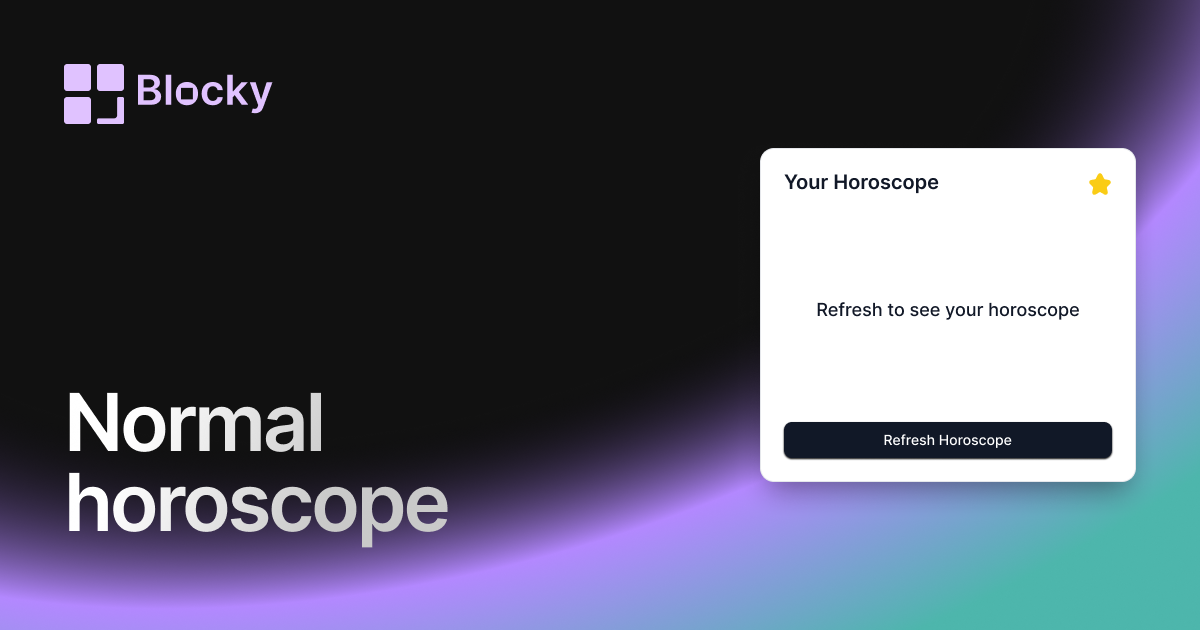
Inspect the widget before it reaches a live page.
Tune labels, data, colors, and layout from one editor.
Embed the finished specimen back into Notion.
Specimen notes — Normal Horoscope
Select your sign to see your horoscope
Horoscope Widget for Notion
The Normal Horoscope widget brings clarity and cosmic insight to your daily workflow. With a simple layout and clean typography, it delivers your zodiac reading straight to your Notion page—no frills, just focused astrology.
This variant is ideal for users who want consistent, up-to-date horoscope content without overpowering visuals. Whether you’re seeking daily guidance or just enjoy aligning with the stars, this is your go-to cosmic companion.
Use Cases
- Morning Routine Pages: Start your day grounded in guidance.
- Journaling Prompts: Reflect on your sign’s theme before writing.
- Self-Discovery Dashboards: Track patterns and astrology cues over time.
- Wellness Layouts: Align cosmic rhythm with mental well-being.
- Daily Planner: Add a touch of the stars to your task list.
Features
- Daily horoscope synced by zodiac sign
- Simple layout: sign, date, and message
- Crisp typography optimized for reading
- Optional sign icon, emoji, or constellation
- Works beautifully in dark or light mode
Customization Options
- Select zodiac sign manually or auto-detect from birthday
- Toggle display: icon, label, date
- Choose font style, weight, and size
- Adjust spacing, padding, and alignment
- Category filtering: general, love, career, or wellness
Auto-Refreshed Daily
Each day, the Horoscope Widget fetches a fresh reading for your selected zodiac sign. It updates seamlessly on page load—no manual input needed.
How to Embed in Notion
- Go to Blocky and select the Normal Horoscope variant.
- Choose your zodiac sign or connect via birthdate.
- Set layout preferences (icon, label, font).
- Copy the embed URL.
- Paste it into Notion using
/embed.
Let the stars guide your day—one line at a time.
Nearby variants for the same type.
The current specimen is excluded so the grid only offers alternate treatments.
Related variant
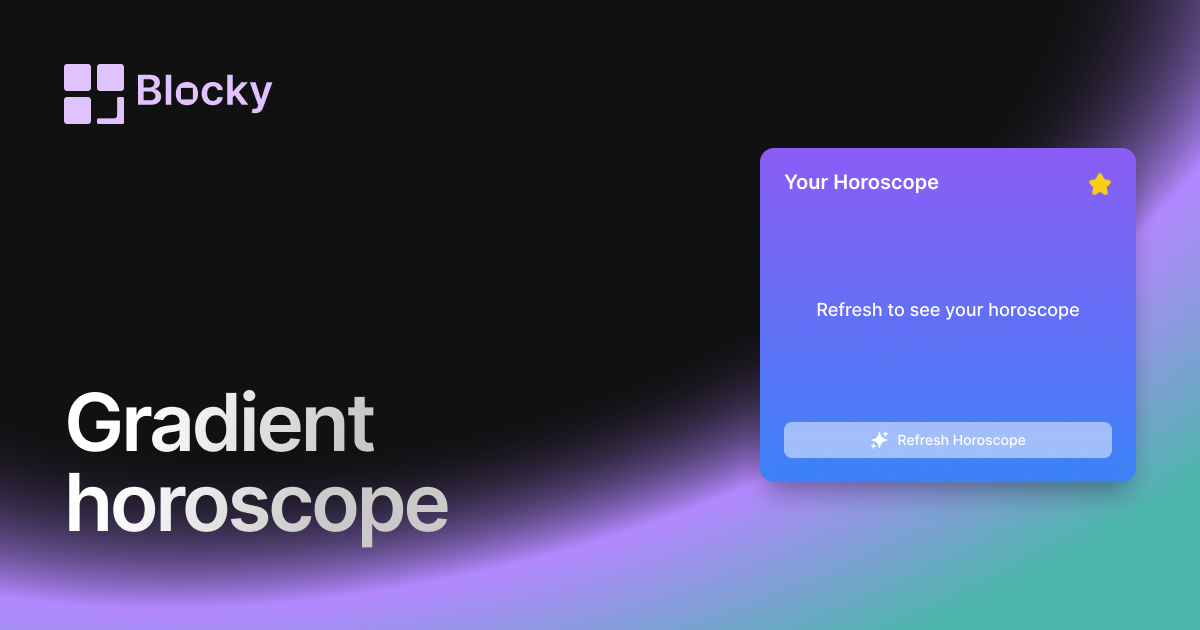
Gradient Horoscope
Add a gradient horoscope widget to Notion for daily zodiac prompts, aesthetic dashboards, and lightweight personal check-ins.
Open related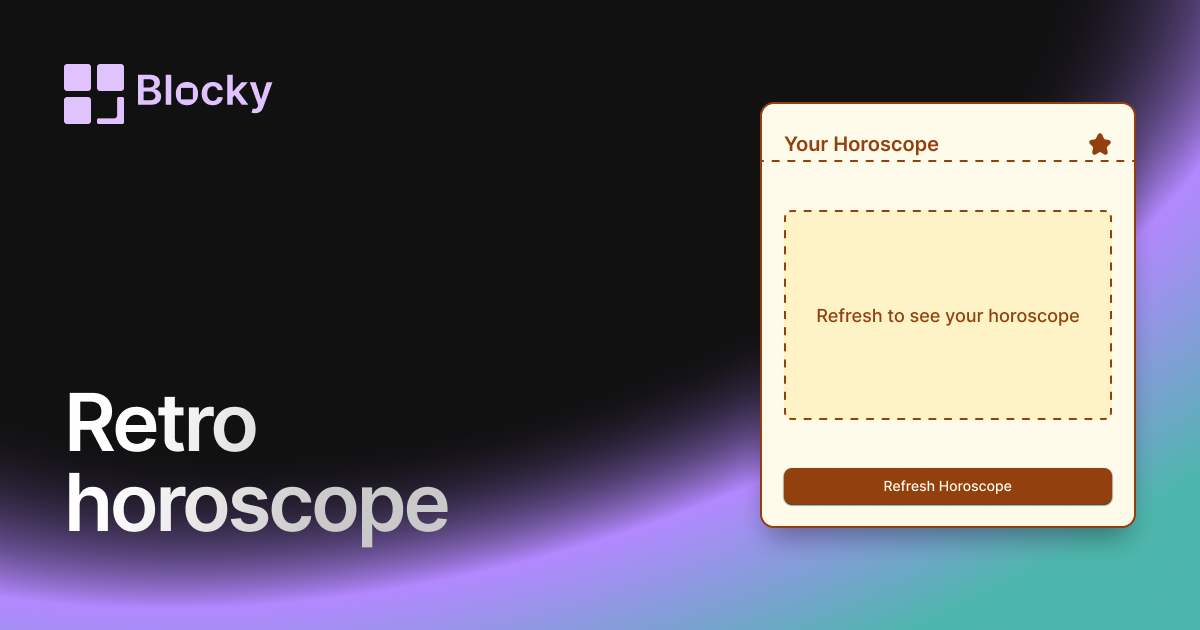
Related variant
Retro Horoscope
Add a retro horoscope widget to Notion for daily zodiac prompts, themed dashboards, and vintage-style personal pages.
Open related