

Retro Horoscope
Add a retro horoscope widget to Notion for daily zodiac prompts, themed dashboards, and vintage-style personal pages.
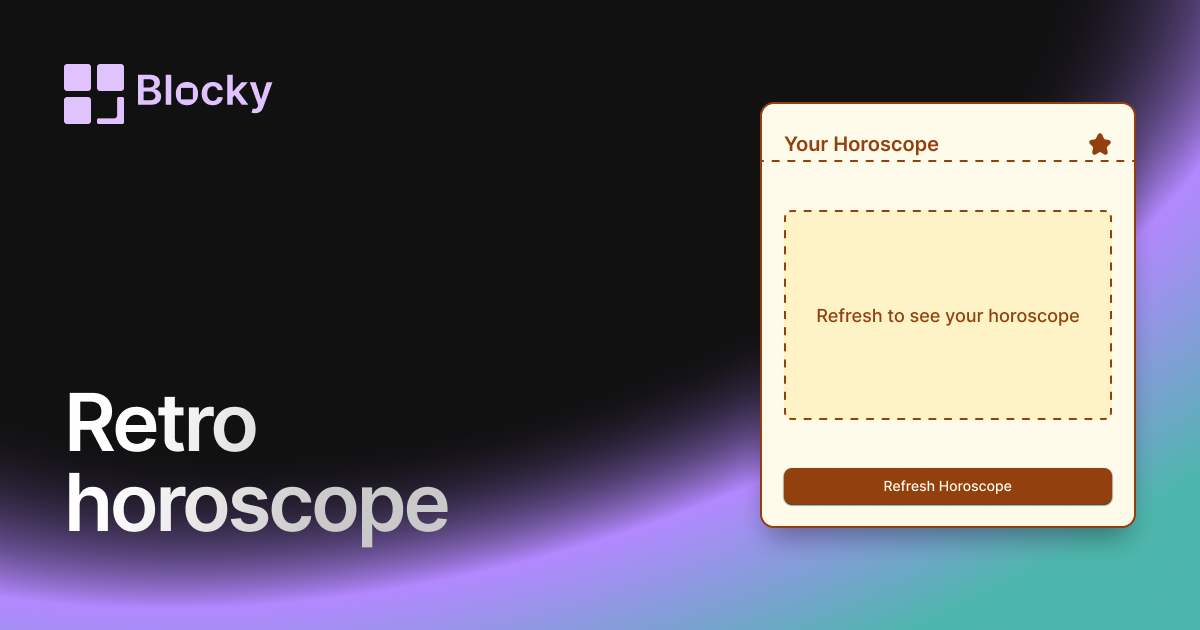
Inspect the widget before it reaches a live page.
Tune labels, data, colors, and layout from one editor.
Embed the finished specimen back into Notion.
Specimen notes — Retro Horoscope
SELECT OPTIONS ABOVE
Retro Horoscope Widget for Notion
The Retro Horoscope widget delivers your daily zodiac reading with 8-bit flair. Styled with pixel fonts, neon gradients, and classic CRT-inspired visuals, this variant brings cosmic guidance to your Notion page with nostalgic energy. Whether you’re into astrology, synthwave, or just love pixel-perfect interfaces—this one’s for you.
It’s the stars… through a VHS lens.
Use Cases
- Retro-Themed Dashboards: Pair with pixel widgets and gamified trackers.
- DND Character Boards: Add zodiac flavor to your fantasy or RPG persona.
- Cosmic Routines: Make your morning reading part of a ritualized workflow.
- Creative Mood Boards: Add zodiac vibes to your aesthetic layouts.
- Writing Prompts: Use your sign’s message to fuel daily creativity.
Features
- Pixel-style layout with arcade-inspired typography
- Neon highlights, star particles, or static glow (optional)
- Auto-updated daily horoscope per selected sign
- CRT effect toggle for extra authenticity
- Fully responsive and dark mode optimized
Customization Options
- Select your zodiac sign or auto-detect from birthdate
- Choose retro theme: synthwave, arcade, vaporwave, or grayscale
- Enable CRT flicker or pixel bloom effects
- Customize font (pixel serif/sans), glow intensity, and background color
- Toggle icons: zodiac glyph, emoji, or constellation sprite
Your Daily Cosmic Quest
Each time you refresh, the widget pulls your current horoscope and presents it in retro style. The result is part cosmic truth… part loading screen from a lost Super Nintendo RPG.
How to Embed in Notion
- Visit Blocky and select the Retro Horoscope variant.
- Set your zodiac sign and pick a retro style.
- Enable optional visual effects like CRT or glow.
- Copy the generated embed link.
- Paste it into your Notion page with
/embed.
Your future looks pixelated.
Nearby variants for the same type.
The current specimen is excluded so the grid only offers alternate treatments.
Related variant
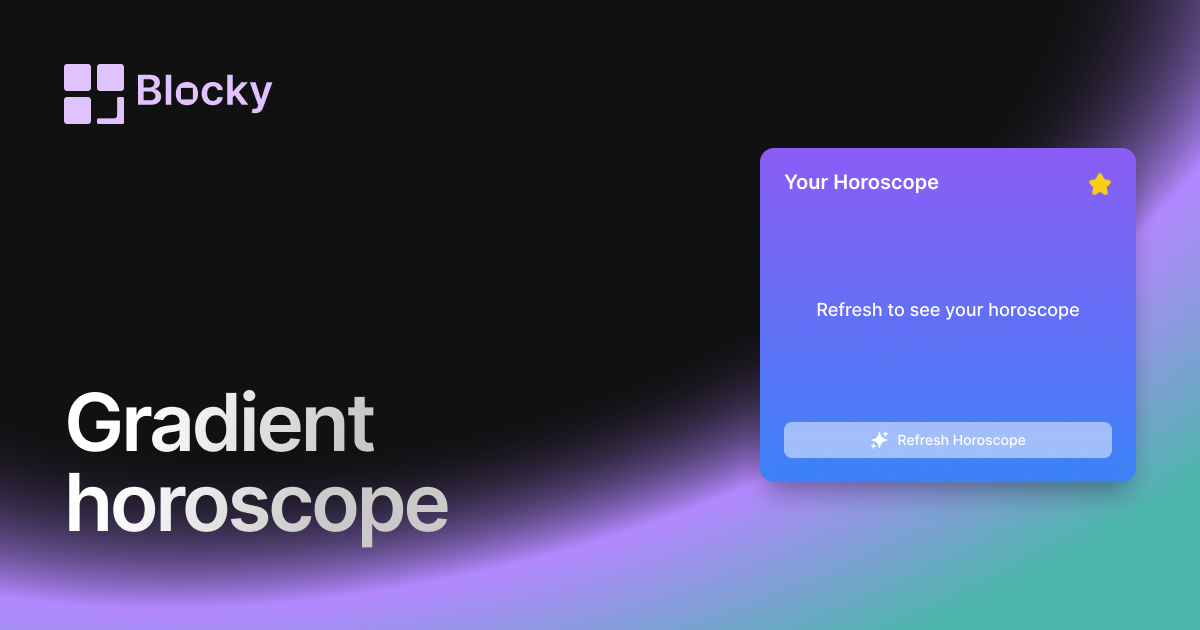
Gradient Horoscope
Add a gradient horoscope widget to Notion for daily zodiac prompts, aesthetic dashboards, and lightweight personal check-ins.
Open related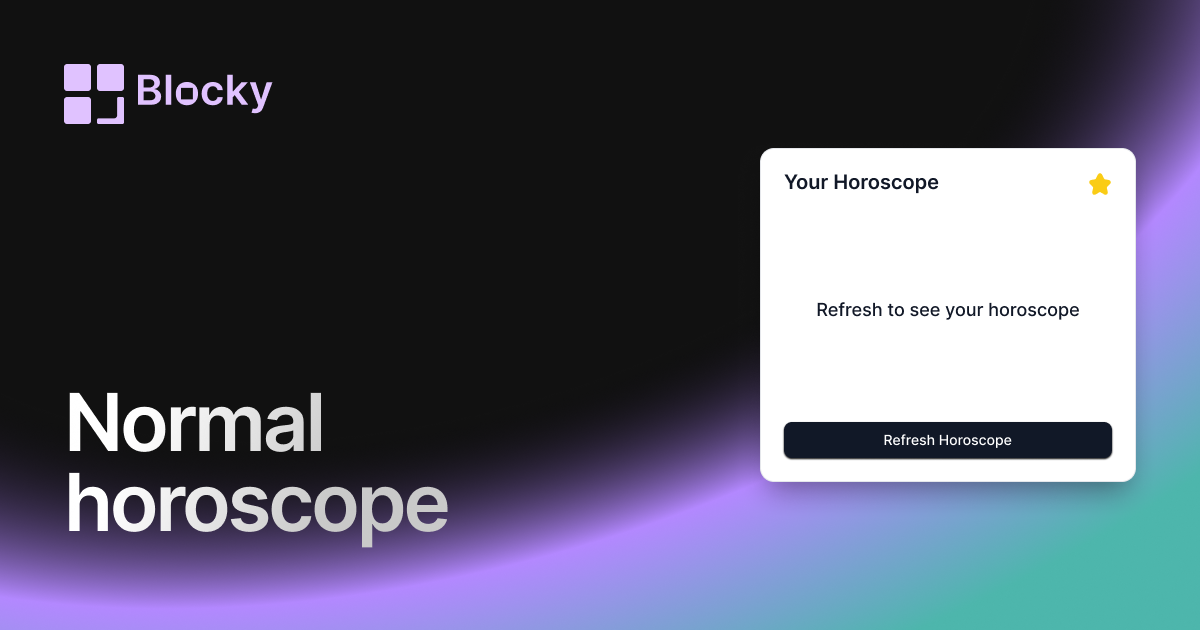
Related variant
Normal Horoscope
Embed daily horoscopes in your Notion workspace with a clean, informative card layout. Customize text, icons, and button colors to align with your aesthetic.
Open related