

Minimalist Mood Tracker
Keep things clean and clear with a lightweight mood tracker for Notion. Perfect for focused emotional logging without distractions.
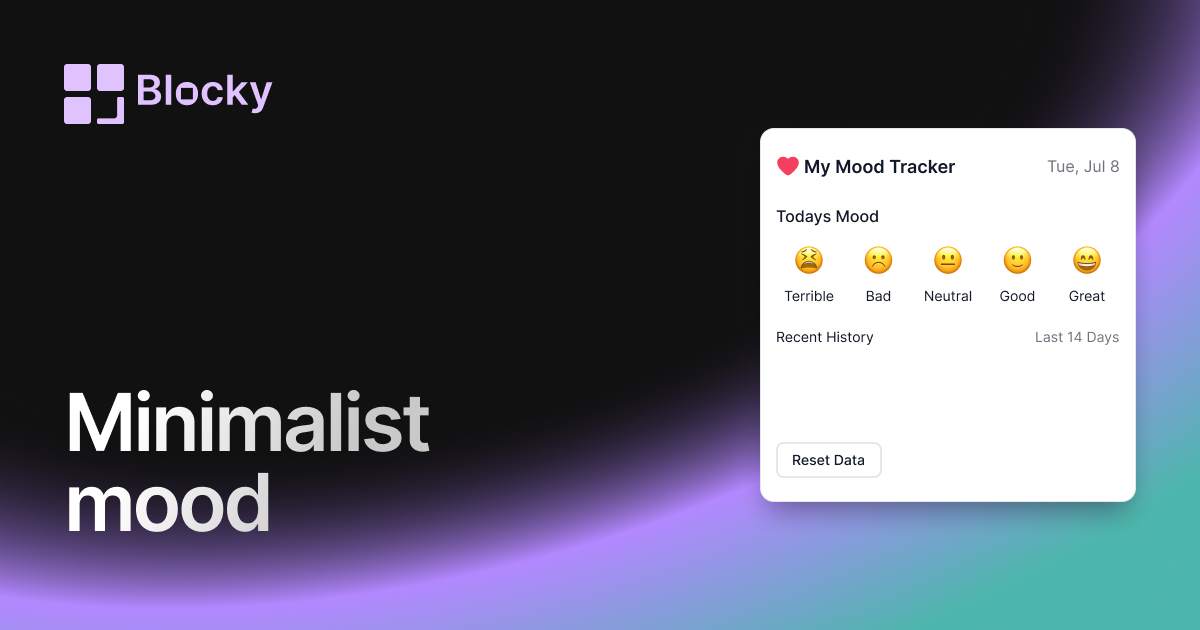
Inspect the widget before it reaches a live page.
Tune labels, data, colors, and layout from one editor.
Embed the finished specimen back into Notion.
Specimen notes — Minimalist Mood Tracker
Minimalist Mood Tracker Widget for Notion
The Minimalist Mood Tracker offers a no-clutter, typography-forward interface to help you reflect on how you feel—without the noise. It’s designed for focused Notion dashboards, light-mode or dark-mode harmony, and users who value simplicity over visual drama.
If you want your emotional awareness to live quietly in your Notion page while remaining functional and consistent, this variant is for you.
Use Cases
- Mental Wellness Pages: Stay emotionally aware without aesthetic distraction.
- Daily Planning: Pair with a calendar or journal entry log.
- Light Therapy Logs: Clean UI for therapist dashboards or self-tracking.
- Journals: Reflect on mood alongside prompts or gratitude entries.
- Productivity Dashboards: Combine with habit or streak widgets for balance.
Features
- Ultra-clean layout with minimal UI
- Emoji or text-only mood display
- Typography-focused interface (serif or sans-serif)
- Simple hover reveal for mood details
- Fully responsive and theme-aware
Customization Options
- Connect to a Notion database using emoji, tag, or select fields
- Choose from icon-only, label-only, or both
- Toggle light/dark auto detection
- Adjust alignment: left, right, center
- Customize size, font, and spacing
- Optional hover state or "past 7 days" scrolling list
Quietly Powerful Sync
Like all Blocky widgets, this one updates instantly as you log a new mood in Notion. Its discreet presence fits effortlessly into even the most minimal setups—without sacrificing purpose.
How to Embed in Notion
- Go to Blocky and select the Minimalist Mood Tracker variant.
- Connect your mood log database and choose a simple display mode.
- Customize typography and spacing.
- Copy your embed URL.
- Paste into Notion using
/embed.
Feel more, show less.
Nearby variants for the same type.
The current specimen is excluded so the grid only offers alternate treatments.
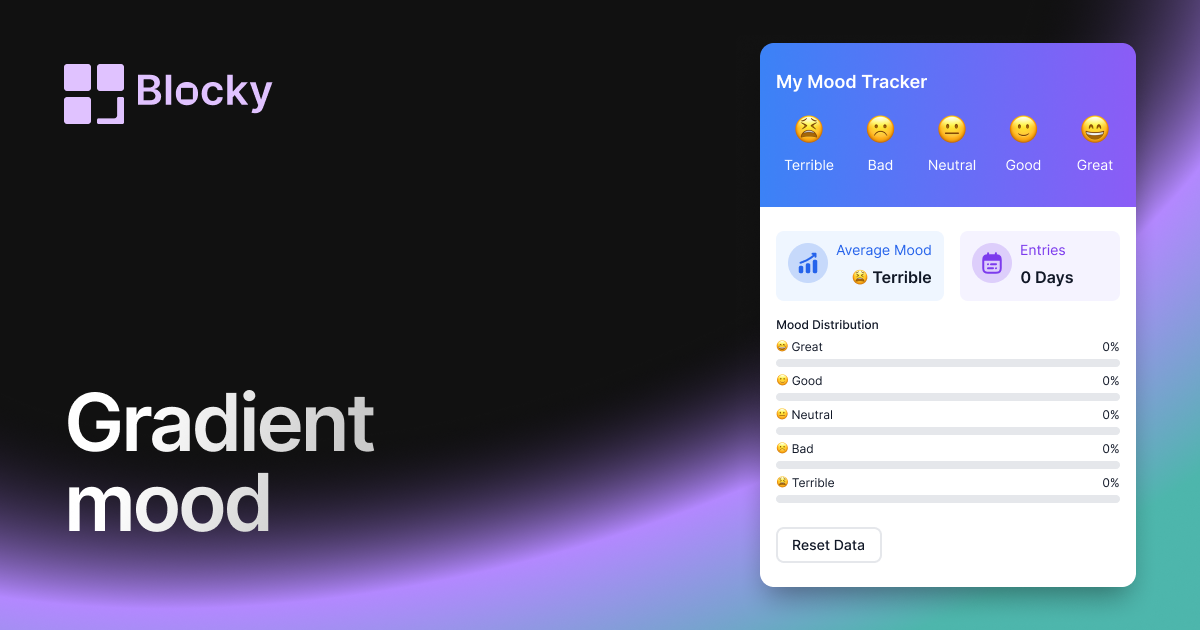
Related variant
Gradient Mood Tracker
Track moods in Notion with a gradient widget for daily reflections, wellness dashboards, and easy visual pattern spotting.
Open related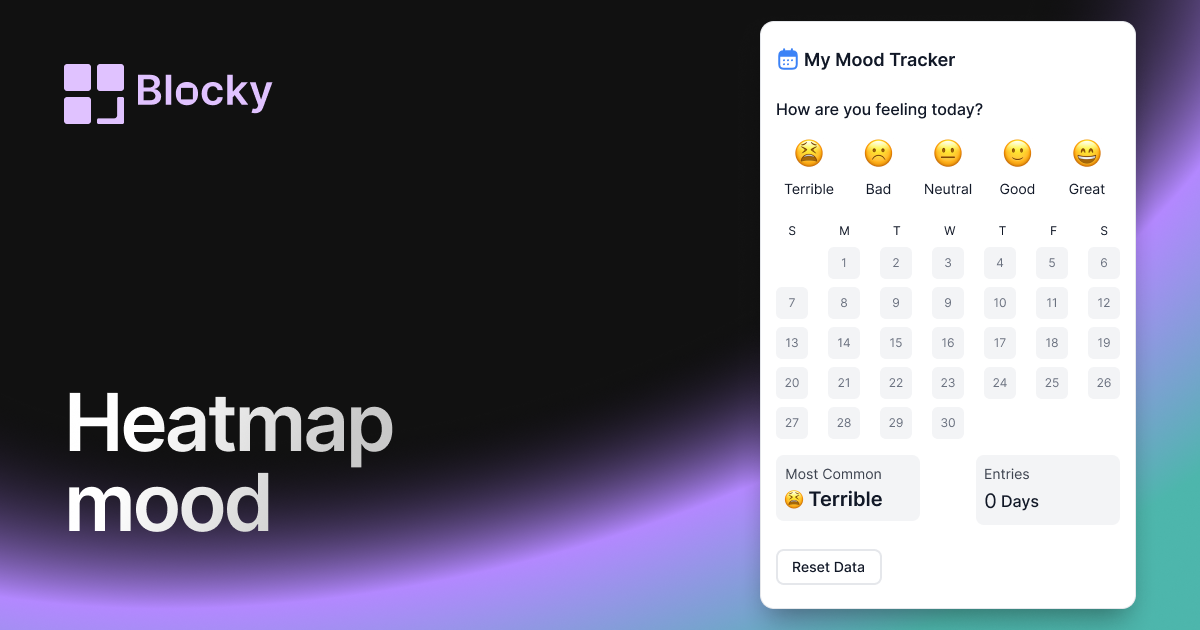
Related variant
Heatmap Mood Tracker
Visualize mood patterns over time with a calendar heatmap view in Notion. Ideal for long-term tracking and emotional trend spotting.
Open related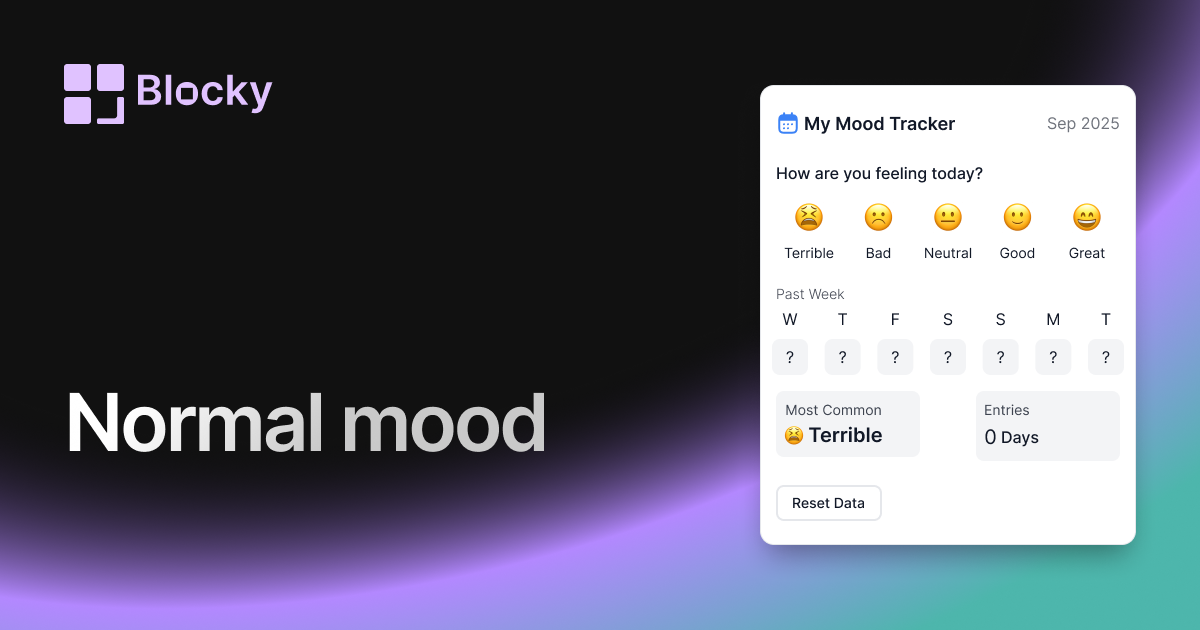
Related variant
Normal Mood Tracker
Track your emotional well-being daily with the classic Mood Tracker widget. Simple, clean, and great for personal reflection.
Open related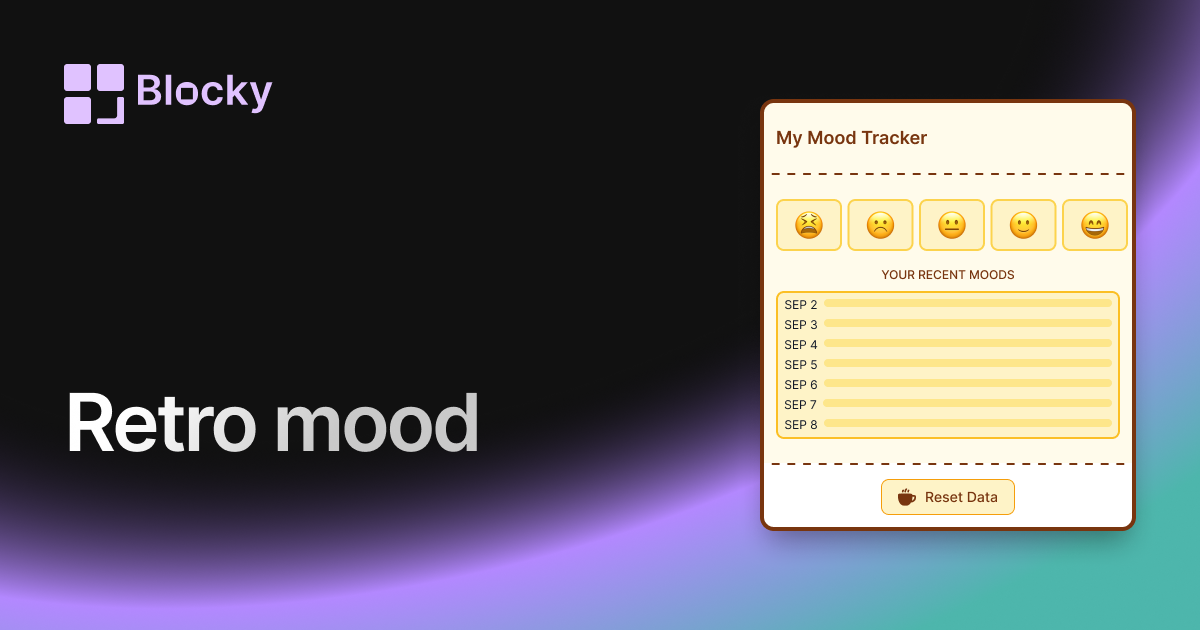
Related variant
Retro Mood Tracker
Bring nostalgic vibes into your mood tracking with a pixel-inspired, vintage color scheme. Ideal for journaling enthusiasts who love a retro aesthetic.
Open related