

Normal Mood Tracker
Track your emotional well-being daily with the classic Mood Tracker widget. Simple, clean, and great for personal reflection.
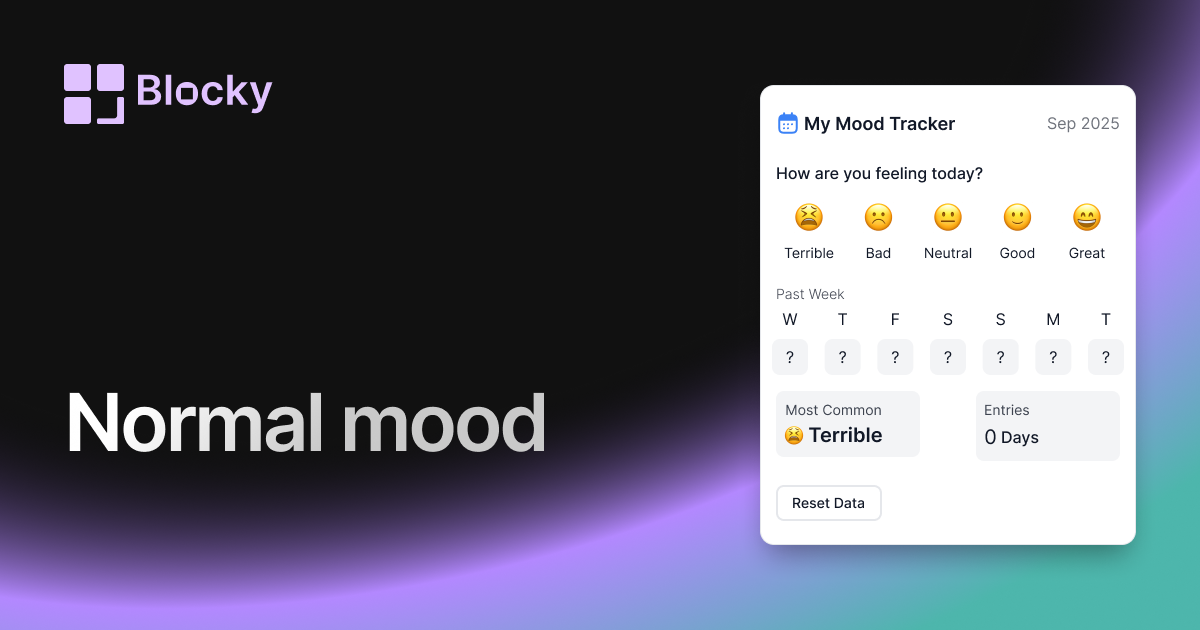
Inspect the widget before it reaches a live page.
Tune labels, data, colors, and layout from one editor.
Embed the finished specimen back into Notion.
Specimen notes — Normal Mood Tracker
Mood Tracker Widget for Notion
The Normal Mood Tracker is a straightforward and highly usable widget that lets you track and visualize your emotions over time directly in Notion. Designed for daily check-ins, journaling, or broader emotional trend tracking, it offers a simple layout with clear mood indicators—making reflection a consistent habit.
This variant is ideal for users who want a balance between visual clarity and emotional expression.
Use Cases
- Daily Journals: Add mood context to your entries.
- Wellness Dashboards: Monitor emotional well-being regularly.
- Self-Awareness Routines: Track feelings to spot patterns or triggers.
- Planning Pages: Align emotional state with productivity or goals.
- Therapy Logs: Keep a record of mental state shifts over time.
Features
- Clean, readable layout with emoji or tag-based mood display
- Chronological view with mood history by date
- Works with Notion select, tag, or emoji fields
- Responsive design for all device types
- Supports light and dark themes
Customization Options
- Connect to a Notion database with a daily mood property
- Choose display type: emoji, text, or both
- Customize font size, spacing, and padding
- Set number of days to show (7, 30, or full month)
- Toggle display of date, notes, or hover tooltips
Synced with Your Emotions
The Mood Tracker updates automatically as you log entries in Notion. It provides a consistent, gentle nudge to stay connected with how you’re feeling—and gives you space to reflect over time.
How to Embed in Notion
- Open Blocky and choose the Normal Mood Tracker variant.
- Link your Notion mood log database.
- Choose your preferred display and styling options.
- Copy your embed link.
- Paste it into Notion using
/embed.
Your emotional clarity starts here.
Nearby variants for the same type.
The current specimen is excluded so the grid only offers alternate treatments.
Related variant
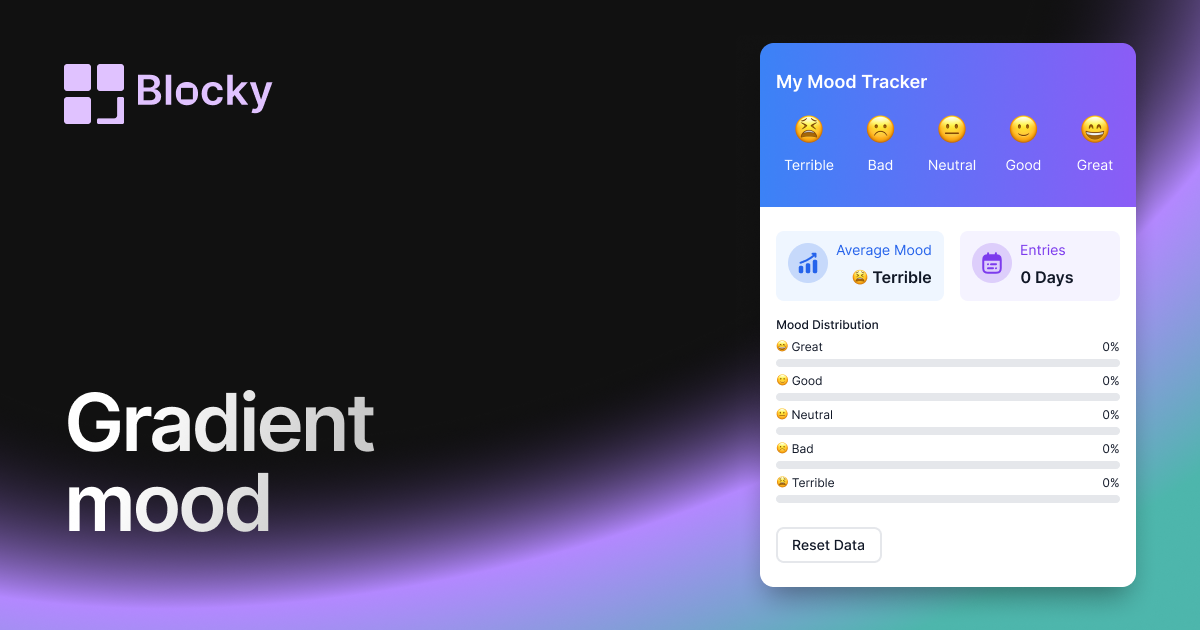
Gradient Mood Tracker
Track moods in Notion with a gradient widget for daily reflections, wellness dashboards, and easy visual pattern spotting.
Open related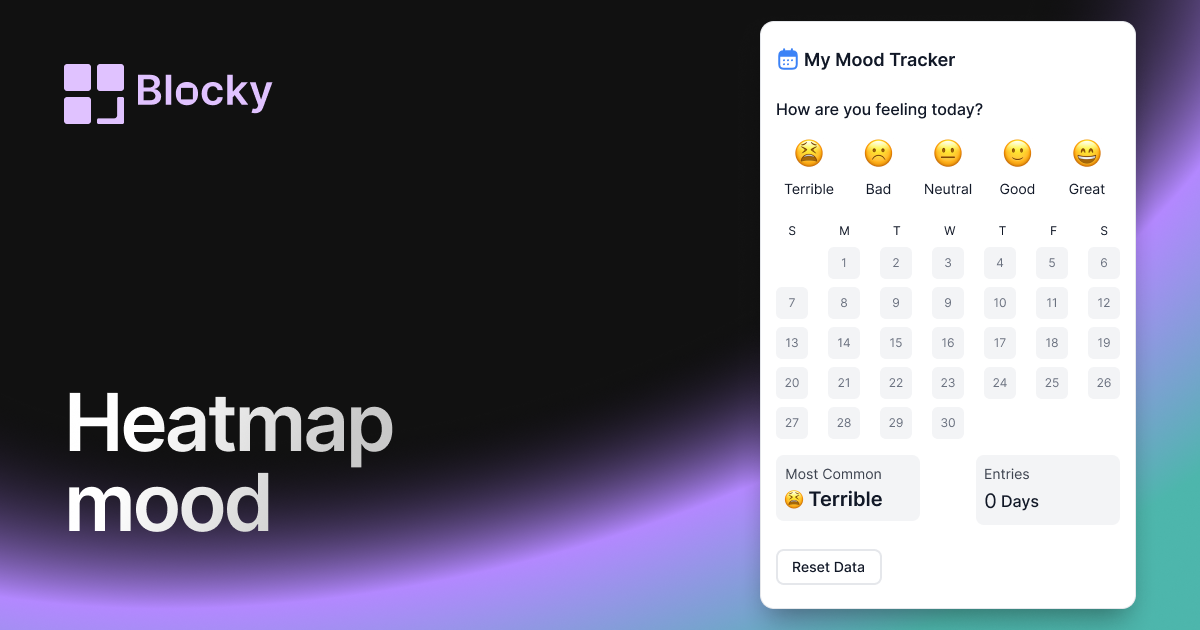
Related variant
Heatmap Mood Tracker
Visualize mood patterns over time with a calendar heatmap view in Notion. Ideal for long-term tracking and emotional trend spotting.
Open related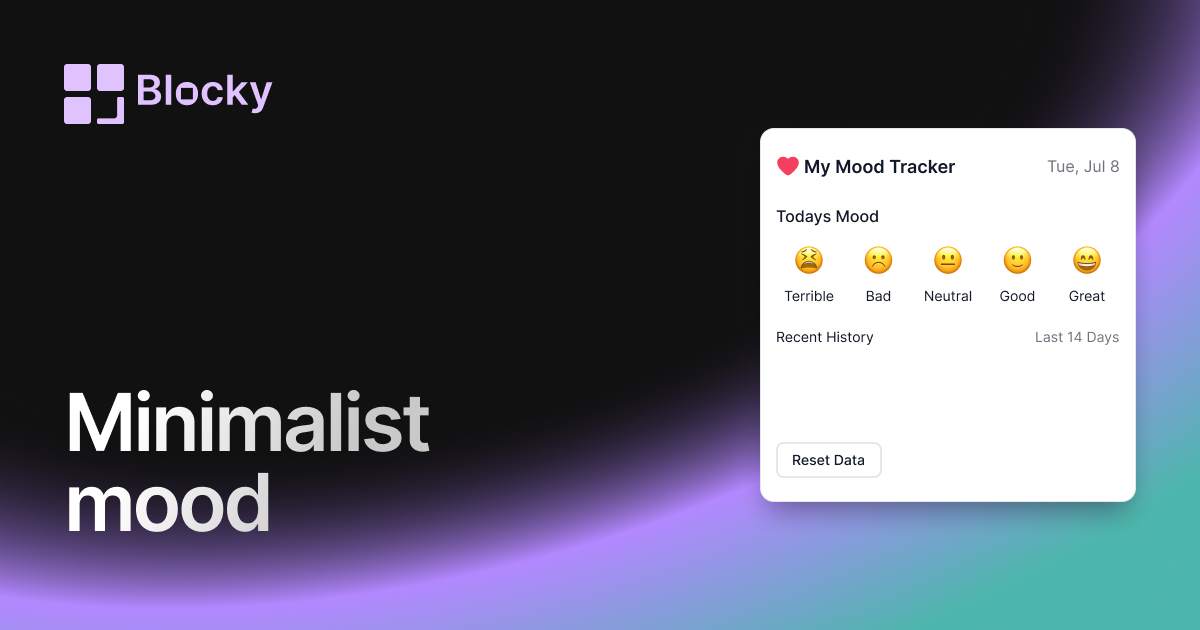
Related variant
Minimalist Mood Tracker
Keep things clean and clear with a lightweight mood tracker for Notion. Perfect for focused emotional logging without distractions.
Open related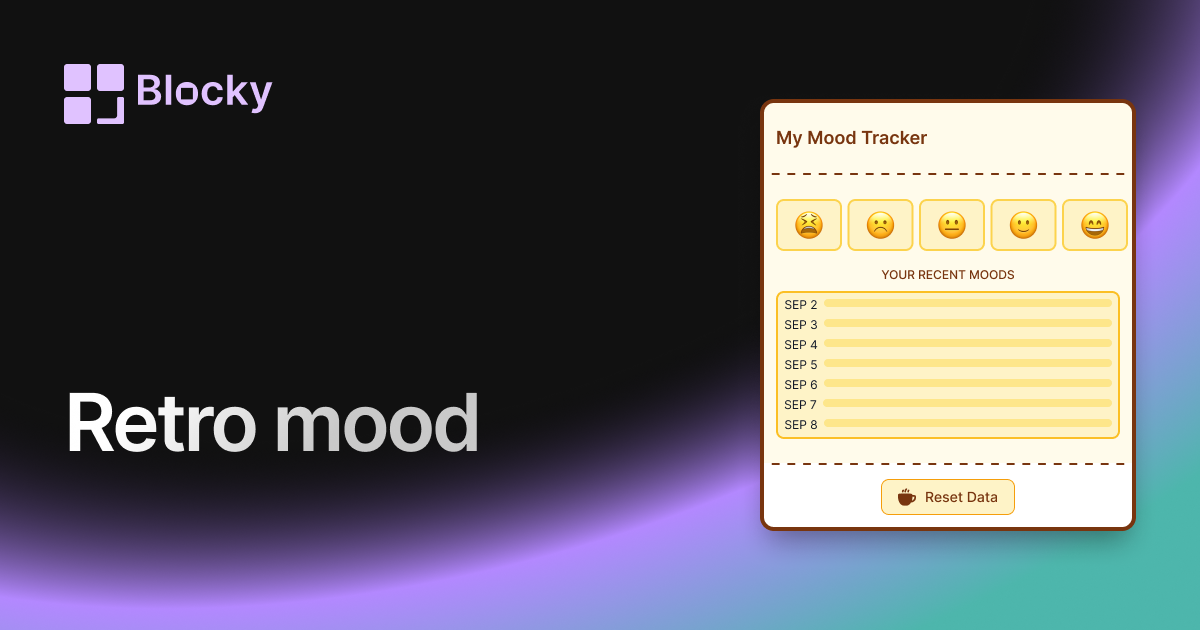
Related variant
Retro Mood Tracker
Bring nostalgic vibes into your mood tracking with a pixel-inspired, vintage color scheme. Ideal for journaling enthusiasts who love a retro aesthetic.
Open related