

Gamified Habit Tracker
Motivate your daily routines with a gamified habit tracker that rewards consistency and progress inside Notion.
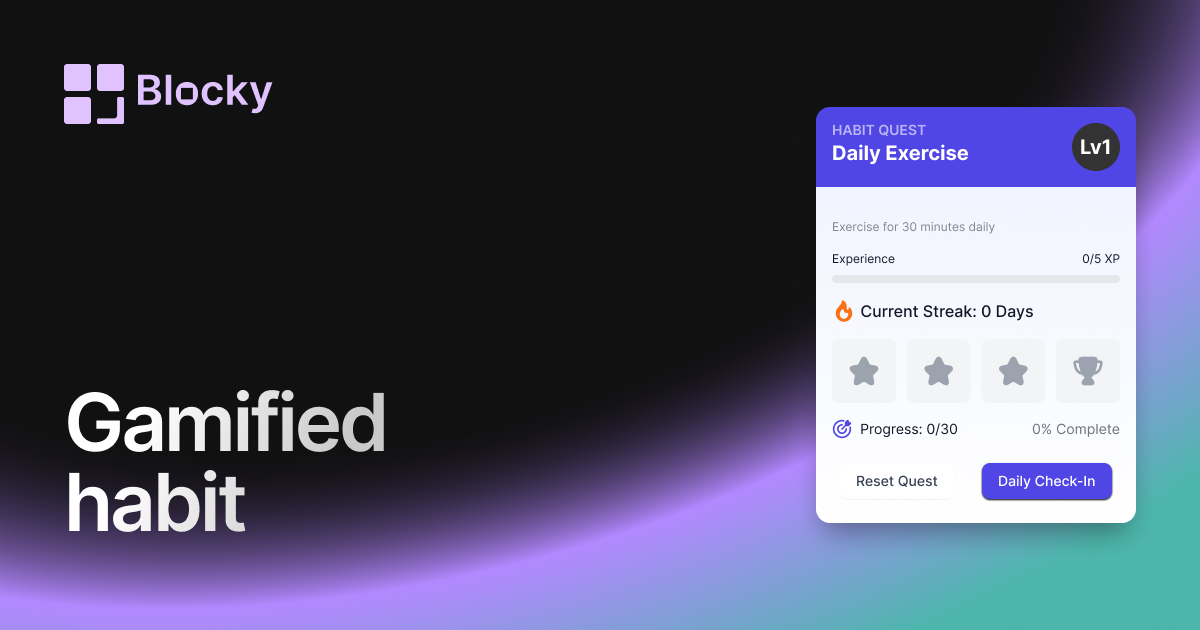
Inspect the widget before it reaches a live page.
Tune labels, data, colors, and layout from one editor.
Embed the finished specimen back into Notion.
Specimen notes — Gamified Habit Tracker
Gamified Habit Tracker Widget for Notion
The Gamified Habit Tracker turns your daily routines into a game. With XP systems, streak counters, and animated visuals, this variant makes habit-building feel like leveling up a character. It’s perfect for Notion users who want motivation, rewards, and momentum baked into their dashboard.
Whether you’re completing real-life quests or earning streak badges, this tracker transforms boring checkboxes into a playful habit system.
Use Cases
- Habit RPG Setups: Earn XP or streaks every time you complete a task.
- Student Dashboards: Track study streaks and build motivation through progress bars.
- Challenge-Based Goals: Set visual milestones or collect stars for daily wins.
- Gamified Productivity Systems: Turn your routine into a game board.
- Streak Builders: Keep your habits alive with visual streak counters.
Features
- XP points and level system (based on habit completion)
- Animated streak counters (daily, weekly, monthly)
- Progress bar or badge unlock visuals
- Custom emoji/icons for achievements
- Motivational phrases, confetti, or visual feedback on completion
Customization Options
- Connect a Notion database with completion field + date
- Set XP per completion or per day
- Choose between level bar, badge icons, or combo streak display
- Customize visuals: icon, emoji, colors, text style
- Toggle celebratory animations (confetti, glow, popups)
- Display motivational quotes or random affirmations
Live Sync with Notion
The Gamified Habit Tracker listens for updates in your Notion workspace. Each time a habit is marked as done, your XP and streaks update in real-time. It’s dynamic, engaging, and endlessly motivating.
How to Embed in Notion
- Open Blocky and select the Gamified Habit Tracker variant.
- Connect your Notion database and assign fields.
- Customize XP logic, visuals, icons, and animation settings.
- Copy your embed link.
- Paste it into Notion using
/embed.
Your habits just became part of the game.
Nearby variants for the same type.
The current specimen is excluded so the grid only offers alternate treatments.
Related variant
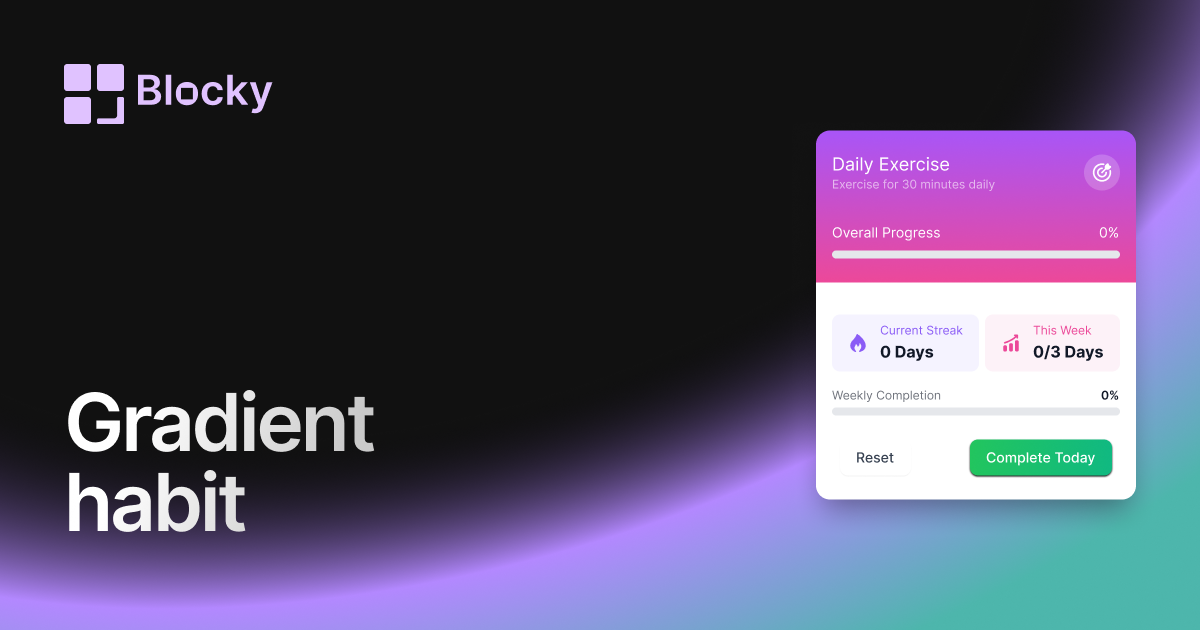
Gradient Habit Tracker
Track your progress with a colorful gradient habit tracker that adds energy and clarity to your Notion routine.
Open related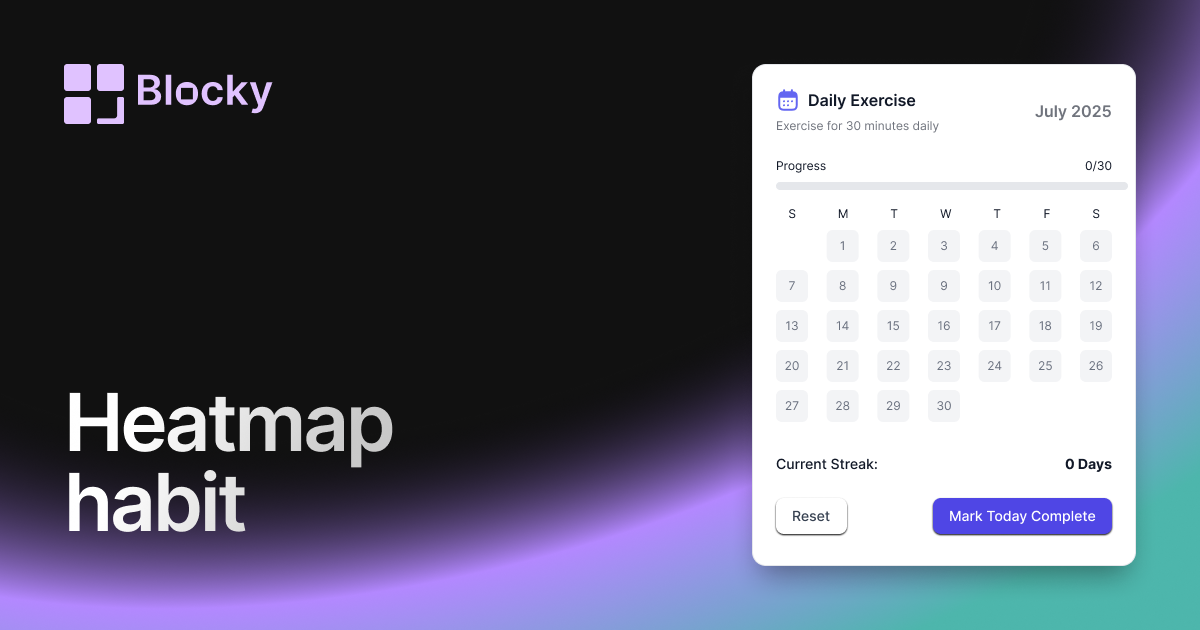
Related variant
Heatmap Habit Tracker
Visualize your consistency with a heatmap-style habit tracker that's both aesthetic and functional in Notion.
Open related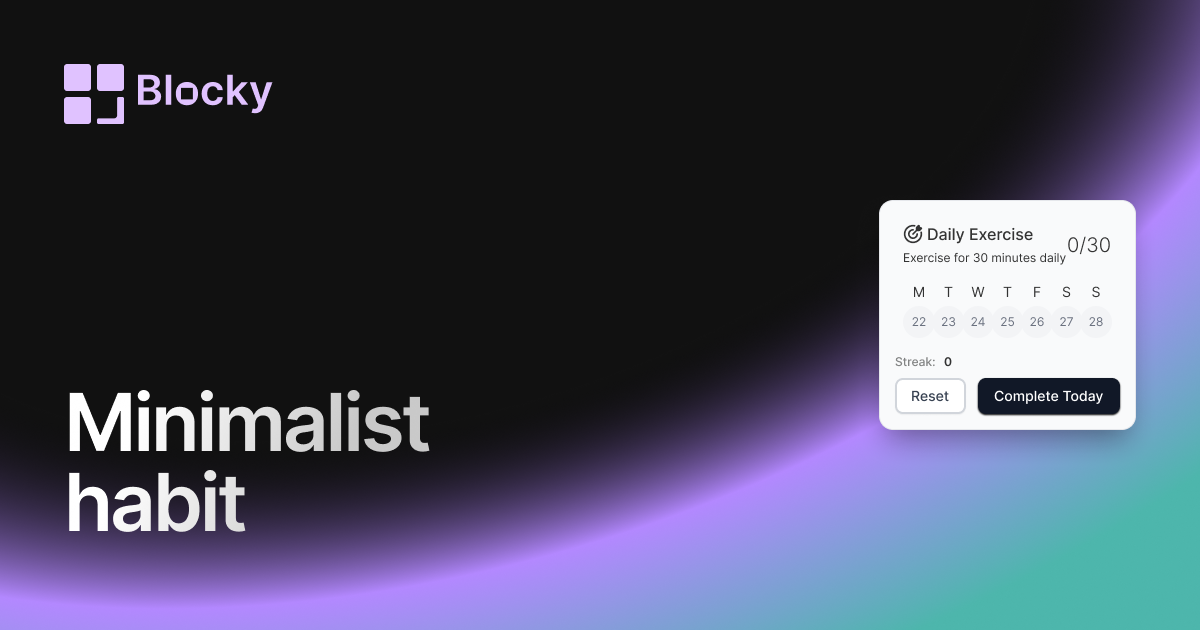
Related variant
Minimalist Habit Tracker
Stay on track with a clean, distraction-free habit tracker that blends seamlessly into your Notion pages.
Open related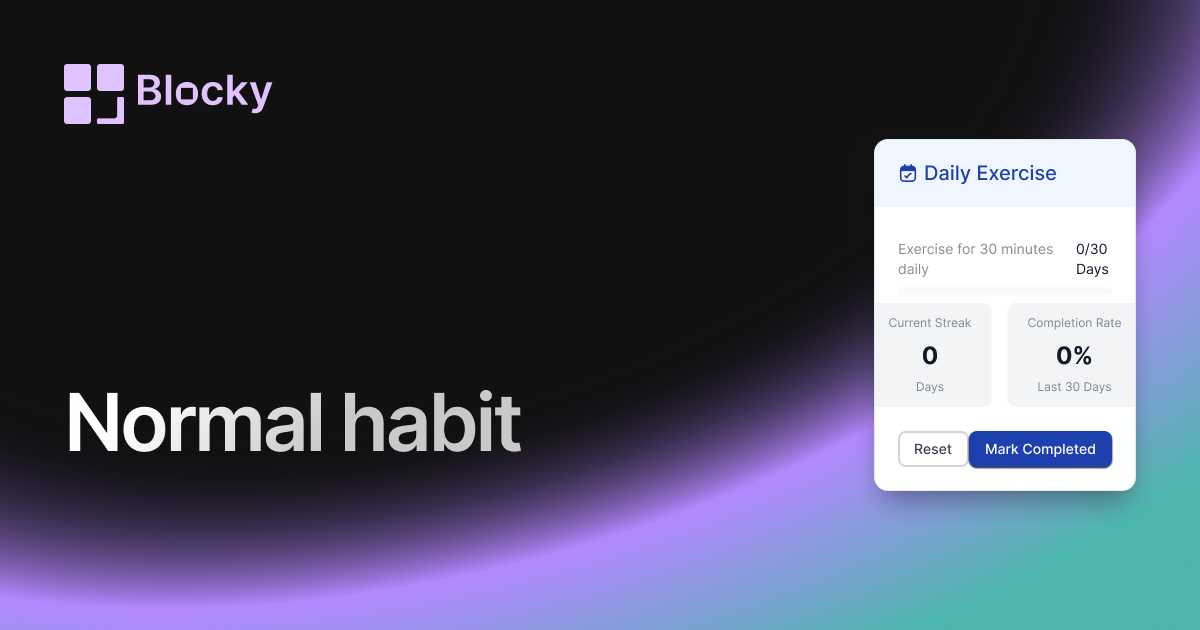
Related variant
Normal Habit Tracker
Build discipline with a structured and customizable habit tracker inside your Notion page.
Open related