

Normal Habit Tracker
Build discipline with a structured and customizable habit tracker inside your Notion page.
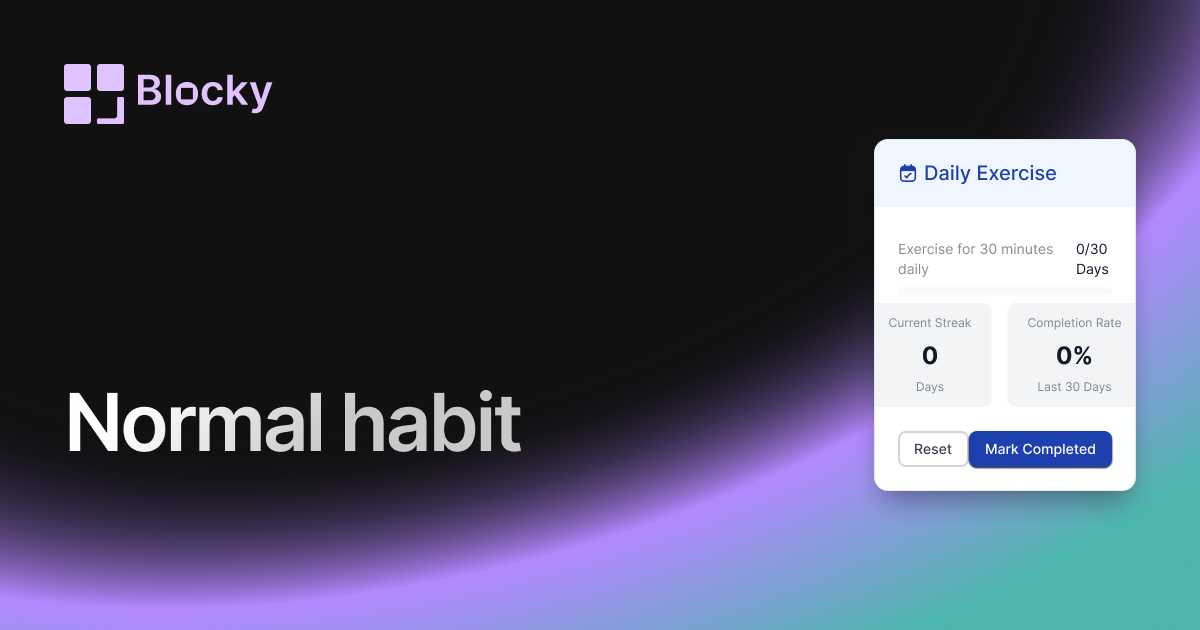
Inspect the widget before it reaches a live page.
Tune labels, data, colors, and layout from one editor.
Embed the finished specimen back into Notion.
Specimen notes — Normal Habit Tracker
Normal Habit Tracker Widget for Notion
The Normal Habit Tracker variant is the most versatile way to visualize and log your daily routines directly from your Notion dashboard. Designed for simplicity and clarity, this widget displays a grid of checkmarks or indicators based on your habits, goals, or repeated tasks—fully synced with your Notion database.
Whether you’re trying to build consistency or stay accountable, this tracker keeps your routines front and center.
Use Cases
- Daily Routine Tracking: Log your workouts, hydration, reading, or journaling.
- Study Habit Tracker: Track Pomodoros, flashcard reviews, or learning sessions.
- Mindfulness & Wellness Logs: Keep tabs on mood, meditation, or gratitude journaling.
- Productivity Systems: Visualize habit streaks alongside your GTD or PARA setup.
- Life Dashboard Integration: Embed right next to your goals, calendar, or tasks.
Features
- Grid layout that displays habits by day, week, or month
- Visual checkmarks, dot indicators, or progress bars
- Fully synced with Notion data using filters or formulas
- Clickable entries for manual input (if supported)
- Responsive layout for mobile dashboards
Customization Options
- Choose your Notion database and map habits to properties
- Set time range (7, 14, 30 days, or custom)
- Toggle indicators: checkboxes, dots, bars, emojis
- Customize grid spacing, border radius, and background color
- Adjust font styles and highlight weekends
Real-Time Updates
The Normal Habit Tracker reflects your Notion data in real-time. As you update checkboxes or timestamps in your table, the visual representation in your dashboard updates instantly.
How to Embed It in Notion
- Go to Blocky and select the Normal Habit Tracker variant.
- Connect your Notion database and configure your date + habit fields.
- Customize layout, styles, and display preferences.
- Copy the embed URL.
- Paste it into your Notion page using
/embed.
Build momentum one block at a time.
Nearby variants for the same type.
The current specimen is excluded so the grid only offers alternate treatments.
Related variant
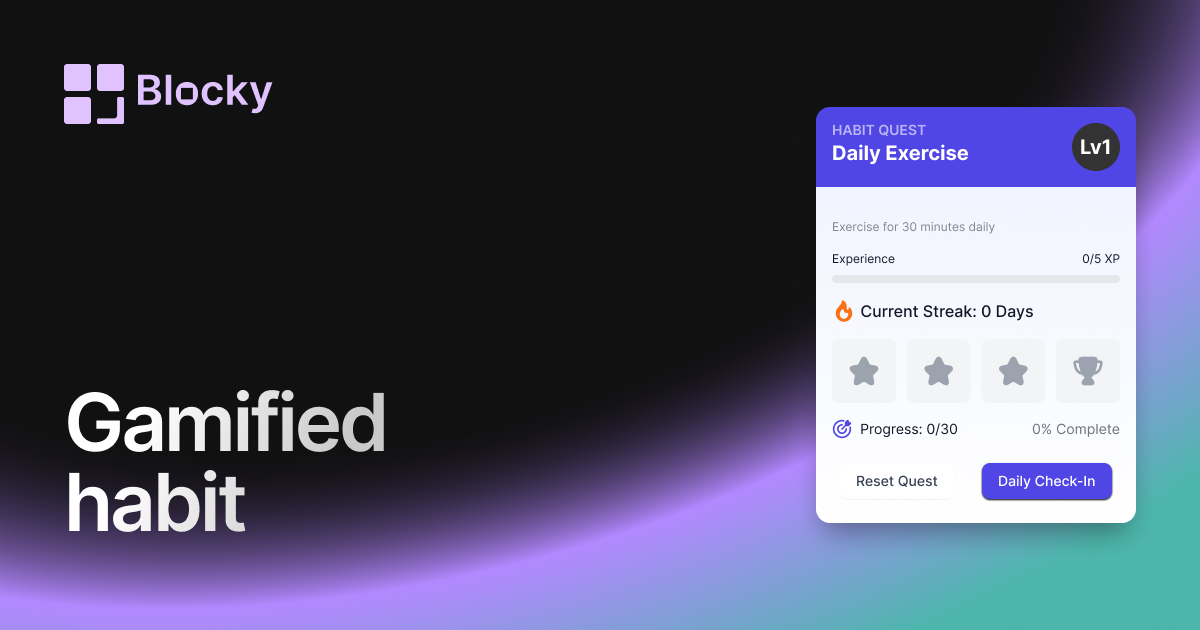
Gamified Habit Tracker
Motivate your daily routines with a gamified habit tracker that rewards consistency and progress inside Notion.
Open related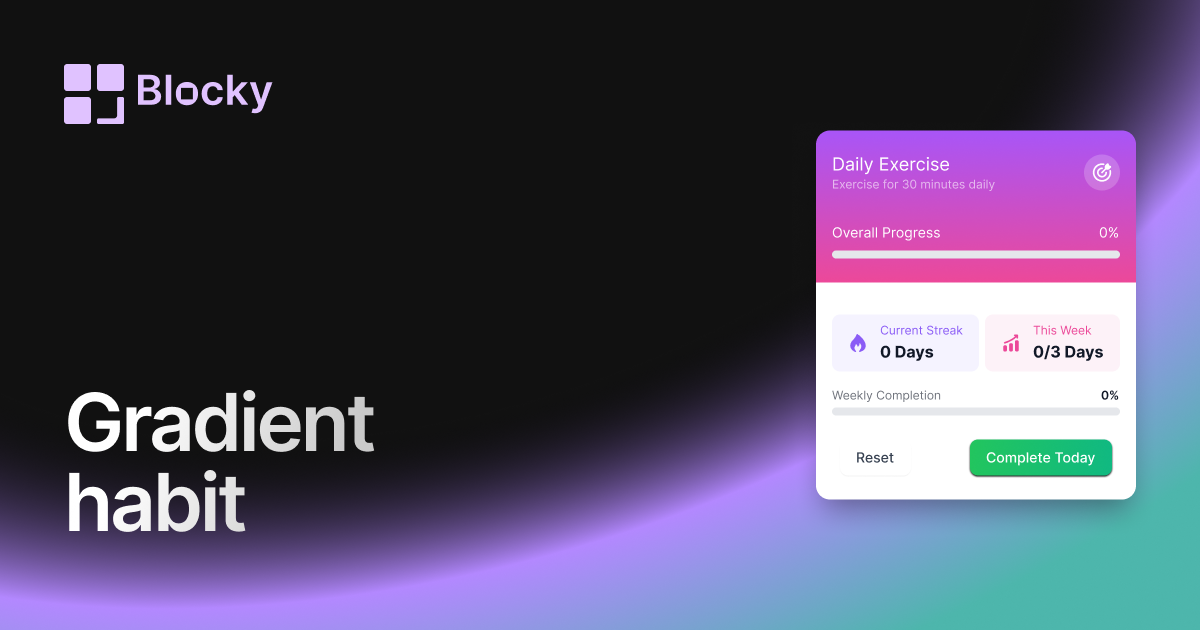
Related variant
Gradient Habit Tracker
Track your progress with a colorful gradient habit tracker that adds energy and clarity to your Notion routine.
Open related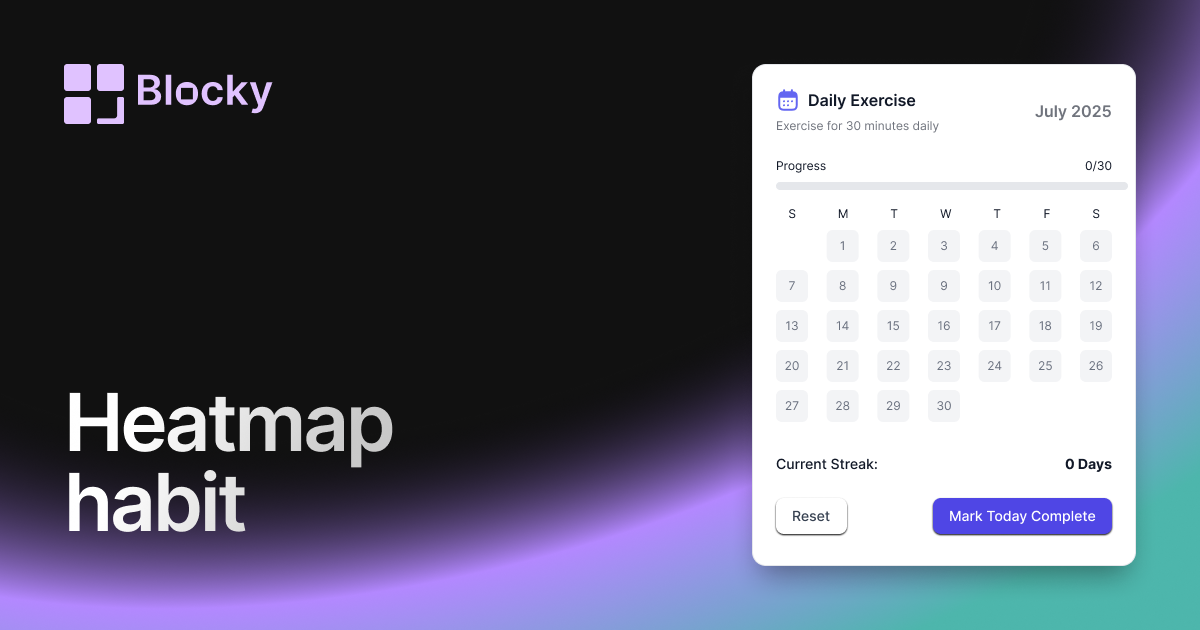
Related variant
Heatmap Habit Tracker
Visualize your consistency with a heatmap-style habit tracker that's both aesthetic and functional in Notion.
Open related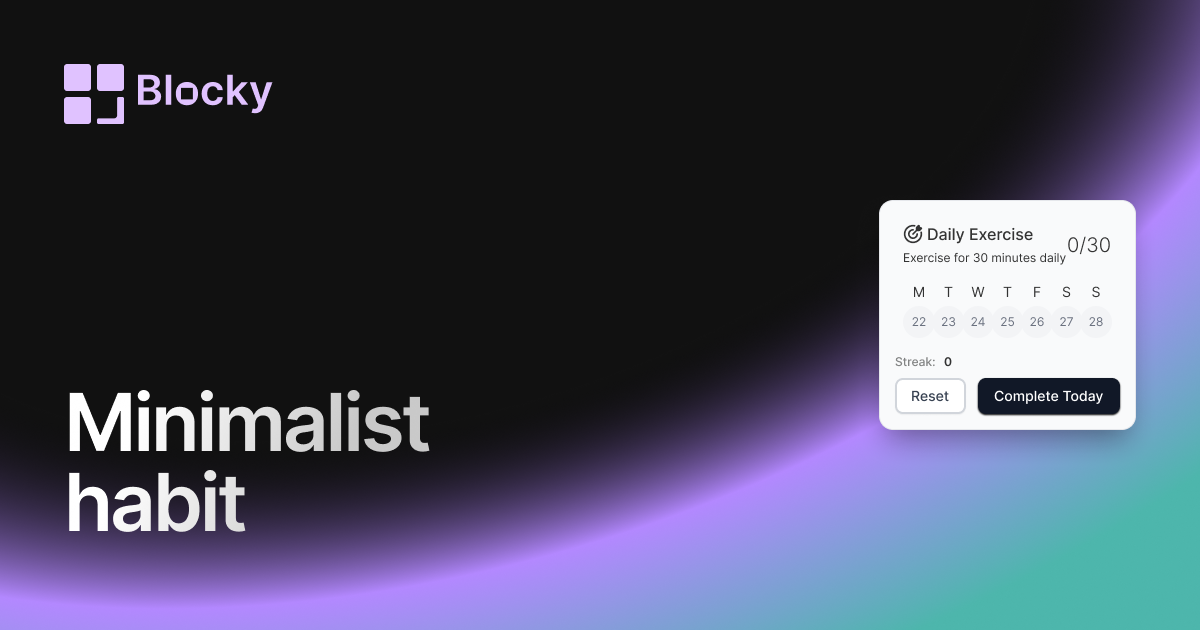
Related variant
Minimalist Habit Tracker
Stay on track with a clean, distraction-free habit tracker that blends seamlessly into your Notion pages.
Open related