

Boss Pomodoro
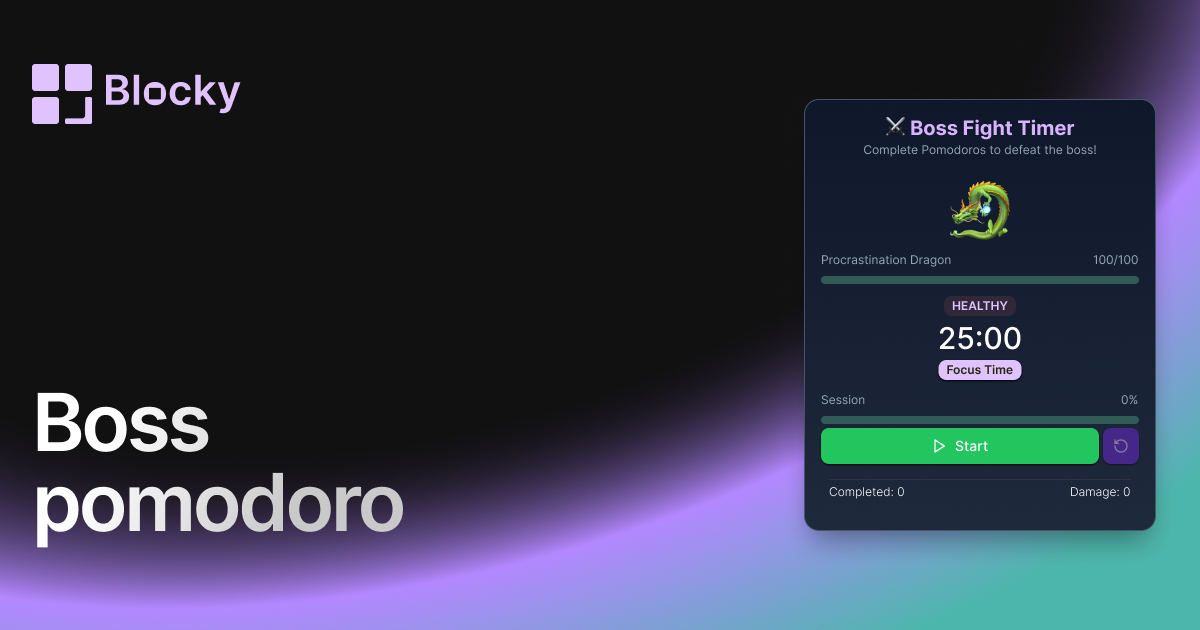
Turn your focus sessions into a battle! Defeat a boss with each completed Pomodoro cycle, making productivity feel like an RPG quest inside Notion.
Inspect the widget before it reaches a live page.
Tune labels, data, colors, and layout from one editor.
Embed the finished specimen back into Notion.
Specimen notes — Boss Pomodoro
Boss Pomodoro Timer for Notion
The Boss Pomodoro Timer turns your Notion workspace into a battleground for productivity. Every Pomodoro session you complete deals damage to a digital boss — usually a dragon — visualizing your progress as a real-time battle between focus and distraction.
Perfect for gamers, fantasy lovers, and anyone who needs a bit more epic in their day-to-day routine.
What Is the Boss Pomodoro?
This variant adds game mechanics to your Pomodoro cycles. Instead of just finishing a timer and moving on, each session earns you experience or delivers a powerful blow to an enemy — like a fire-breathing dragon.
You can watch its health bar drop with each session, turning your work into a quest and your focus into a weapon.
Use Cases
- Gamified Productivity Systems: Build a dashboard that rewards your discipline with epic battles.
- Student Study Quests: Make long sessions feel like mini RPGs.
- Fantasy-Themed Workflows: Pair with pixel fonts, RPG-styled dashboards, or retro gaming widgets.
- Motivation Through Action: Beat bosses instead of burnout.
Customization Options
Your boss battle, your rules. Customize the widget’s visuals, theme, and mechanics to fit your workflow.
Editable Settings:
- Focus / Break durations
- Boss avatar and HP bar
- Damage visuals and animations
- Card colors and fantasy-themed styling
- Optional sound effects / hit markers (if supported)
Whether you're slaying dragons or slicing through deadlines, you’ll stay engaged.
Why It Works
The Boss Pomodoro Timer gamifies productivity by:
- Turning work into action that feels rewarding
- Giving visual progress feedback that’s fun and satisfying
- Building momentum through battle rather than boredom
- Helping ADHD and dopamine-driven users stay on task longer
Every session becomes a swing of your sword — and that dragon won’t beat itself.
How to Embed It in Notion
- Open Blocky and select the Boss Pomodoro Timer variant.
- Customize the boss appearance and Pomodoro session damage.
- Style your colors to match your fantasy dashboard.
- Copy the embed link.
- Paste into Notion using
/embed.
It’s time to defeat procrastination — one Pomodoro at a time.
Nearby variants for the same type.
The current specimen is excluded so the grid only offers alternate treatments.
Related variant
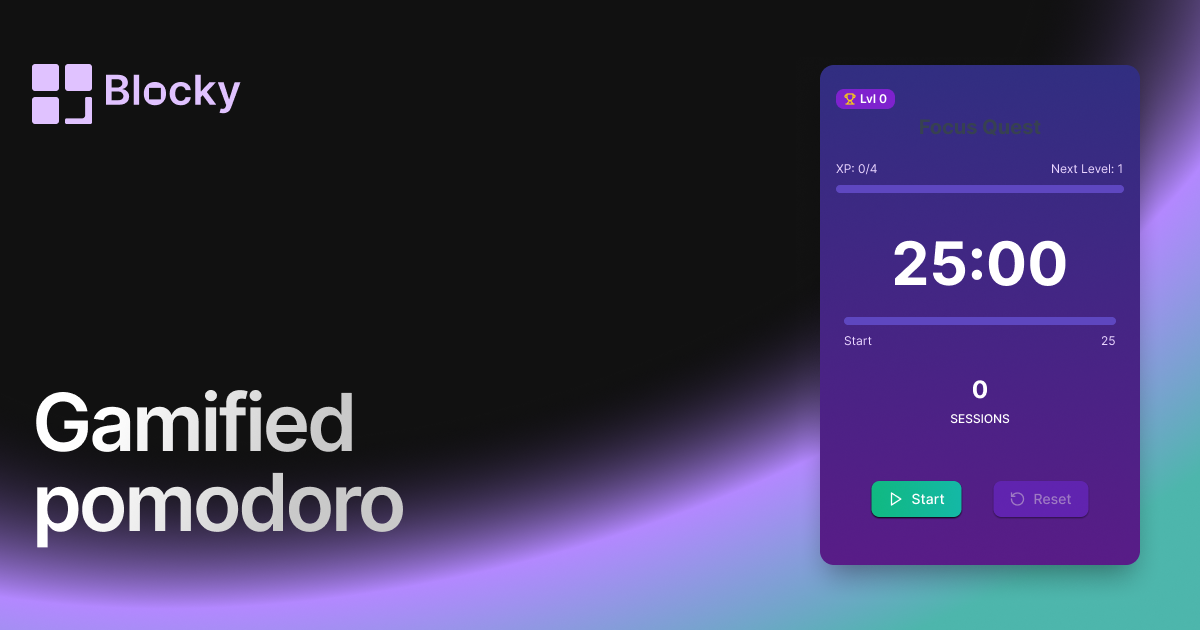
Gamified Pomodoro
Stay productive with a gamified Pomodoro timer for Notion — level up your focus and earn rewards as you go.
Open related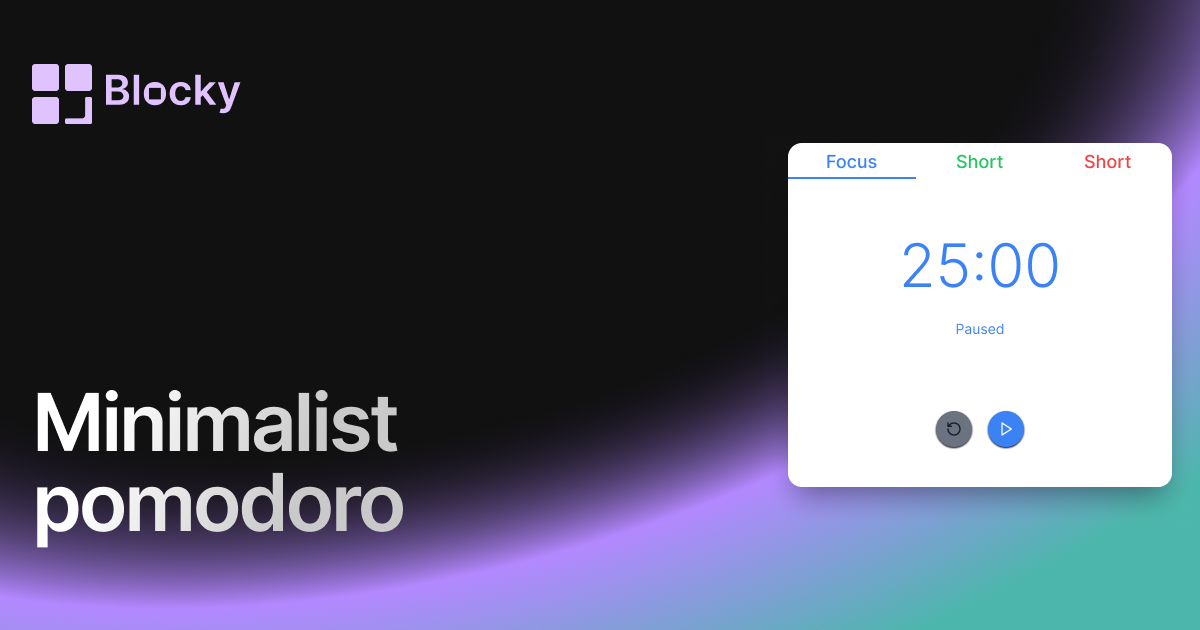
Related variant
Minimalist Pomodoro
Stay focused with a distraction-free minimalist Pomodoro timer — designed to blend perfectly with clean Notion layouts.
Open related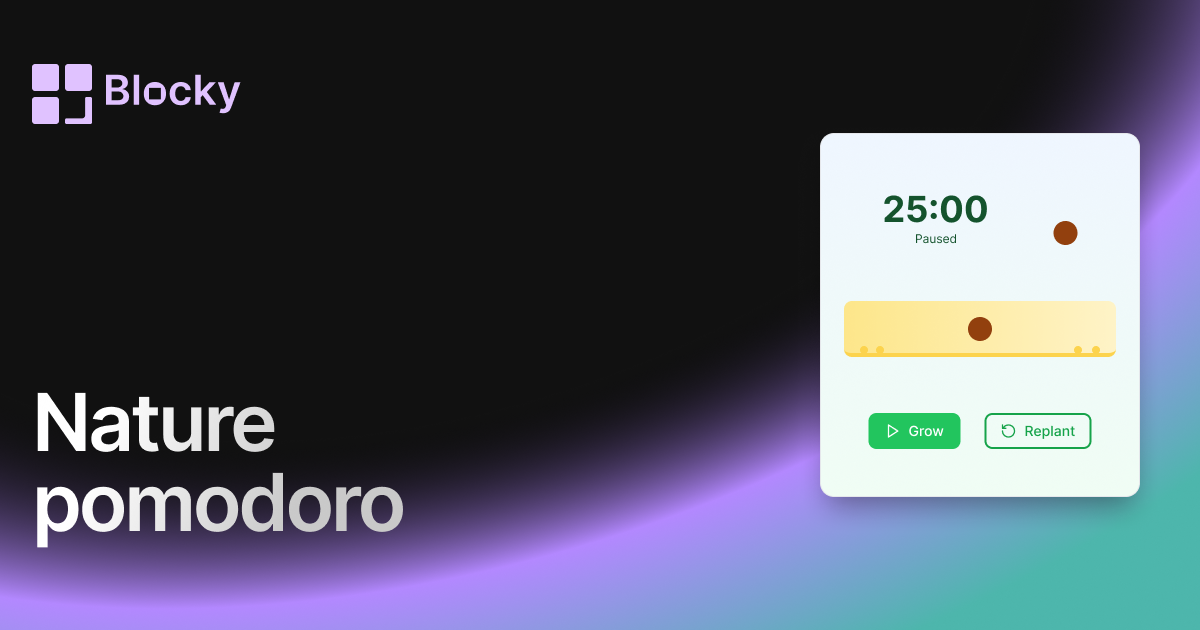
Related variant
Nature Pomodoro
Bring calm and clarity to your workflow with a nature-themed Pomodoro timer — complete with gradients and growing plants.
Open related
Related variant
Normal Pomodoro
Use the Normal Pomodoro timer to stay productive in short bursts with a clean, embeddable focus timer for Notion.
Open related