

Gamified Pomodoro
Stay productive with a gamified Pomodoro timer for Notion — level up your focus and earn rewards as you go.
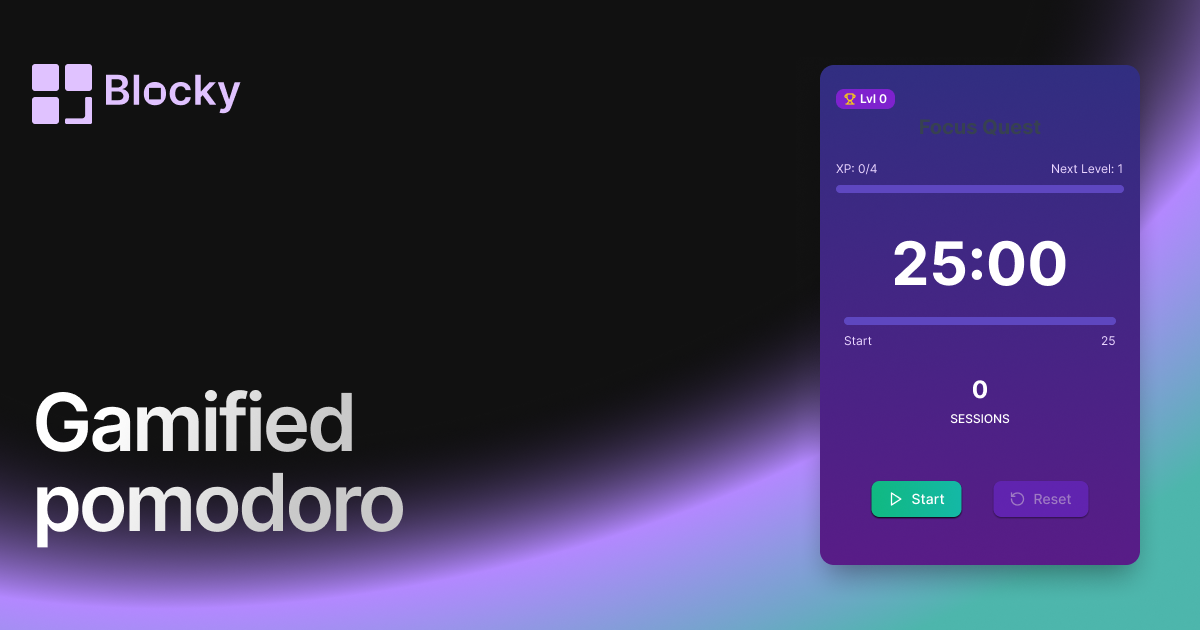
Inspect the widget before it reaches a live page.
Tune labels, data, colors, and layout from one editor.
Embed the finished specimen back into Notion.
Specimen notes — Gamified Pomodoro
Gamified Pomodoro Timer Widget for Notion
The Gamified Pomodoro Timer transforms your work sessions into an RPG-style productivity quest. Built for those who crave focus but love a sense of achievement, this widget rewards every Pomodoro session with XP, progress bars, or animations. Perfect for students, coders, or creators who want to treat focus like leveling up.
When discipline becomes play, showing up is easier—and way more fun.
Use Cases
- Productivity Gamification: Turn each 25-minute sprint into XP gains.
- Study Challenges: Track your sessions like achievements.
- Coding Marathons: Push focus like a quest log.
- ADHD-Friendly Focus: Make structured sprints feel more rewarding.
- Accountability Boards: Visualize session wins across your workspace.
Features
- Classic Pomodoro structure: 25–5–25–15 or customizable
- Visual progress bar styled as XP or level meter
- Animated level-up effects, badges, or streak counters
- Sound and haptic feedback on session complete (optional)
- Motivational text: “You gained 25 focus XP!”
Customization Options
- Set session, break, and long break durations
- Enable XP system: show streaks, level, or earned points
- Customize timer style: fantasy, neon, pixel, or minimal
- Add motivational messages after each session
- Toggle sound effects, animation intensity, and dark/light mode
Integrated Focus Flow
Each completed Pomodoro session triggers a small win—whether it’s visual progress, a level-up message, or confetti. This creates momentum and satisfaction that helps users stick with their routines over time.
How to Embed in Notion
- Open Blocky and choose the Gamified Pomodoro Timer variant.
- Set your Pomodoro durations and theme settings.
- Toggle on XP tracking and visual effects.
- Copy your embed URL.
- Paste into Notion using
/embed.
Your next session just became a boss fight.
Nearby variants for the same type.
The current specimen is excluded so the grid only offers alternate treatments.
Related variant
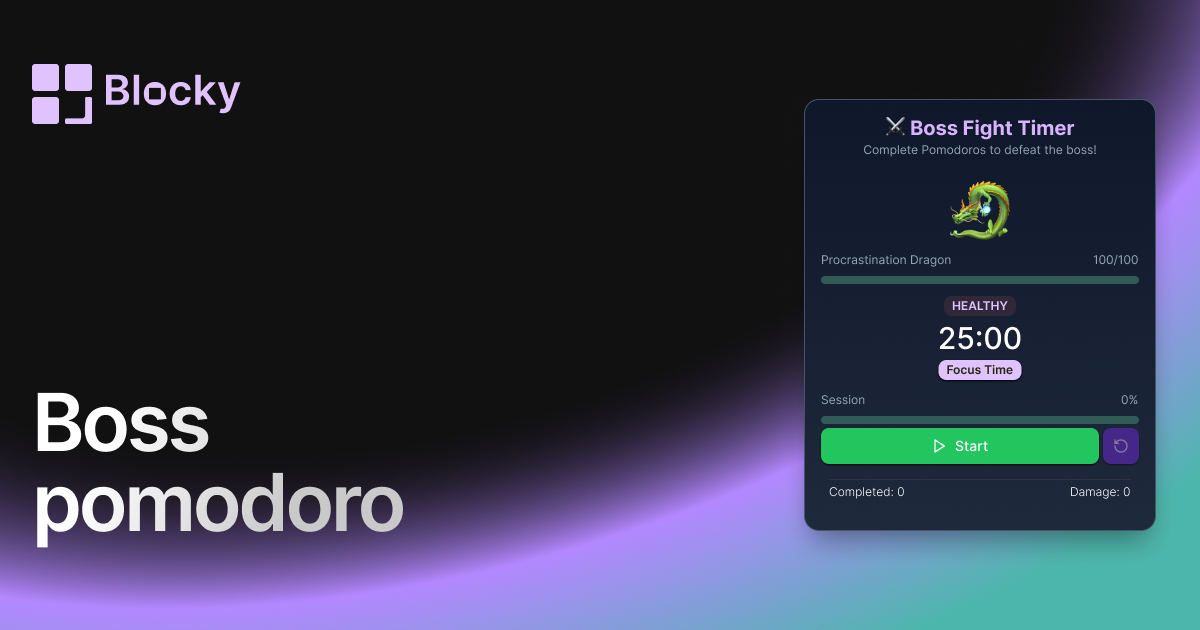
Boss Pomodoro
Turn your focus sessions into a battle! Defeat a boss with each completed Pomodoro cycle, making productivity feel like an RPG quest inside Notion.
Open related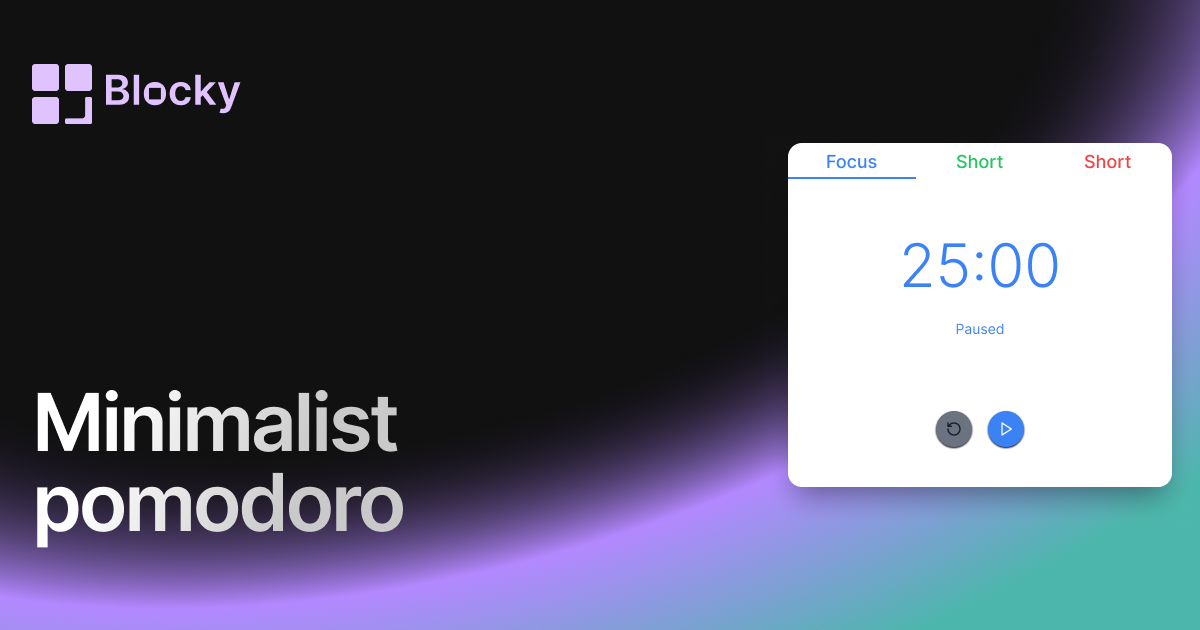
Related variant
Minimalist Pomodoro
Stay focused with a distraction-free minimalist Pomodoro timer — designed to blend perfectly with clean Notion layouts.
Open related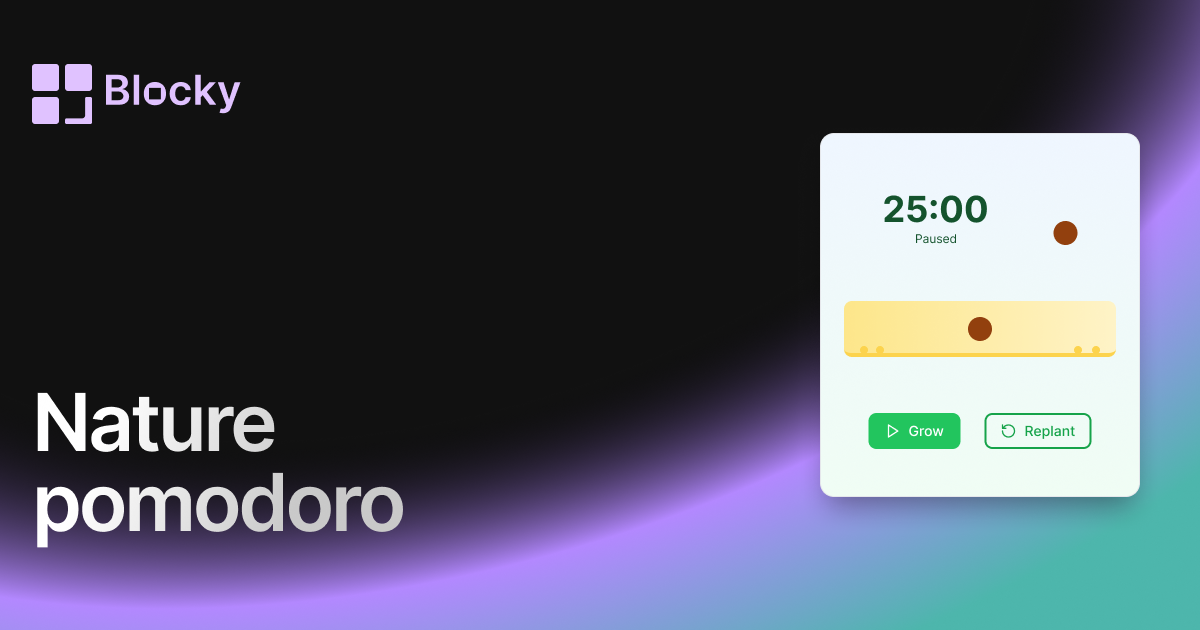
Related variant
Nature Pomodoro
Bring calm and clarity to your workflow with a nature-themed Pomodoro timer — complete with gradients and growing plants.
Open related
Related variant
Normal Pomodoro
Use the Normal Pomodoro timer to stay productive in short bursts with a clean, embeddable focus timer for Notion.
Open related