

Minimalist Dice Roller
A sleek, distraction-free DND dice roller for Notion, perfect for players who want a modern, lightweight widget for their RPG sessions.
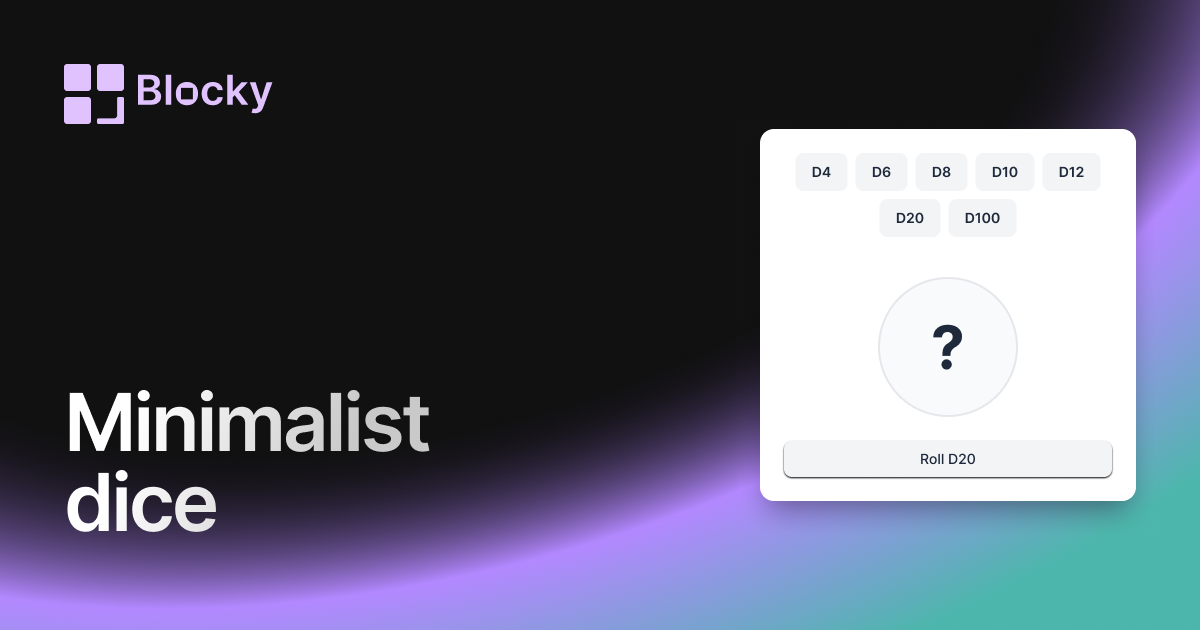
Inspect the widget before it reaches a live page.
Tune labels, data, colors, and layout from one editor.
Embed the finished specimen back into Notion.
Specimen notes — Minimalist Dice Roller
Minimalist Dice Roller Widget for Notion
The Minimalist Dice Roller offers a clean, no-frills way to roll dice inside Notion. With subtle animations, light visual feedback, and a stripped-down interface, this widget is ideal for focus-first workspaces that value clarity and calm.
Whether you use dice for creative randomness, journaling prompts, or just for fun, the minimalist variant gives you functionality without distractions.
Use Cases
- Calm Dashboards: Use dice as reflection or mindfulness prompts.
- Writing Tools: Trigger scene ideas or plot twists without UI clutter.
- Quiet Game Utilities: Pair with character sheets or trackers in RPG campaigns.
- Daily Journals: Add small random cues in minimalist layouts.
- Clean Layout Enthusiasts: Keep your dashboard sleek and light.
Features
- Clean interface with only dice and result visible
- Subtle animation (no bounce, glow, or sound by default)
- Auto-reset result after a short time (optional)
- Responsive to click or tap for re-roll
- Fits beautifully in narrow or focused Notion blocks
Customization Options
- Choose dice types: d4, d6, d20, etc.
- Enable/disable animation and auto-reset
- Customize font, size, alignment of results
- Optional borders, dividers, or background transparency
- Typography-first visual theme with zero distractions
Ultra-Light, Always Ready
The Minimalist Dice Roller maintains instant response and randomness—just with a softer tone. It’s ideal for embedding into zen pages, minimalist dashboards, or anywhere visual noise is a concern.
How to Embed in Notion
- Open Blocky and select the Minimalist Dice Roller variant.
- Pick your dice preferences and styling options.
- Copy your unique embed link.
- Paste into Notion using
/embed.
Just you and the roll.
Nearby variants for the same type.
The current specimen is excluded so the grid only offers alternate treatments.
Related variant
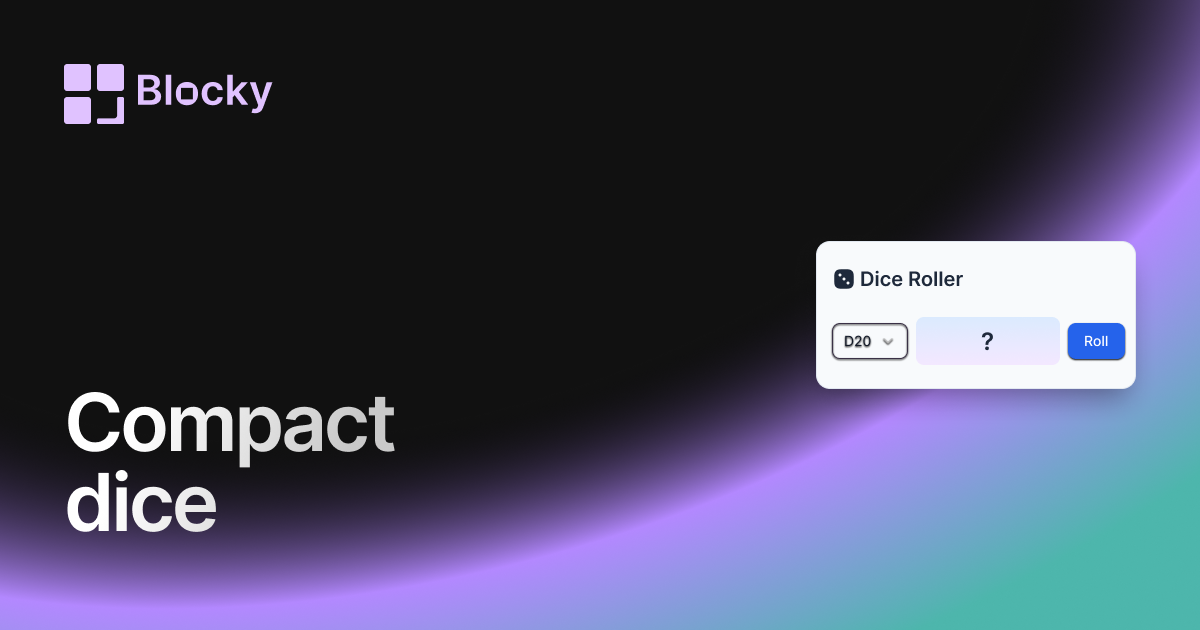
Compact Dice Roller
A space-saving DND dice roller widget for Notion, designed for minimalist dashboards and quick, clutter-free tabletop RPG rolls.
Open related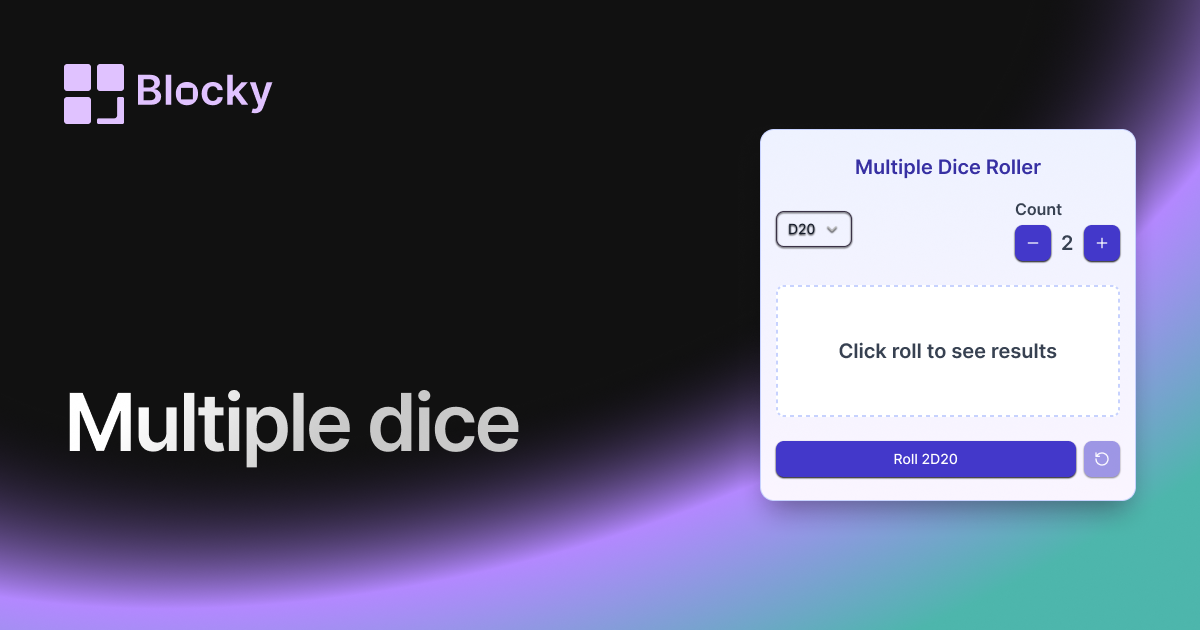
Related variant
Multiple Dice Roller
Roll multiple DND dice at once in Notion with this versatile widget, perfect for complex encounters, character rolls, and quick gameplay.
Open related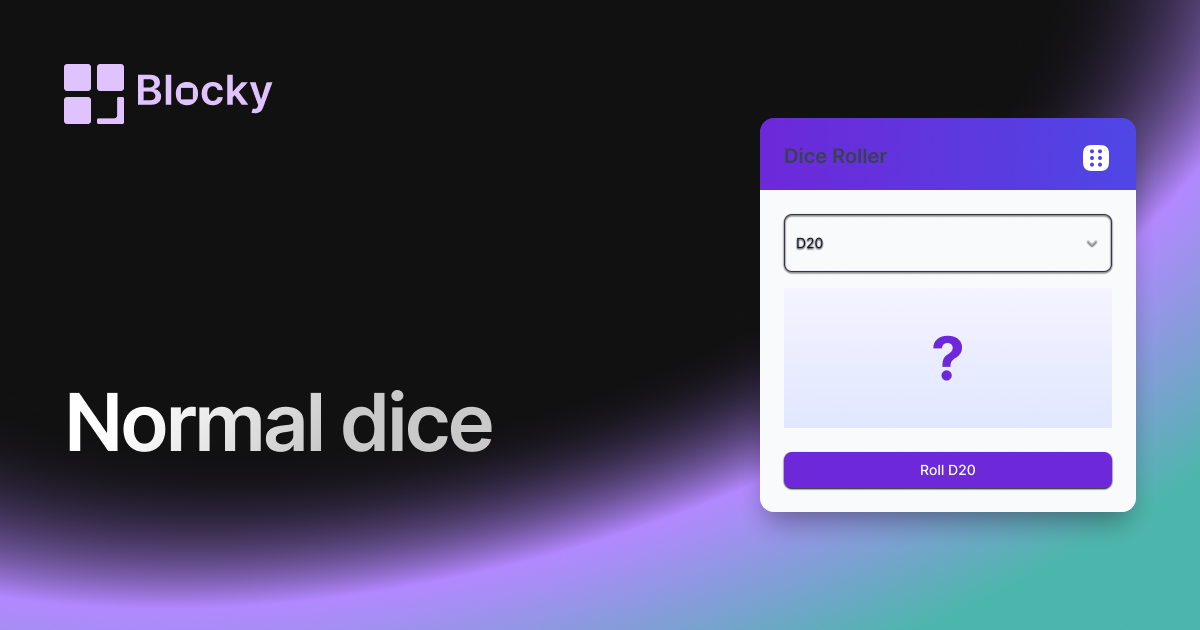
Related variant
Normal Dice Roller
A classic DND dice roller for Notion with a clean interface, ideal for quick rolls and easy tabletop RPG tracking on your dashboards.
Open related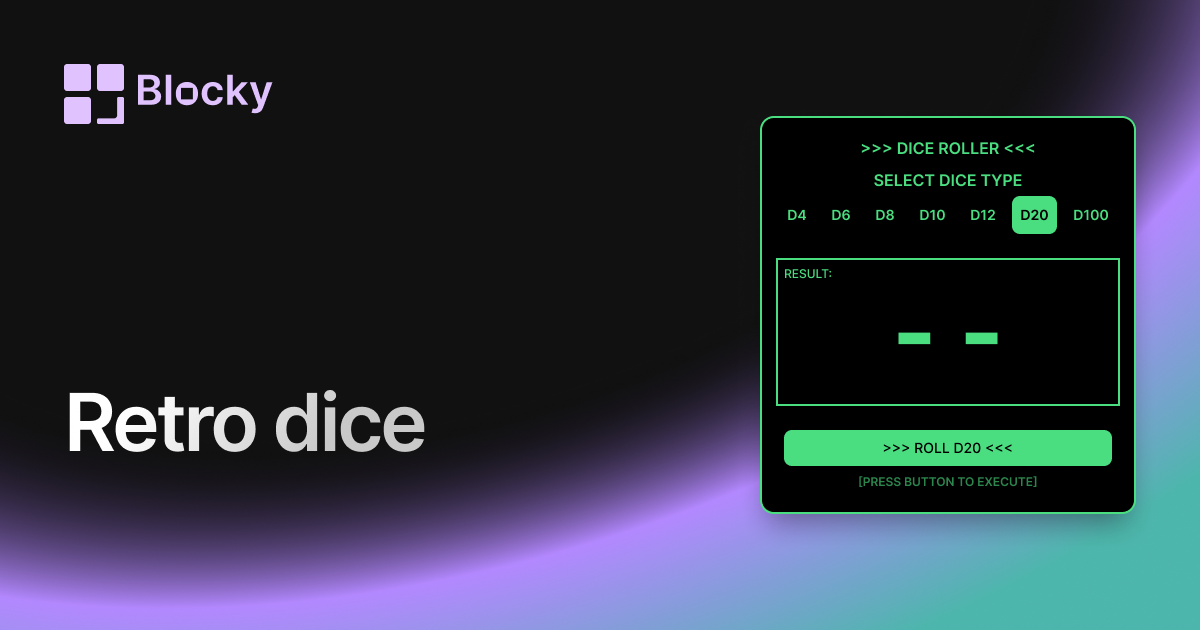
Related variant
Retro Dice Roller
Bring a nostalgic flair to your Notion dashboard with this retro-themed DND dice roller, blending classic style with modern functionality.
Open related