

Multiple Dice Roller
Roll multiple DND dice at once in Notion with this versatile widget, perfect for complex encounters, character rolls, and quick gameplay.
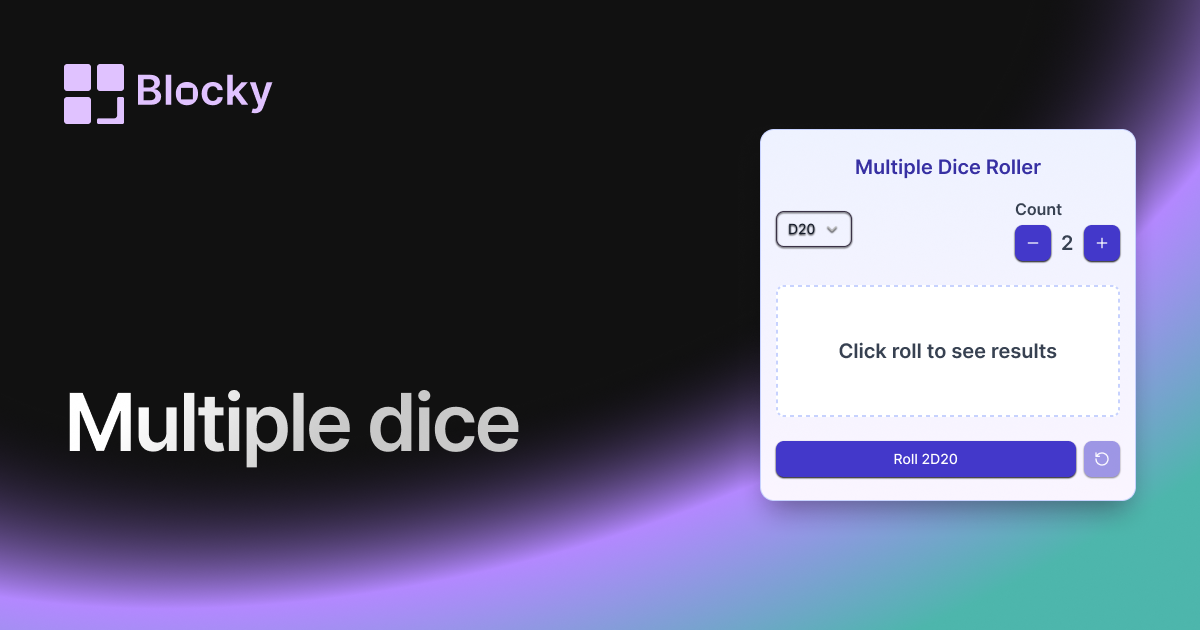
Inspect the widget before it reaches a live page.
Tune labels, data, colors, and layout from one editor.
Embed the finished specimen back into Notion.
Specimen notes — Multiple Dice Roller
Multiple Dice Roller Widget for Notion
The Multiple Dice Roller variant gives you the power to roll several dice at once—ideal for more advanced tabletop systems, group decision-making, or injecting layered randomness into your Notion workflow. With animated roll sequences and grouped results, it’s built for moments when one die just isn’t enough.
Whether you’re rolling a full character stat sheet or need three outcomes at once, this widget is ready.
Use Cases
- DnD or TTRPG Rolls: Roll multiple d6s or d20s for damage, stats, or saves.
- Decision Matrices: Use grouped rolls to guide weighted or tiered choices.
- Story & World Building: Generate multiple values for plot points or characters.
- Creative Generators: Pair with writing prompts or brainstorming tools.
- Daily Challenge Boards: Roll different dice for different tasks or focus areas.
Features
- Roll up to 5 dice at once (any combination: d4–d20)
- Animated roll sequence for each die
- Grouped result display: total, individual values, or both
- Optional sum/average/highlighted result formats
- Dice spacing and layout auto-adjust based on size
Customization Options
- Select dice types and number of each (e.g. 3d6, 2d20)
- Toggle result display: total only, all dice, or split format
- Control animation style and duration per die
- Customize dice colors, outlines, and glow
- Choose inline, block, or grid layout
All Dice, Always in Sync
Each click rolls all selected dice in sync, with animated transitions and grouped results. Ideal for RPG players, creators, or randomness lovers who need more than one roll.
How to Embed in Notion
- Go to Blocky and choose the Multiple Dice Roller variant.
- Set how many dice to roll and which types.
- Customize result output and visual styling.
- Copy your embed link.
- Paste it into your Notion page using
/embed.
Now you're rolling deep.
Nearby variants for the same type.
The current specimen is excluded so the grid only offers alternate treatments.
Related variant
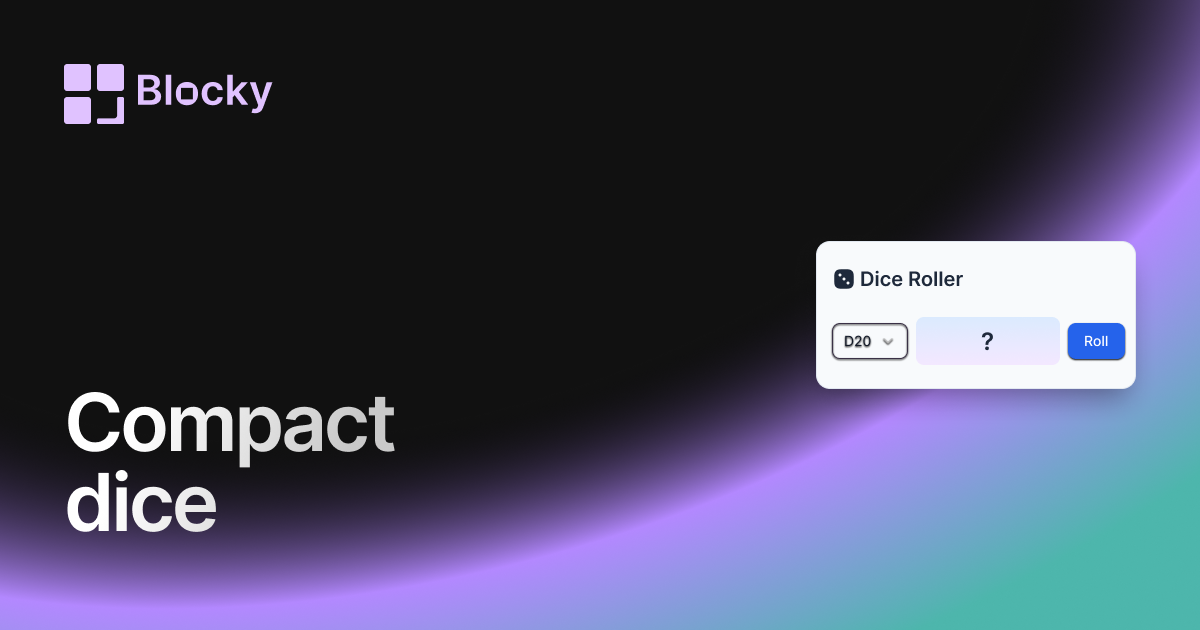
Compact Dice Roller
A space-saving DND dice roller widget for Notion, designed for minimalist dashboards and quick, clutter-free tabletop RPG rolls.
Open related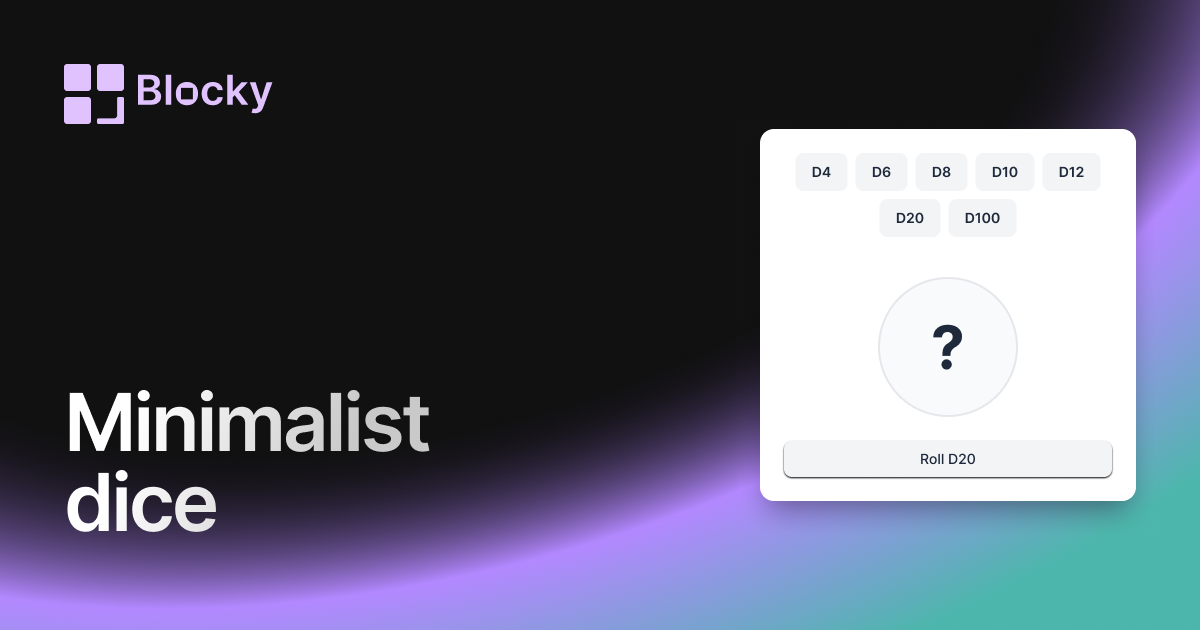
Related variant
Minimalist Dice Roller
A sleek, distraction-free DND dice roller for Notion, perfect for players who want a modern, lightweight widget for their RPG sessions.
Open related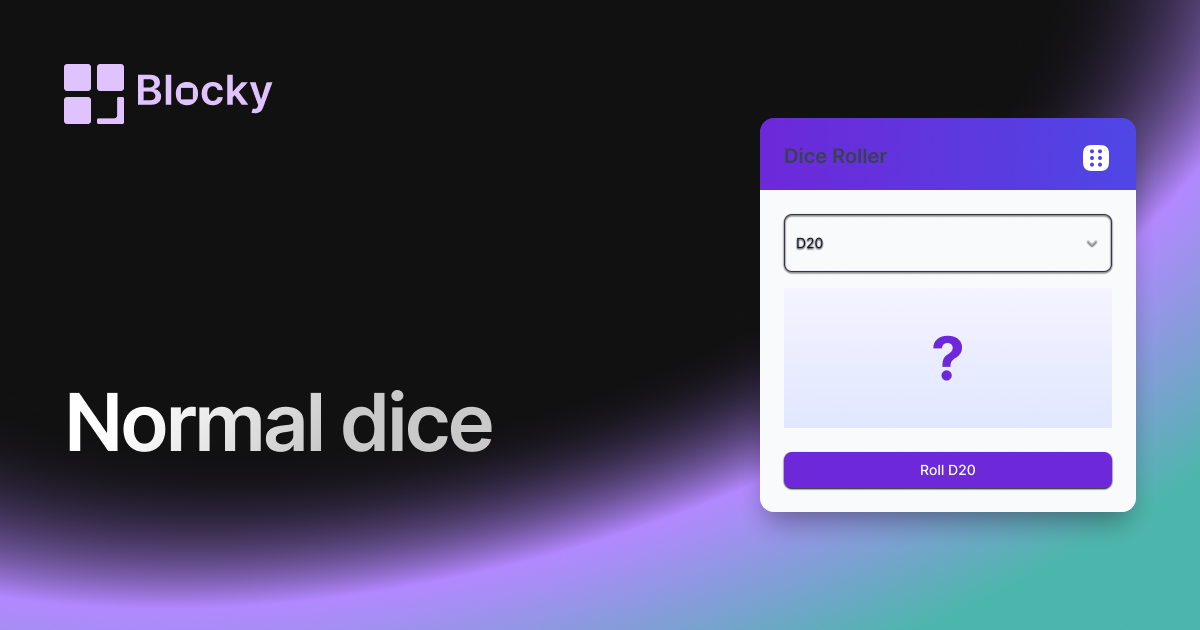
Related variant
Normal Dice Roller
A classic DND dice roller for Notion with a clean interface, ideal for quick rolls and easy tabletop RPG tracking on your dashboards.
Open related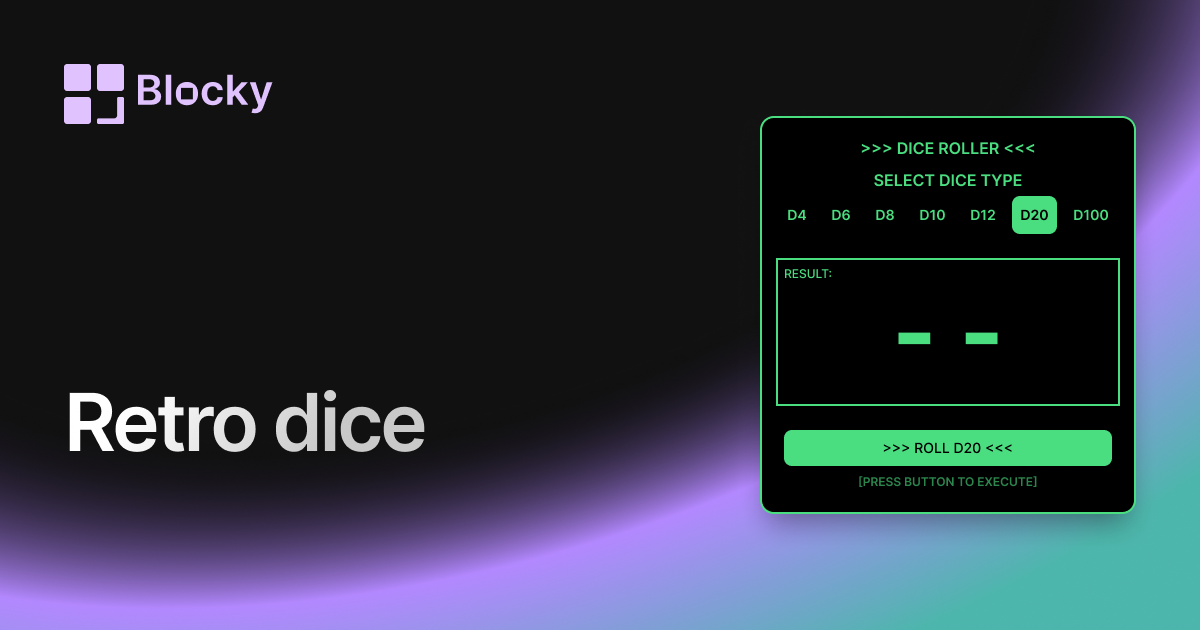
Related variant
Retro Dice Roller
Bring a nostalgic flair to your Notion dashboard with this retro-themed DND dice roller, blending classic style with modern functionality.
Open related