

Retro Dice Roller
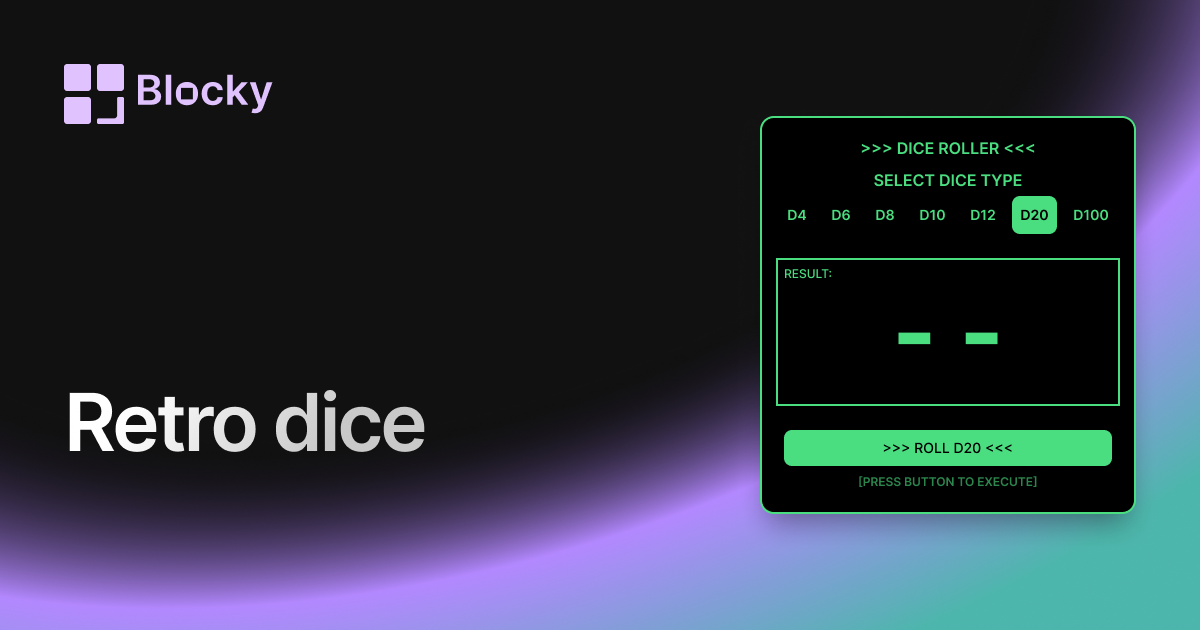
Bring a nostalgic flair to your Notion dashboard with this retro-themed DND dice roller, blending classic style with modern functionality.
Inspect the widget before it reaches a live page.
Tune labels, data, colors, and layout from one editor.
Embed the finished specimen back into Notion.
Specimen notes — Retro Dice Roller
Retro Dice Roller Widget for Notion
The Retro Dice Roller throws it back with pixel-perfect charm and vintage game aesthetics. Designed for fantasy dashboards, gamified setups, or lovers of all things 8-bit, this widget turns your dice rolls into a playful, nostalgic experience—complete with chunky fonts, arcade color palettes, and DND-inspired flair.
Whether you’re building a themed campaign page or a fantasy-styled dashboard, this one adds character with every click.
Use Cases
- RPG Campaign Logs: Roll initiative, damage, or skill checks in classic style.
- Fantasy Dashboards: Match your dice with DND notes, spellbooks, or maps.
- Journaling Mini-Games: Inject whimsy into habit logs or creative prompts.
- Themed Workspaces: Blend seamlessly into retro, medieval, or arcade-inspired layouts.
- Creative Planning: Use random prompts in a playful, nostalgic context.
Features
- Pixel font UI with retro-style dice graphics
- Animated roll effects with bounce, glow, or CRT flicker
- Optional retro sound effect toggle
- d4–d20 dice types supported
- Result display styled like an old-school HUD
Customization Options
- Choose dice type(s): single or multiple
- Enable/disable bounce, shake, and flicker effects
- Customize result display with pixel fonts and 8-bit emojis
- Background options: gradient, CRT scanline, solid color
- Optional sound: chime, coin, or arcade FX
Fully Interactive, Pixelated Fun
Every roll is animated with that old-school satisfaction. Results pop into view like classic RPG damage counters—instantly readable, joyfully retro.
How to Embed in Notion
- Go to Blocky and select the Retro Dice Roller variant.
- Pick your dice and pixel style preferences.
- Enable animations, sound, or CRT effects as desired.
- Copy your embed link.
- Paste into Notion using
/embed.
Your dungeon is ready. Roll initiative.
Nearby variants for the same type.
The current specimen is excluded so the grid only offers alternate treatments.
Related variant
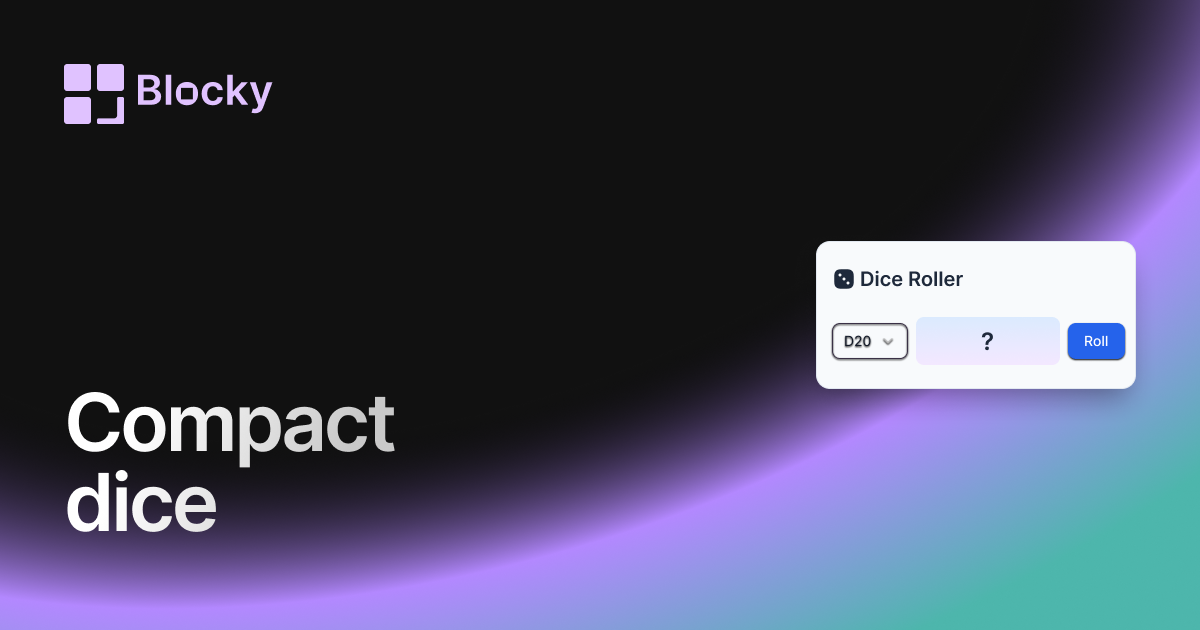
Compact Dice Roller
A space-saving DND dice roller widget for Notion, designed for minimalist dashboards and quick, clutter-free tabletop RPG rolls.
Open related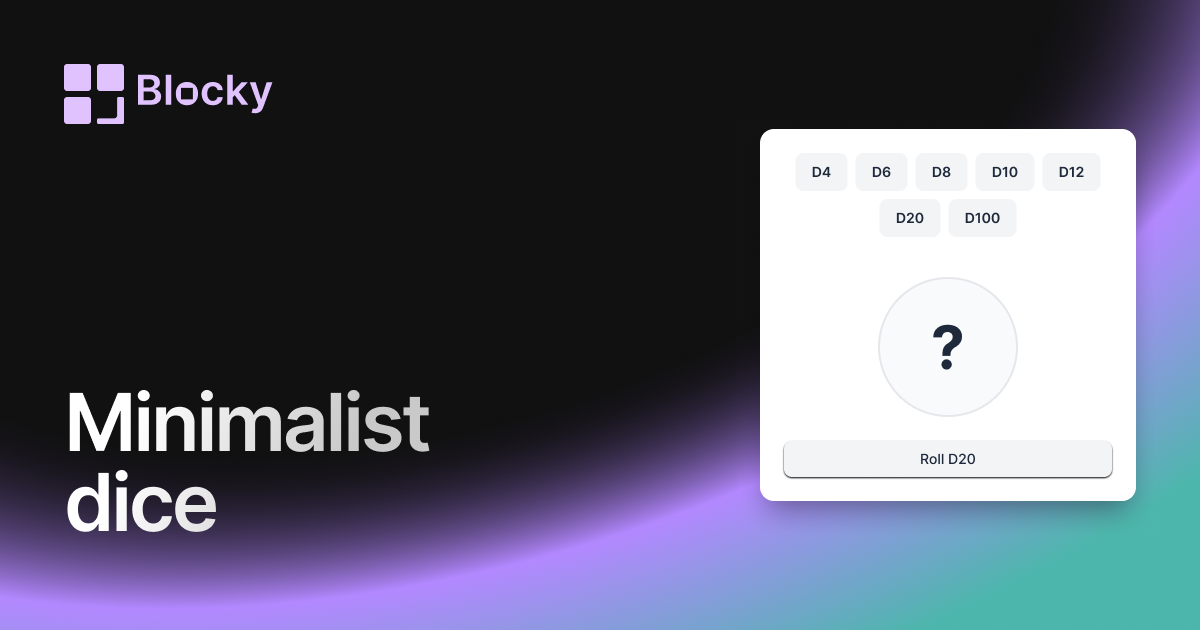
Related variant
Minimalist Dice Roller
A sleek, distraction-free DND dice roller for Notion, perfect for players who want a modern, lightweight widget for their RPG sessions.
Open related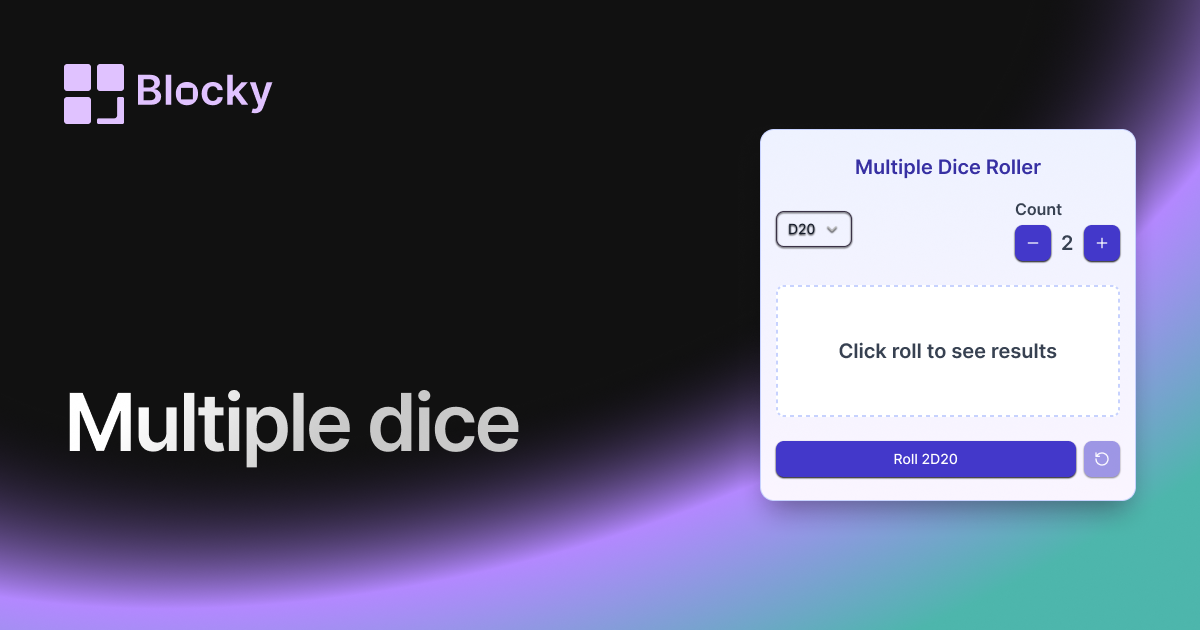
Related variant
Multiple Dice Roller
Roll multiple DND dice at once in Notion with this versatile widget, perfect for complex encounters, character rolls, and quick gameplay.
Open related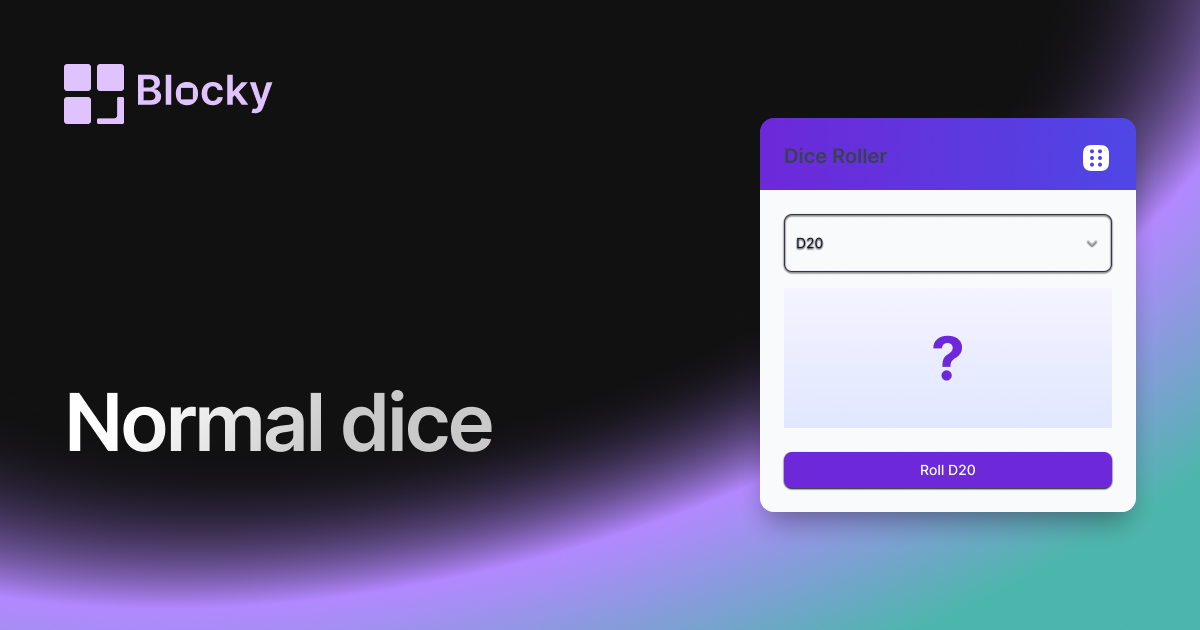
Related variant
Normal Dice Roller
A classic DND dice roller for Notion with a clean interface, ideal for quick rolls and easy tabletop RPG tracking on your dashboards.
Open related