

Gamified Notion Streak Tracker
Turn Notion habit tracking into a game with streak counts, milestone rewards, XP-style progress, and visual motivation for daily routines.
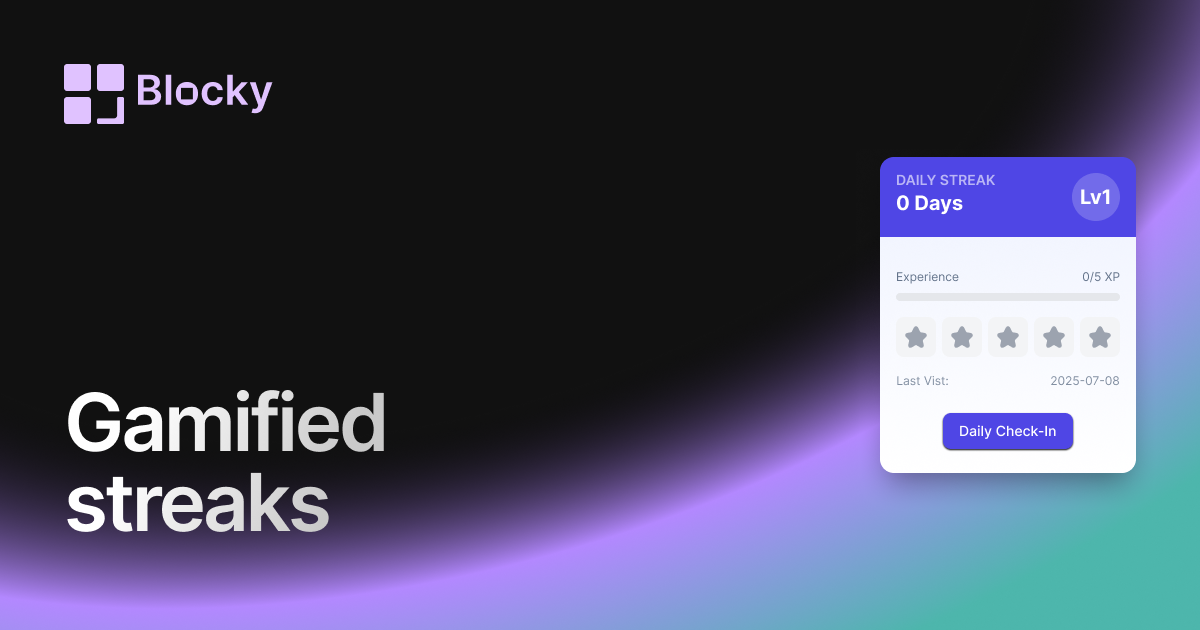
Inspect the widget before it reaches a live page.
Tune labels, data, colors, and layout from one editor.
Embed the finished specimen back into Notion.
Specimen notes — Gamified Notion Streak Tracker
Gamified Streak Tracker Widget for Notion
The Gamified Streak Tracker turns your daily routines into a rewarding experience. With dynamic animations, streak badges, and optional XP leveling, it’s perfect for productivity enthusiasts who want to inject fun into staying consistent.
Every day you complete a task feels like unlocking an achievement—because it is.
Use Cases
- Gamified Dashboards: Level up daily by completing your recurring goals.
- Habit XP Systems: Add streaks to your RPG-style productivity tracker.
- Study Challenges: Reward yourself visually for consistent effort.
- Personal Milestones: Track record streaks and celebrate with badges.
- Self-Improvement Quests: Turn real-life habits into game mechanics.
Features
- Animated streak counter with glow, bounce, or pulse effects
- Optional XP bar and level tracker tied to streak length
- Milestone badges or trophy icons (customizable)
- Motivational phrases or character reactions on progress
- Emoji, avatar, or icon-based theme options
Customization Options
- Connect to a Notion database with date, checkbox, or timestamp
- Choose reward type: XP, milestone icons, or level-ups
- Toggle animations: pulse, sparkle, confetti
- Customize text, number display, font, and emoji
- Set goal logic: reset after missed day, or resume where left off
- Theme presets: pixel, fantasy, neon, modern
Fully Synced with Notion
The widget updates your streak, XP, and visual elements in real-time as your Notion data changes. Every completed entry counts toward a longer chain.
How to Embed in Notion
- Visit Blocky and choose the Gamified Streak Tracker variant.
- Connect your Notion database.
- Set up XP rules, visual styles, and progress logic.
- Copy your embed URL.
- Paste it into Notion with
/embed.
Your dashboard just got a power-up.
Nearby variants for the same type.
The current specimen is excluded so the grid only offers alternate treatments.
Related variant
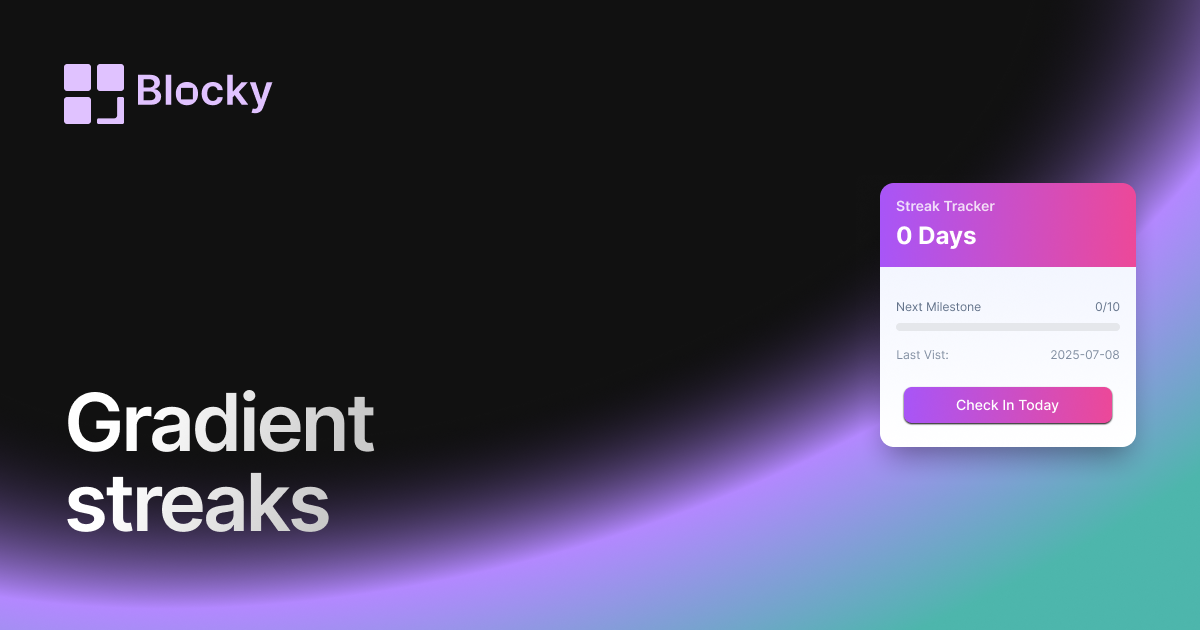
Gradient Notion Streak Tracker
Track daily habit streaks in Notion with a colorful gradient widget that keeps routines visible on aesthetic productivity dashboards.
Open related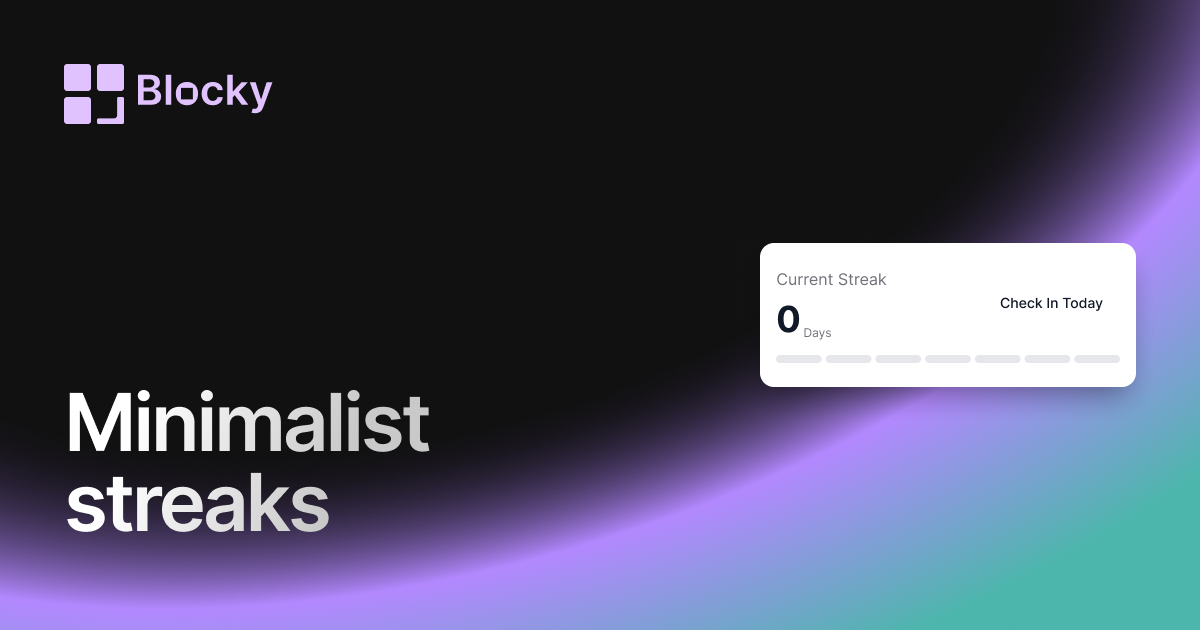
Related variant
Minimalist Notion Streak Tracker
Track Notion habit streaks with a clean, distraction-free counter for daily routines, study sessions, writing goals, or wellness check-ins.
Open related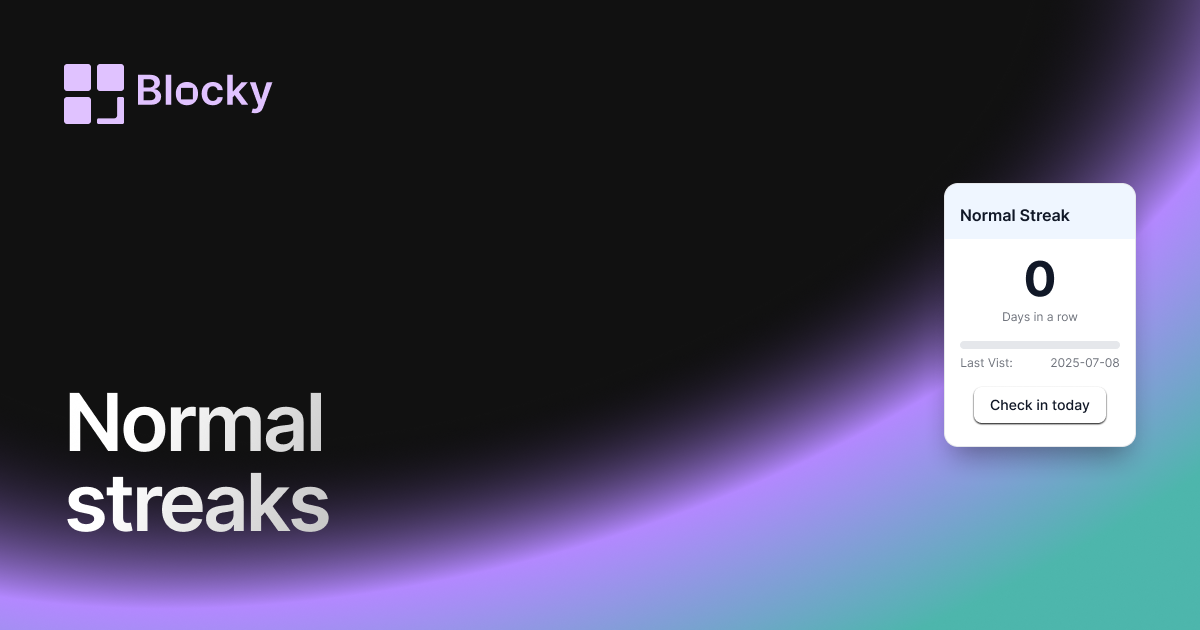
Related variant
Normal Notion Streak Tracker
Add a simple Notion streak tracker that shows how many days in a row you have completed a habit, task, routine, or goal.
Open related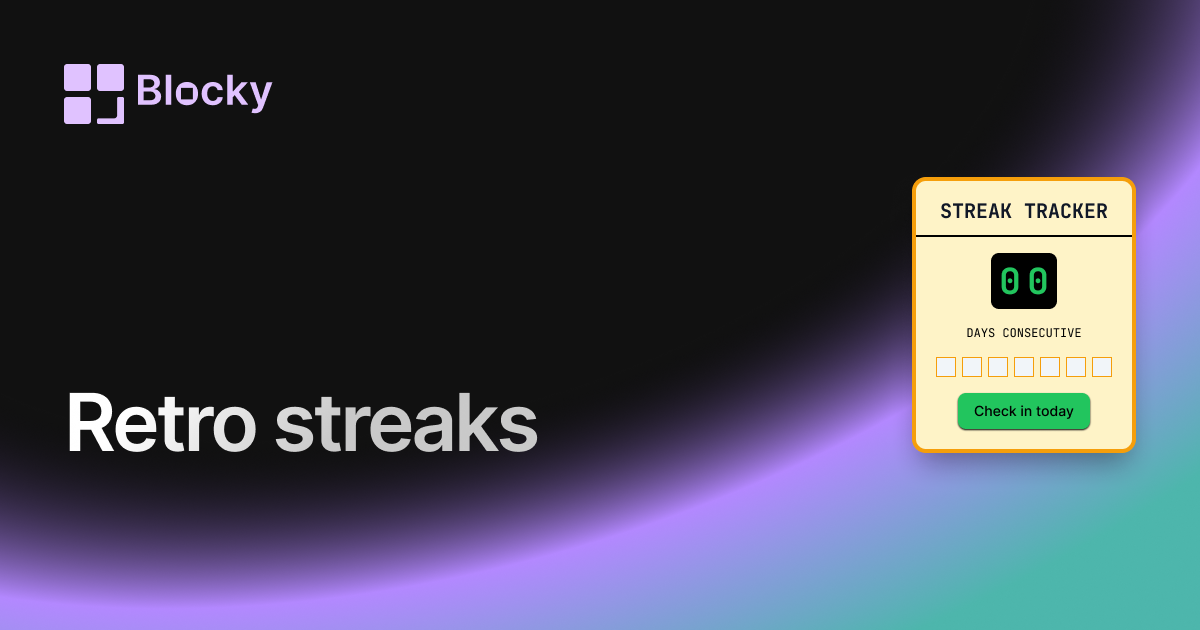
Related variant
Retro Notion Streak Tracker
Track your daily streaks in Notion with a retro-styled widget. Celebrate consistency and keep the nostalgia alive with vintage visuals and vibrant color themes.
Open related