

Retro Notion Streak Tracker
Track your daily streaks in Notion with a retro-styled widget. Celebrate consistency and keep the nostalgia alive with vintage visuals and vibrant color themes.
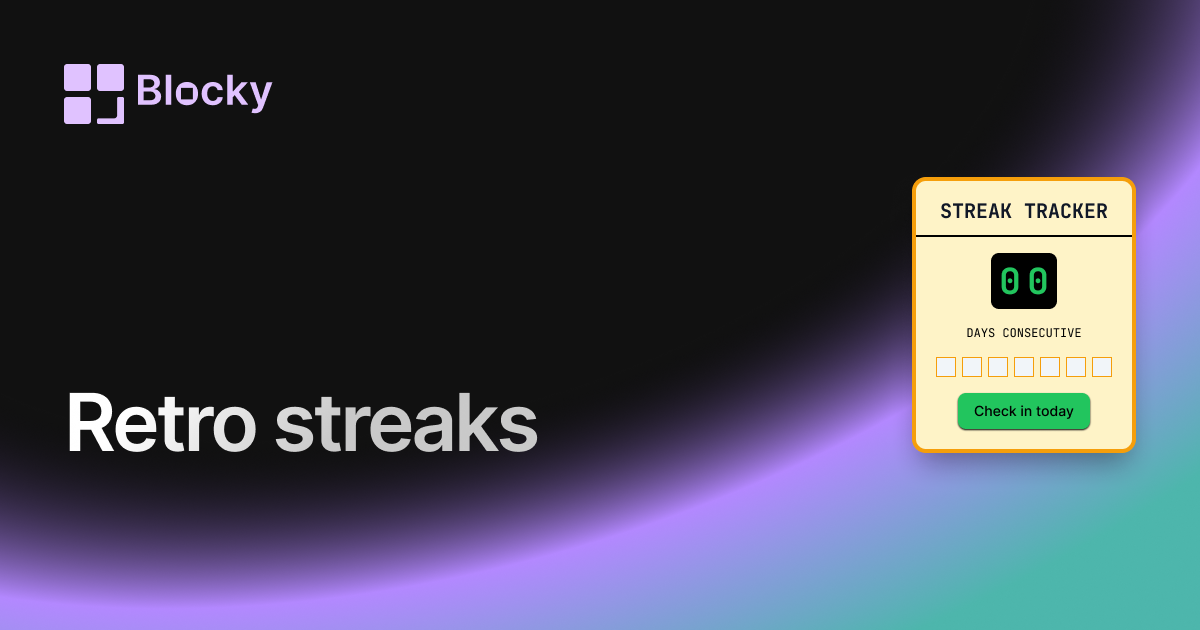
Inspect the widget before it reaches a live page.
Tune labels, data, colors, and layout from one editor.
Embed the finished specimen back into Notion.
Specimen notes — Retro Notion Streak Tracker
Retro Streak Tracker Widget for Notion
The Retro Streak Tracker injects 8-bit charm into your productivity. With pixel fonts, arcade colors, and nostalgic styling, this variant turns your daily streaks into a throwback visual that feels more fun than functional—yet stays fully synced with your Notion routines.
Perfect for gamified dashboards, fantasy planners, or just a playful reminder to stay consistent.
Use Cases
- Gamified Dashboards: Add a retro-styled badge to your RPG setup.
- Student Pages: Track daily study sessions with a pixel font counter.
- Habit Streaks: Visualize effort with a nostalgic twist.
- Creative Dashboards: Pair with dice rollers or retro timers for theme consistency.
- Themed Workspaces: Blend into vaporwave, pixelcore, or terminal-style setups.
Features
- Pixel-style font and retro UI
- Animated counter with CRT flicker or bounce (optional)
- Bright accent colors inspired by old arcade systems
- Optional 8-bit badges (e.g., stars, coins, potions)
- Supports dark mode with neon-style glow
Customization Options
- Connect to a Notion database (date, checkbox, or log)
- Customize prefix text: "STREAK:" or "LVL"
- Choose font size, glow intensity, and spacing
- Select icon set: potions, stars, shields, etc.
- Enable/disable flicker or bounce animation
- Pick retro theme: DOS, Gameboy, CRT, Pixel Dark
Updates Automatically
Like all Blocky widgets, the Retro Streak Tracker updates in real time. Add an entry to your Notion habit tracker and watch your streak counter light up—just like in the old days.
How to Embed in Notion
- Head to Blocky and choose the Retro Streak Tracker variant.
- Connect your Notion database and map your date or log field.
- Customize the retro visual settings and animations.
- Copy the embed link.
- Paste it into your Notion page using
/embed.
Time to go on a streak… pixel-style.
Nearby variants for the same type.
The current specimen is excluded so the grid only offers alternate treatments.
Related variant
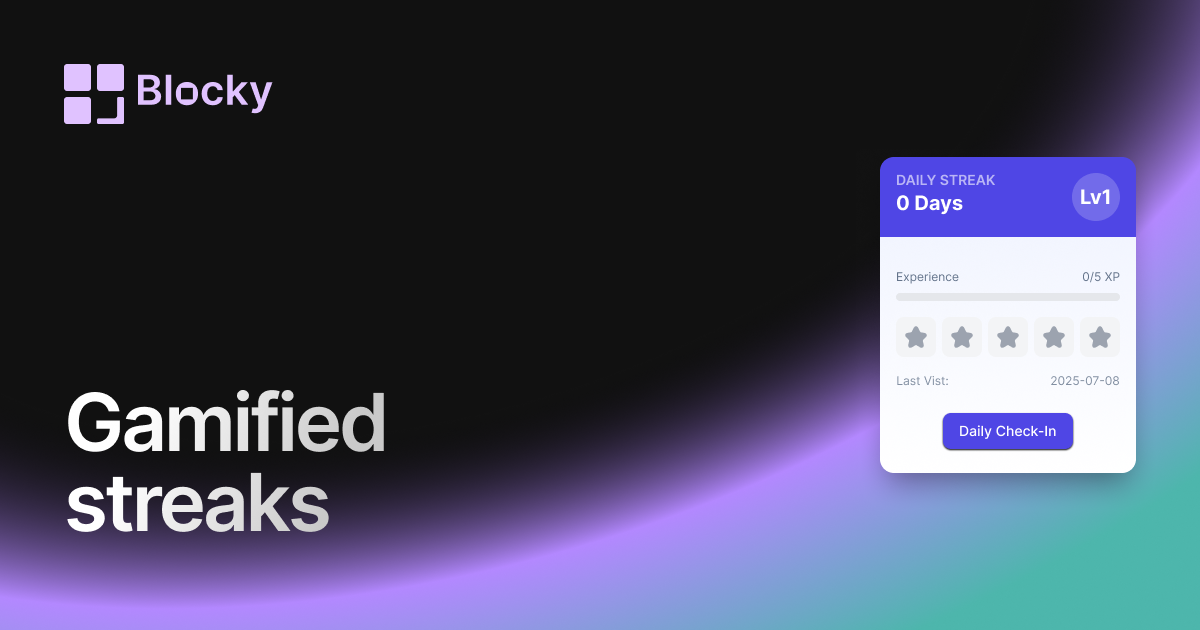
Gamified Notion Streak Tracker
Turn Notion habit tracking into a game with streak counts, milestone rewards, XP-style progress, and visual motivation for daily routines.
Open related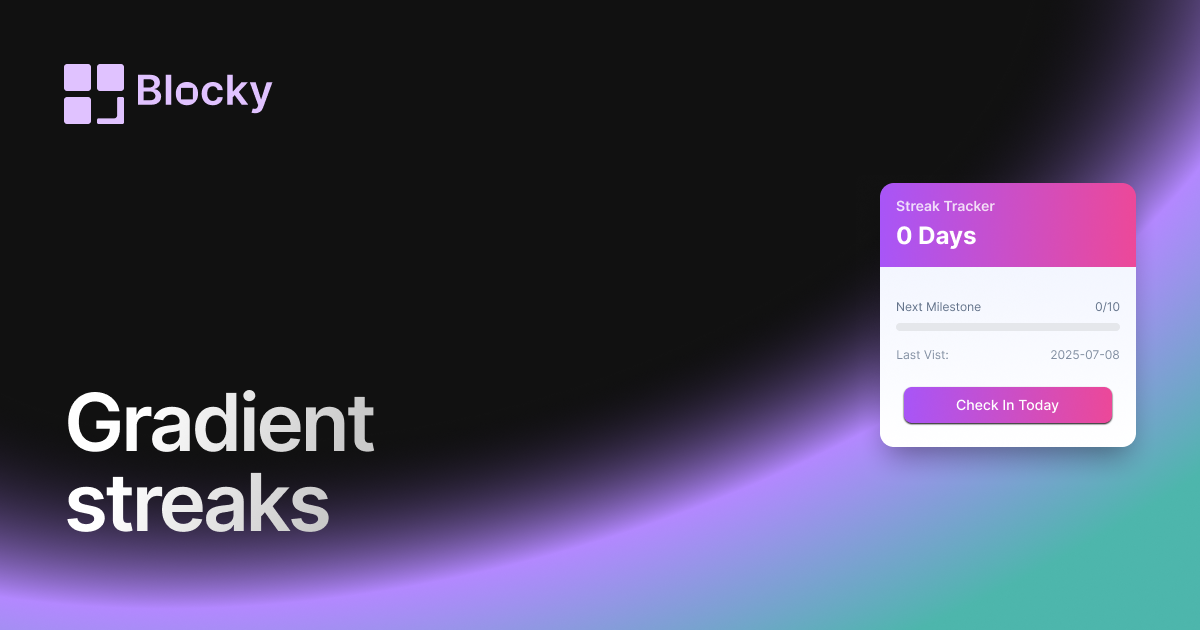
Related variant
Gradient Notion Streak Tracker
Track daily habit streaks in Notion with a colorful gradient widget that keeps routines visible on aesthetic productivity dashboards.
Open related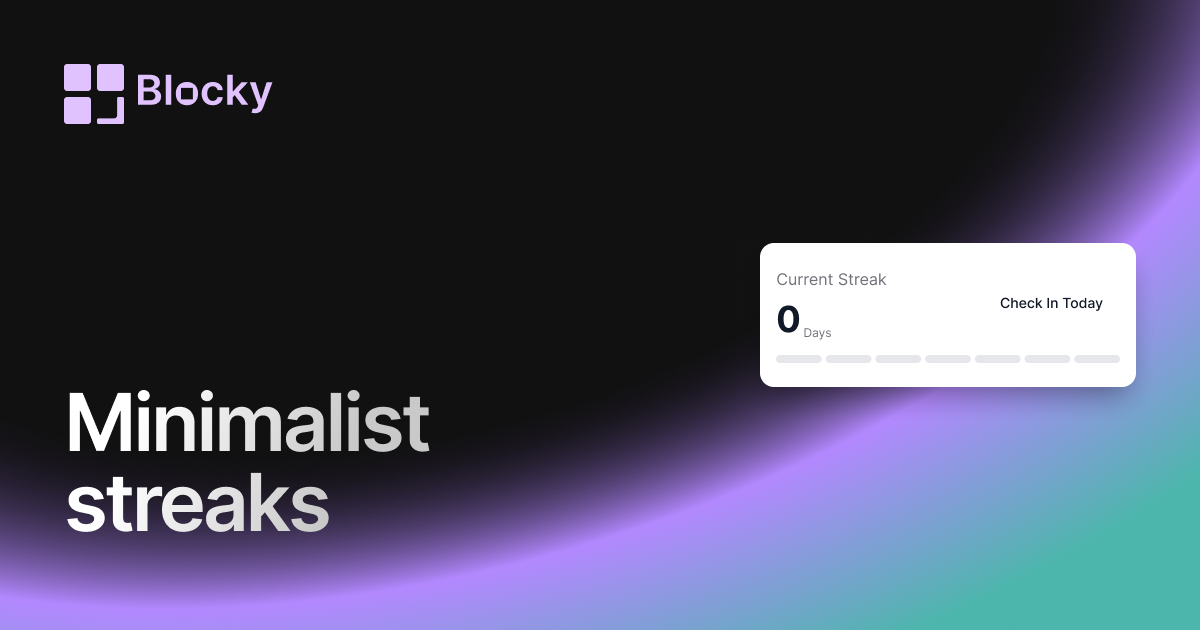
Related variant
Minimalist Notion Streak Tracker
Track Notion habit streaks with a clean, distraction-free counter for daily routines, study sessions, writing goals, or wellness check-ins.
Open related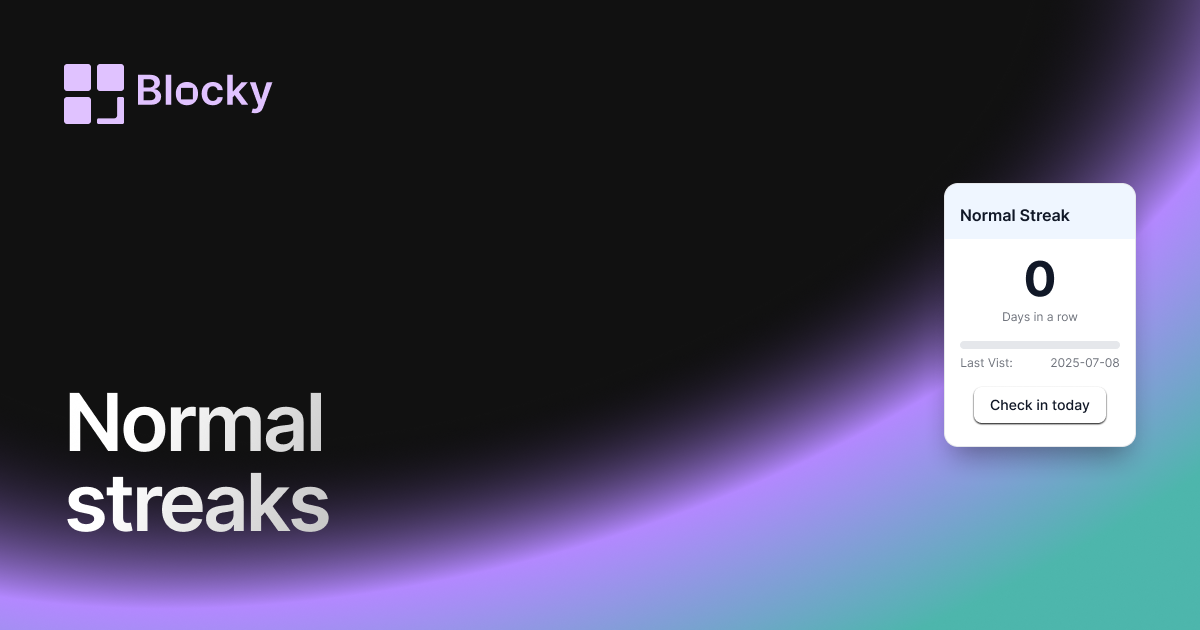
Related variant
Normal Notion Streak Tracker
Add a simple Notion streak tracker that shows how many days in a row you have completed a habit, task, routine, or goal.
Open related