

Gradient Notion Streak Tracker
Track daily habit streaks in Notion with a colorful gradient widget that keeps routines visible on aesthetic productivity dashboards.
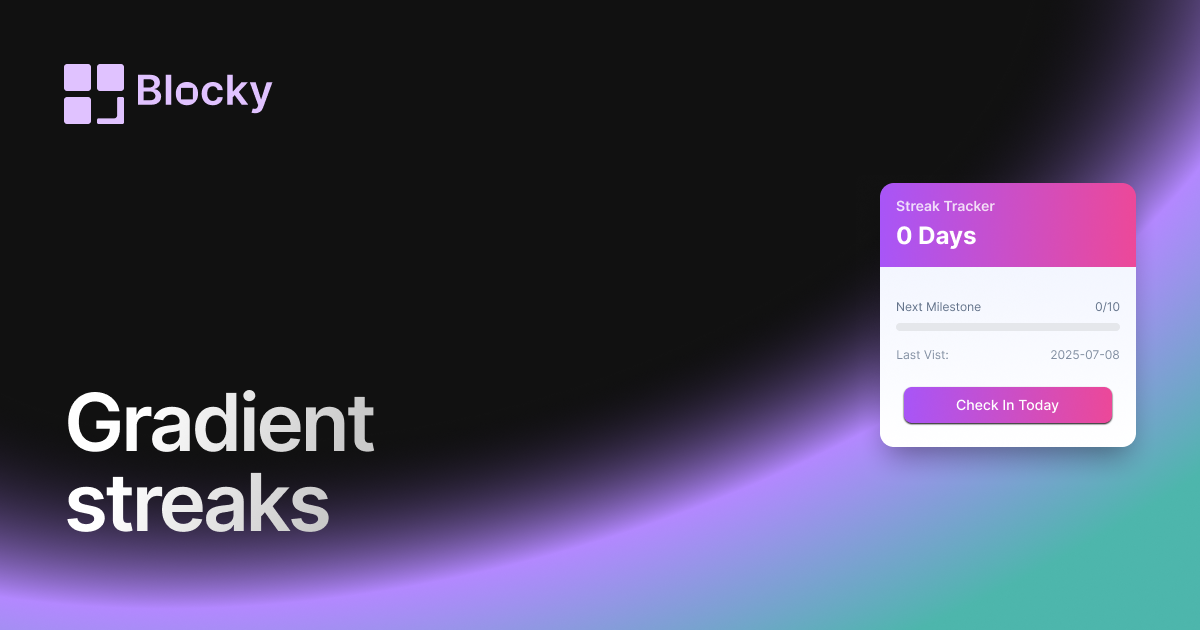
Inspect the widget before it reaches a live page.
Tune labels, data, colors, and layout from one editor.
Embed the finished specimen back into Notion.
Specimen notes — Gradient Notion Streak Tracker
Gradient Streak Tracker Widget for Notion
The Gradient Streak Tracker adds a colorful touch to your daily routine tracking. With animated gradient fills, smooth transitions, and a focus on visual consistency, this widget is perfect for aesthetic dashboards or themed productivity setups.
Your streak isn’t just a number—it’s a gradient of effort, beautifully displayed.
Use Cases
- Aesthetic Notion Pages: Match your streak display with your workspace theme.
- Study Motivation: Reinforce consistency with a visual gradient that grows.
- Colorful Habit Logs: Track routines like journaling, reading, or workouts.
- Mood or Wellness Routines: Use soft color transitions to reflect positive streaks.
- Creative Dashboards: Add flair without compromising clarity.
Features
- Animated gradient fill that increases with streak count
- Custom start and end colors (or select from preset themes)
- Smooth transitions as streaks increase or reset
- Optional labels: current streak, longest streak, or both
- Responsive layout with support for inline or card-style embedding
Customization Options
- Link to a Notion database with date-based tracking
- Choose gradient direction: horizontal, vertical, radial
- Set gradient color pair (hex or theme presets)
- Toggle number display format (e.g., "7-day streak")
- Customize text color, font size, spacing, and card background
- Optional animation on streak update or reset
Syncs in Real Time
Just like all Blocky widgets, the Gradient Streak Tracker pulls directly from your Notion database. When you check off a task or log a day, your streak and its color update instantly.
How to Embed in Notion
- Open Blocky and select the Gradient Streak Tracker variant.
- Connect your Notion database and set up your streak field.
- Choose your gradient colors and styling options.
- Copy your embed URL.
- Paste it into Notion using
/embed.
Track your streaks with color, flow, and style.
Nearby variants for the same type.
The current specimen is excluded so the grid only offers alternate treatments.
Related variant
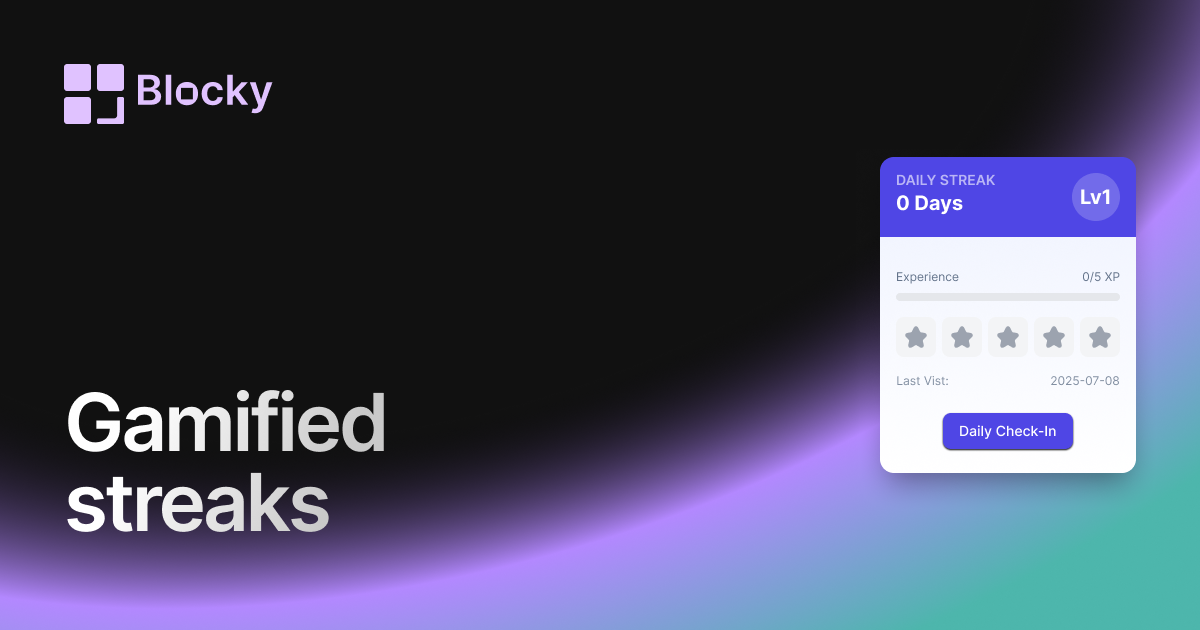
Gamified Notion Streak Tracker
Turn Notion habit tracking into a game with streak counts, milestone rewards, XP-style progress, and visual motivation for daily routines.
Open related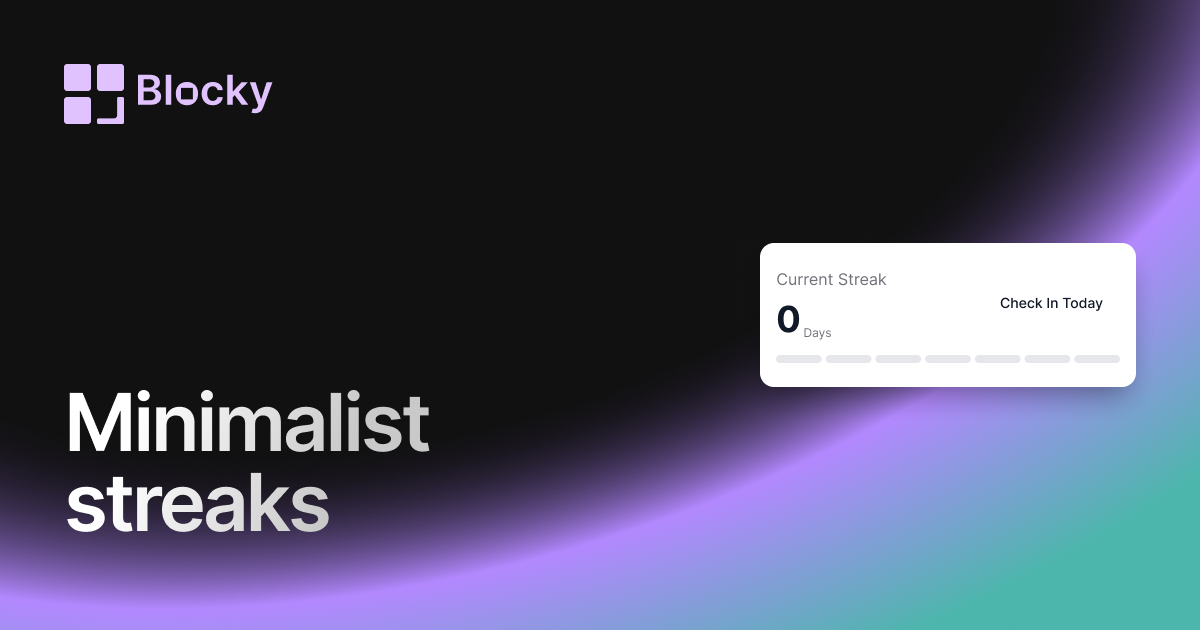
Related variant
Minimalist Notion Streak Tracker
Track Notion habit streaks with a clean, distraction-free counter for daily routines, study sessions, writing goals, or wellness check-ins.
Open related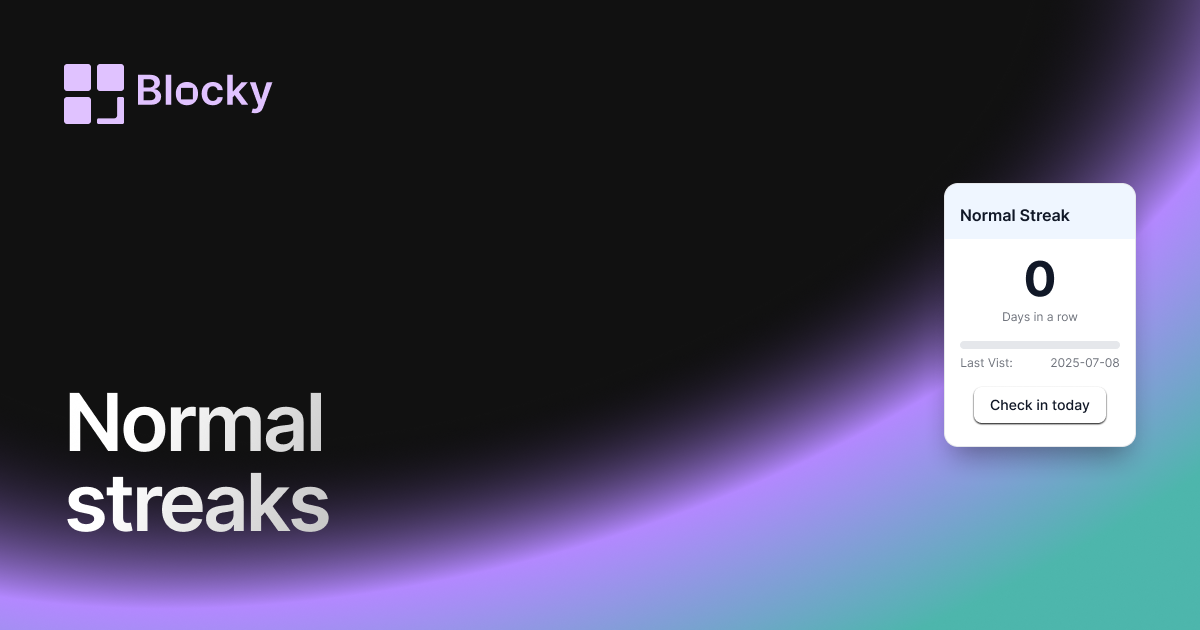
Related variant
Normal Notion Streak Tracker
Add a simple Notion streak tracker that shows how many days in a row you have completed a habit, task, routine, or goal.
Open related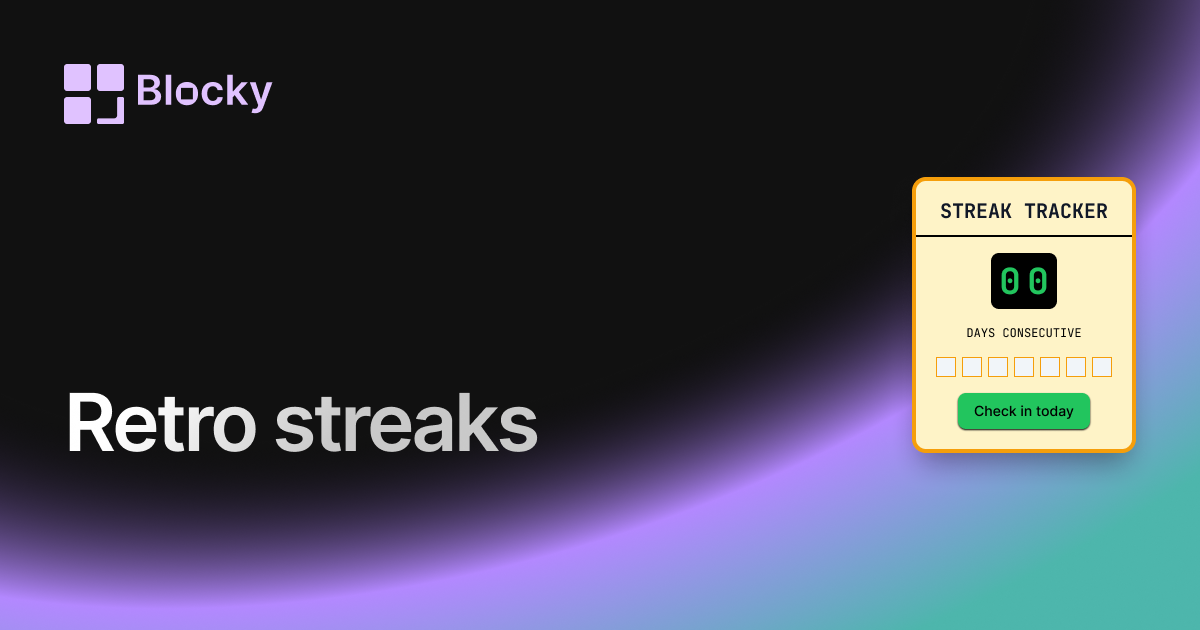
Related variant
Retro Notion Streak Tracker
Track your daily streaks in Notion with a retro-styled widget. Celebrate consistency and keep the nostalgia alive with vintage visuals and vibrant color themes.
Open related