

Gradient Flashcards
Review Notion flashcards in a colorful gradient widget with clear prompts, answers, and dashboard-friendly study sessions.
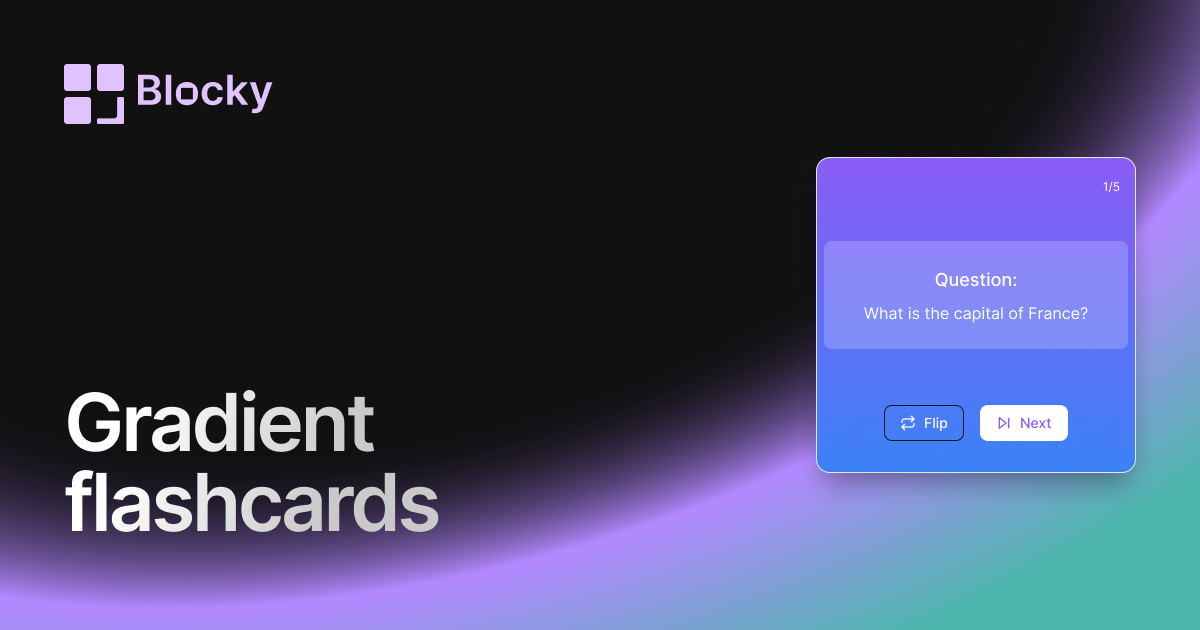
Inspect the widget before it reaches a live page.
Tune labels, data, colors, and layout from one editor.
Embed the finished specimen back into Notion.
Specimen notes — Gradient Flashcards
Question:
What is the capital of France?
Gradient Flashcards Widget for Notion
The Gradient Flashcards variant is designed for visual learners and aesthetic-driven dashboards. These colorful, animated cards help make studying more enjoyable while maintaining a powerful active recall experience.
Whether you’re building a personalized workspace, a student dashboard, or a creative review system, this widget blends learning with beauty.
Use Cases
- Visual Learning Systems: Use color-coded cards to differentiate subjects or themes.
- Notion Study Dashboards: Match your flashcards to your workspace’s style.
- Language & Topic Review: Reinforce memorization through color and movement.
- Student Journals: Add an inspiring touch to your study routines.
- Gamified Learning Pages: Embed a flashcard experience that feels playful, not stressful.
Features
- Front-and-back flip with animated gradients
- Color palette options or custom gradient builders
- Responsive card sizing for mobile and desktop
- Live preview of gradient transitions
- Optional rounded corners and soft drop shadows
Customization Options
- Choose question and answer fields from your Notion database
- Select from pre-built gradient themes or define custom "from" and "to" colors
- Toggle flip direction (horizontal or vertical)
- Adjust card radius, text color, font, and shadow strength
- Set animation duration and card alignment
Real-Time Sync
Flashcards auto-sync with your Notion database. Add or update entries, and your gradient cards will reflect those changes instantly — no manual updates needed.
How to Add It to Notion
- Open Blocky and select the Gradient Flashcards variant.
- Connect your Notion database and map the card fields.
- Choose your gradient color scheme and styling.
- Copy the embed link.
- Paste it into Notion using
/embed.
Now studying looks as good as it feels.
Nearby variants for the same type.
The current specimen is excluded so the grid only offers alternate treatments.
Related variant
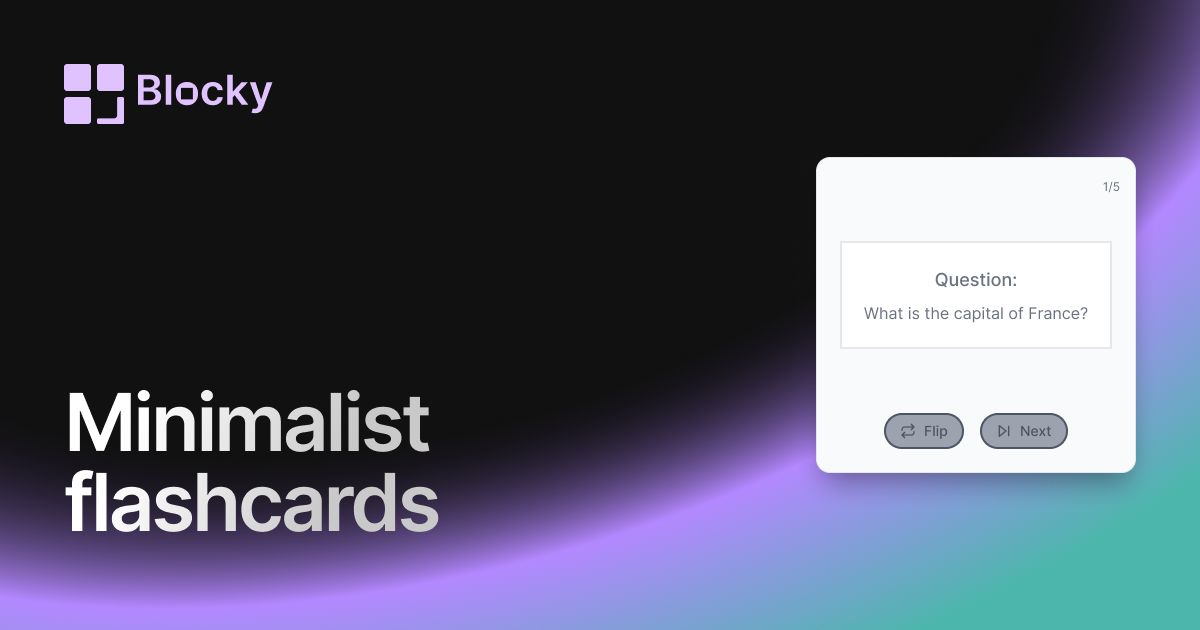
Minimalist Flashcards
Study Notion flashcards in a minimalist widget with clean prompts, simple answers, and distraction-free review sessions.
Open related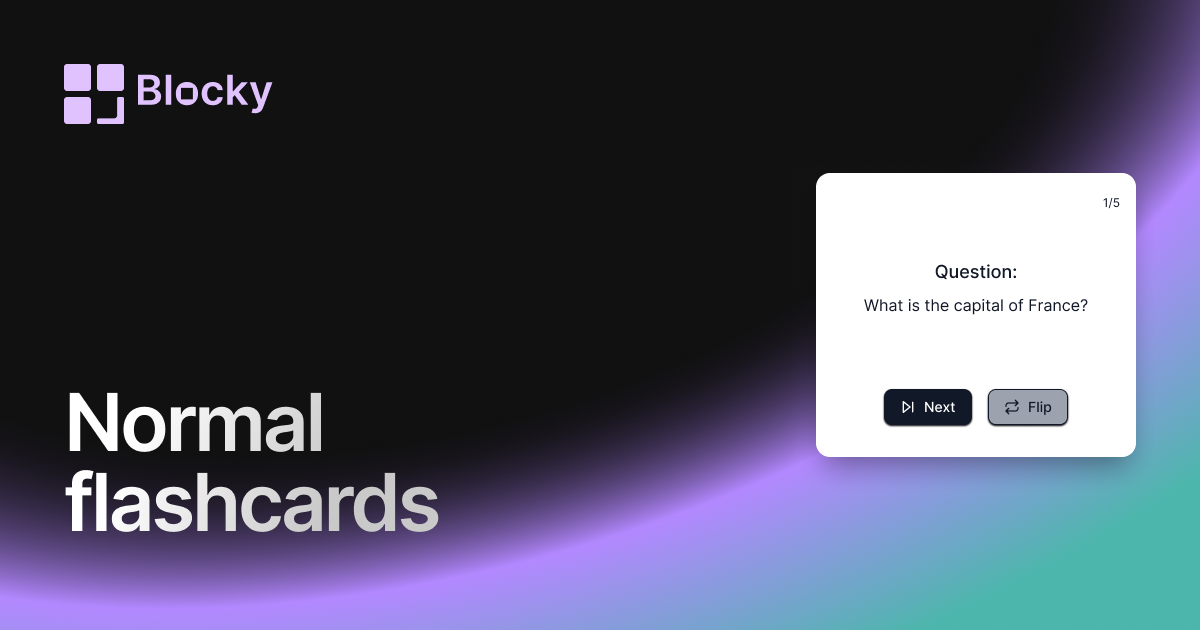
Related variant
Normal Flashcards
Add a straightforward flashcard widget to Notion with flip interactions, answer fields, and practical study-session layouts.
Open related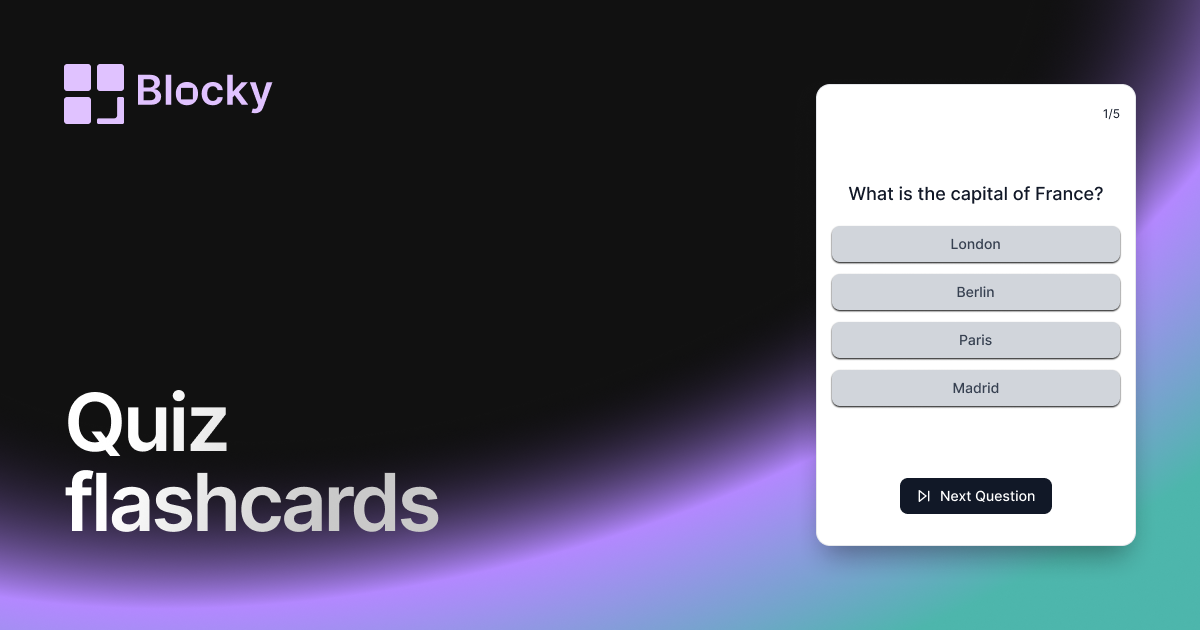
Related variant
Quiz Flashcards
Turn Notion flashcards into quiz-style reviews with multiple-choice answers, focused sessions, and embedded study widgets.
Open related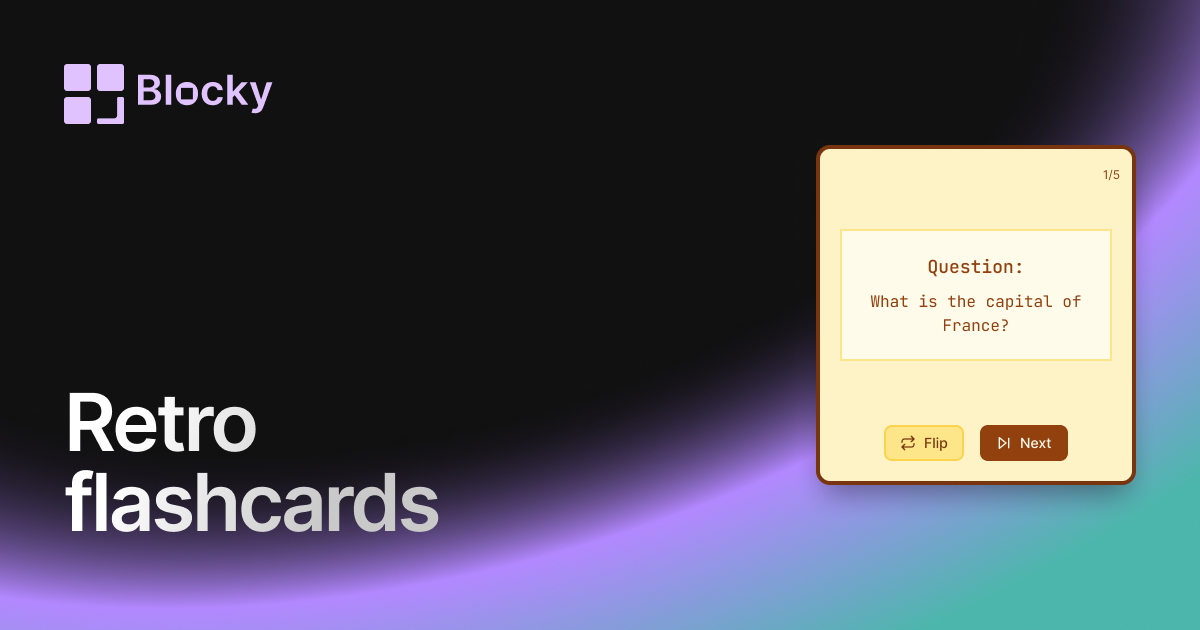
Related variant
Retro Flashcards
Use a retro Notion flashcard widget for focused review sessions, nostalgic styling, and clear question-and-answer cards.
Open related