

Retro Flashcards
Use a retro Notion flashcard widget for focused review sessions, nostalgic styling, and clear question-and-answer cards.
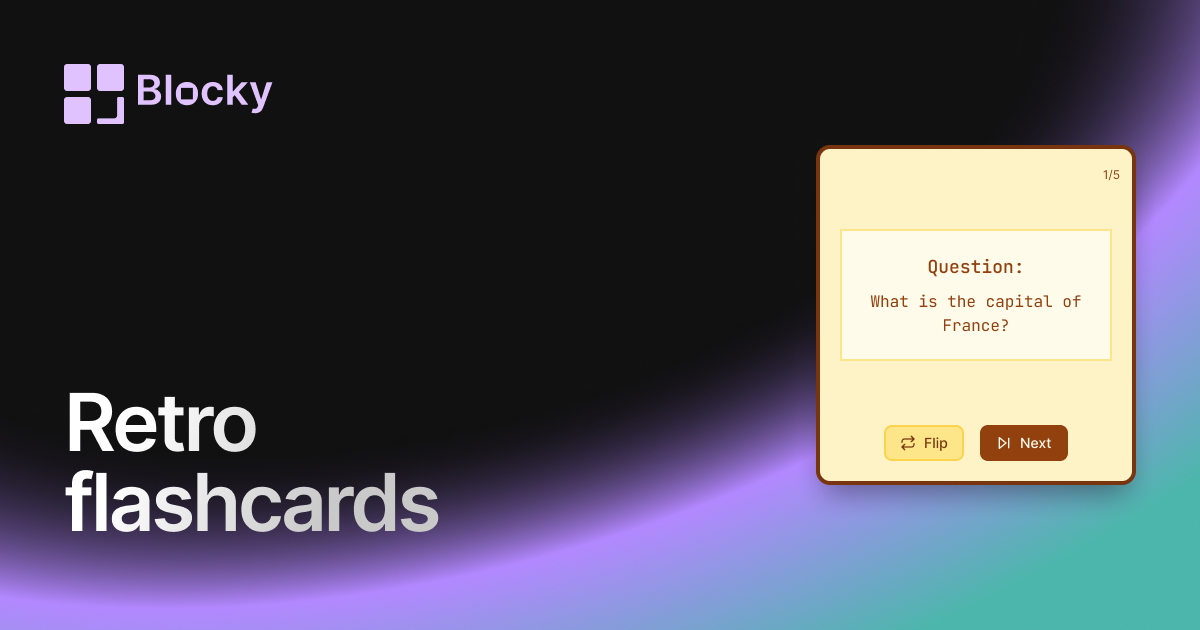
Inspect the widget before it reaches a live page.
Tune labels, data, colors, and layout from one editor.
Embed the finished specimen back into Notion.
Specimen notes — Retro Flashcards
Question:
What is the capital of France?
Retro Flashcards Widget for Notion
The Retro Flashcards variant brings a dose of nostalgia to your study routine. With pixel-style typography, old-school UI accents, and a warm, gamified feel — this widget turns your Notion dashboard into a vintage study station.
Whether you’re reviewing exam material or building a quirky second brain, the Retro Flashcards make every flip feel like a throwback.
Use Cases
- Gamified Study Dashboards: Pair with retro timers or dice rollers for a playful feel.
- Creative Class Notes: Make flashcards more engaging and fun to use.
- Themed Notion Pages: Match your pixel-based or dark mode layouts.
- Habit-Stacked Learning: Reward yourself with arcade vibes during review sessions.
- Educational Roleplay Systems: Combine with quests, XP, or levels for immersive workflows.
Features
- Retro font and UI elements (pixelated text, CRT glow, etc.)
- Flip animation with arcade-style bounce
- Color palette inspired by vintage terminals and handheld consoles
- Works great in dark mode or themed setups
- Fully responsive for mobile and tablet
Customization Options
- Connect a Notion database with front/back card fields
- Customize font style, size, and glow effect
- Choose from retro color palettes or set your own
- Toggle flip behavior and animation style
- Add borders, noise overlays, and rounded corners for extra flair
Real-Time Sync with Notion
Flashcards update instantly when you change your Notion database. Add new questions, edit answers, or theme your decks — the widget always reflects the latest version.
How to Embed It in Notion
- Open Blocky and choose the Retro Flashcards variant.
- Connect your Notion database.
- Customize font, color, and card styling to match your retro aesthetic.
- Copy the embed link.
- Paste it into Notion using
/embed.
Your learning space just got an upgrade… from the past.
Nearby variants for the same type.
The current specimen is excluded so the grid only offers alternate treatments.
Related variant
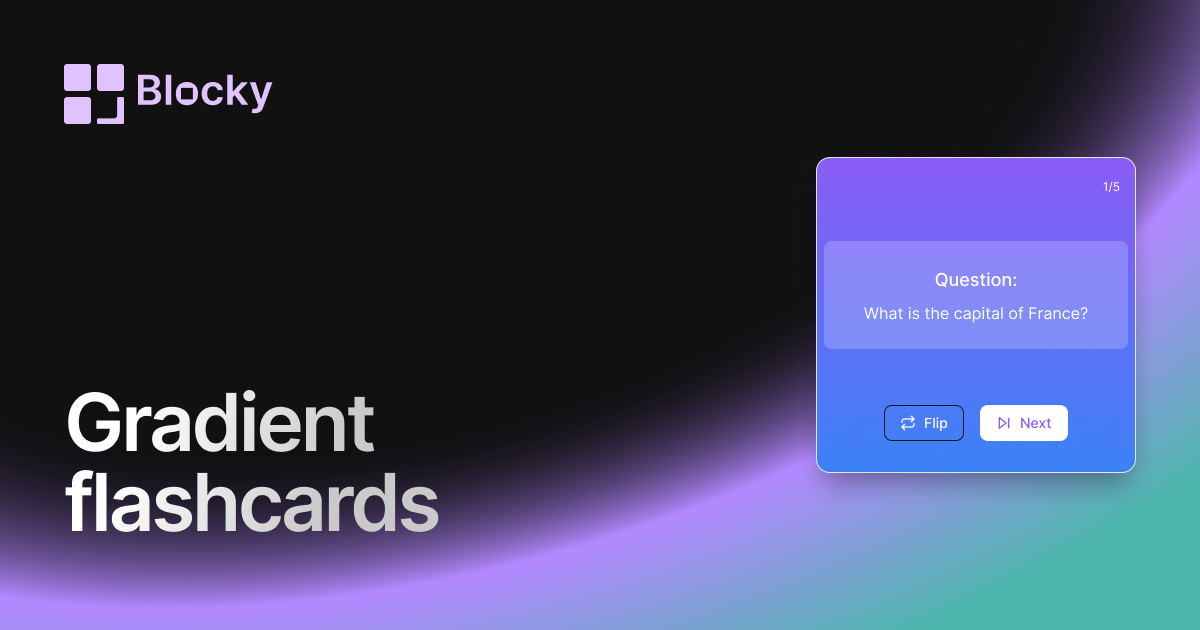
Gradient Flashcards
Review Notion flashcards in a colorful gradient widget with clear prompts, answers, and dashboard-friendly study sessions.
Open related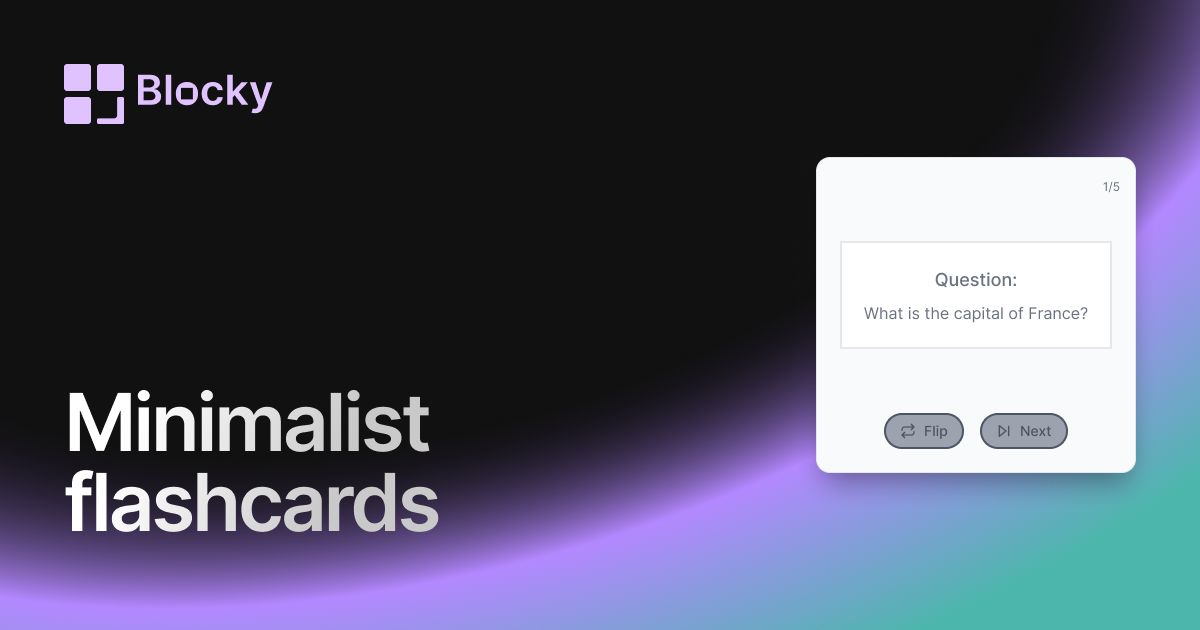
Related variant
Minimalist Flashcards
Study Notion flashcards in a minimalist widget with clean prompts, simple answers, and distraction-free review sessions.
Open related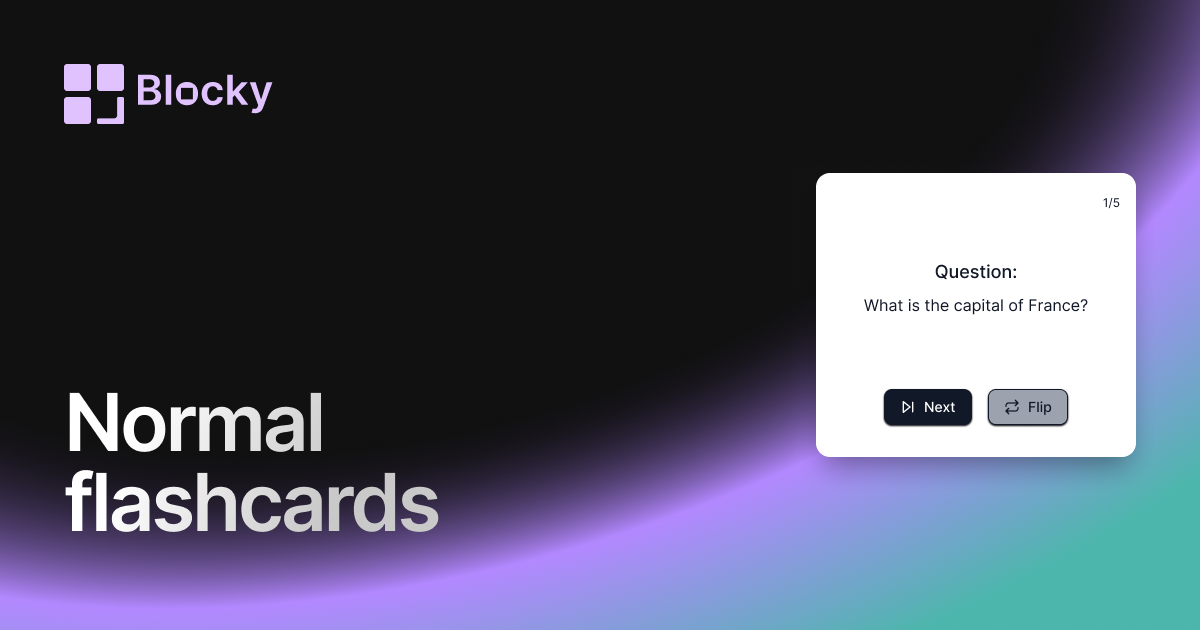
Related variant
Normal Flashcards
Add a straightforward flashcard widget to Notion with flip interactions, answer fields, and practical study-session layouts.
Open related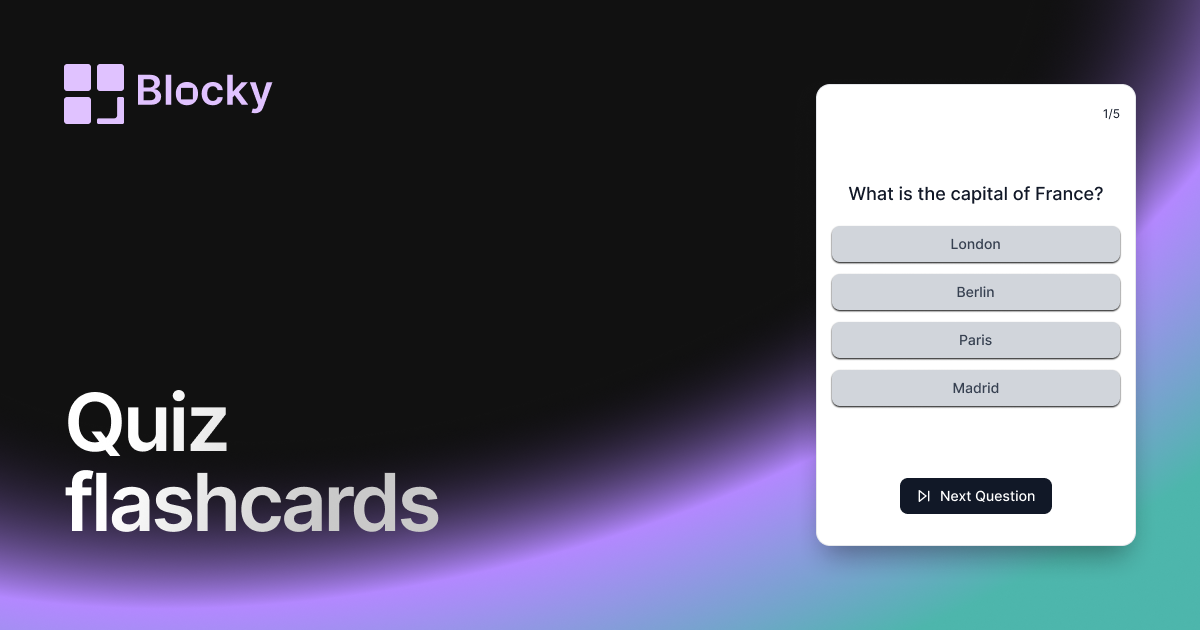
Related variant
Quiz Flashcards
Turn Notion flashcards into quiz-style reviews with multiple-choice answers, focused sessions, and embedded study widgets.
Open related