

Minimalist Flashcards
Study Notion flashcards in a minimalist widget with clean prompts, simple answers, and distraction-free review sessions.
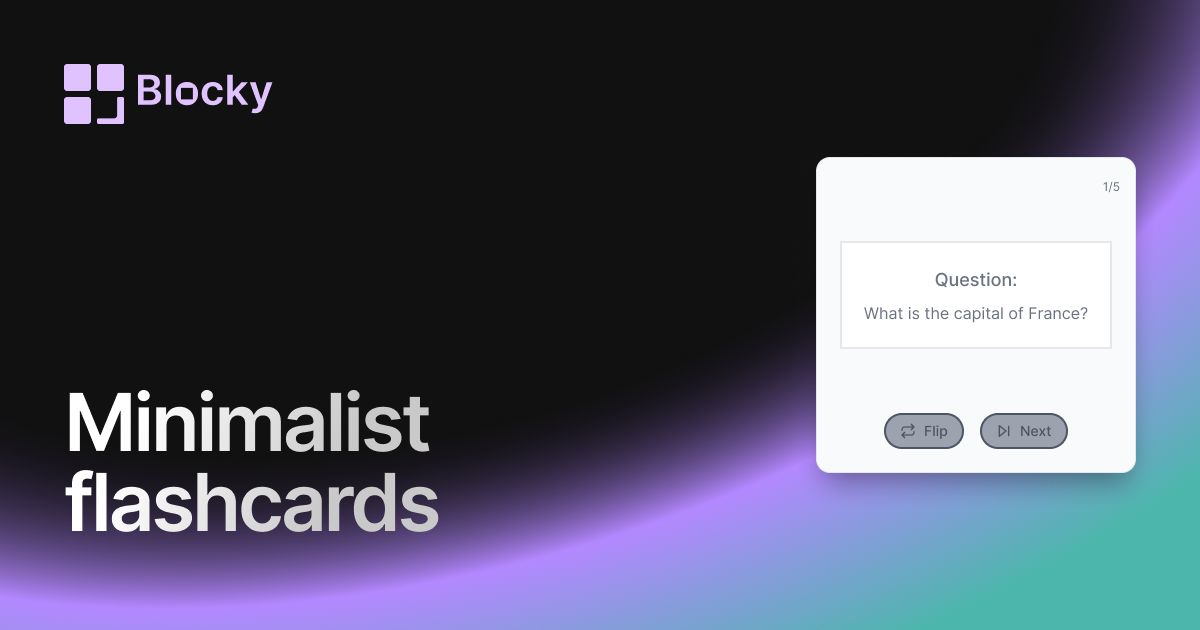
Inspect the widget before it reaches a live page.
Tune labels, data, colors, and layout from one editor.
Embed the finished specimen back into Notion.
Specimen notes — Minimalist Flashcards
Question:
What is the capital of France?
Minimalist Flashcards Widget for Notion
The Minimalist Flashcards variant strips away visual noise to create a calm, focused study experience. With a sleek, simple design, these cards help you concentrate on the content — not the chrome.
Whether you're prepping for exams, reviewing vocabulary, or building a daily learning habit, the Minimalist Flashcards are designed for maximum clarity and minimum distraction.
Use Cases
- Daily Review Sessions: Cycle through flashcards quickly with a clean interface.
- Text-Heavy Study Material: Let your content shine without visual clutter.
- Night Mode Dashboards: Pairs well with light or dark minimalist Notion setups.
- Calm Learning Workflows: Supports gentle, focused recall without visual fatigue.
- Revision Pages: Embed flashcards directly into study or note-taking pages.
Features
- Ultra-slim card layout with minimal styling
- Clean typeface, ample white space, and no borders or shadows
- Smooth front-back flip for active recall
- Mobile-responsive for learning on the go
- Perfect for light or monochrome Notion themes
Customization Options
- Select Notion fields for front/back content
- Toggle flip animation (or disable for instant swap)
- Set font, font size, and line height
- Customize card padding and spacing
- Choose text alignment (left, center, right)
- Background: transparent, light gray, or your Notion theme
Always Synced with Notion
Minimalist Flashcards stay in sync with your Notion database. You can update questions, answers, or decks anytime — no rebuild or export required.
How to Add It to Notion
- Go to Blocky and choose the Minimalist Flashcards variant.
- Connect your Notion database.
- Map your question and answer fields.
- Apply minimalist styling and font settings.
- Copy the embed link.
- Paste into Notion using
/embed.
That’s it — just the facts, no fluff.
Nearby variants for the same type.
The current specimen is excluded so the grid only offers alternate treatments.
Related variant
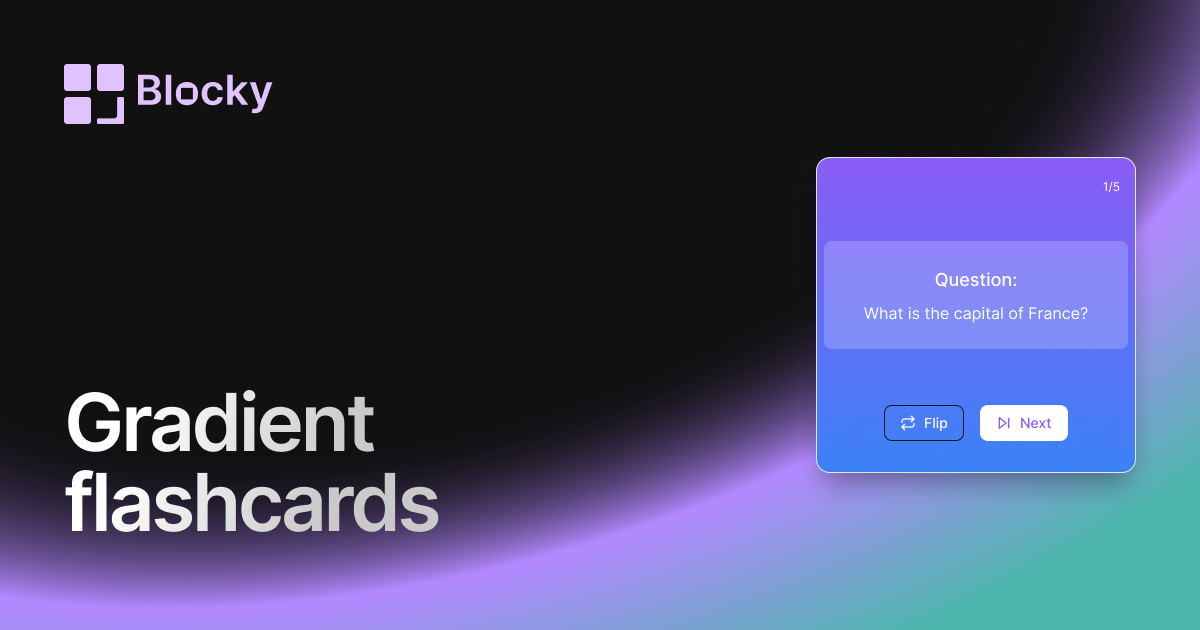
Gradient Flashcards
Review Notion flashcards in a colorful gradient widget with clear prompts, answers, and dashboard-friendly study sessions.
Open related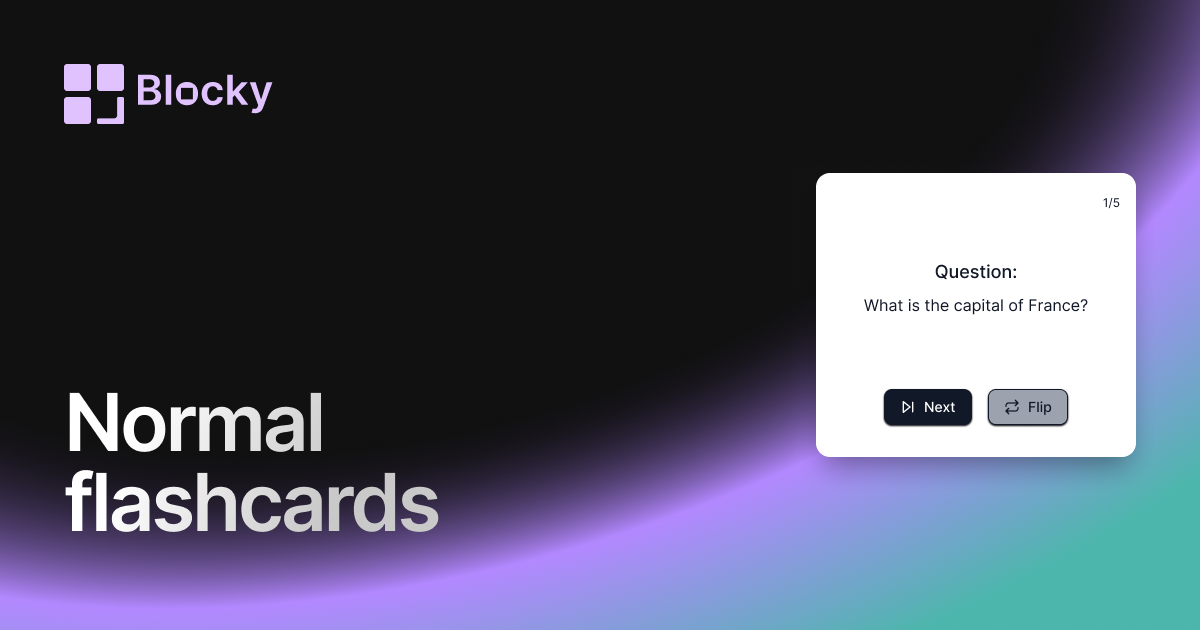
Related variant
Normal Flashcards
Add a straightforward flashcard widget to Notion with flip interactions, answer fields, and practical study-session layouts.
Open related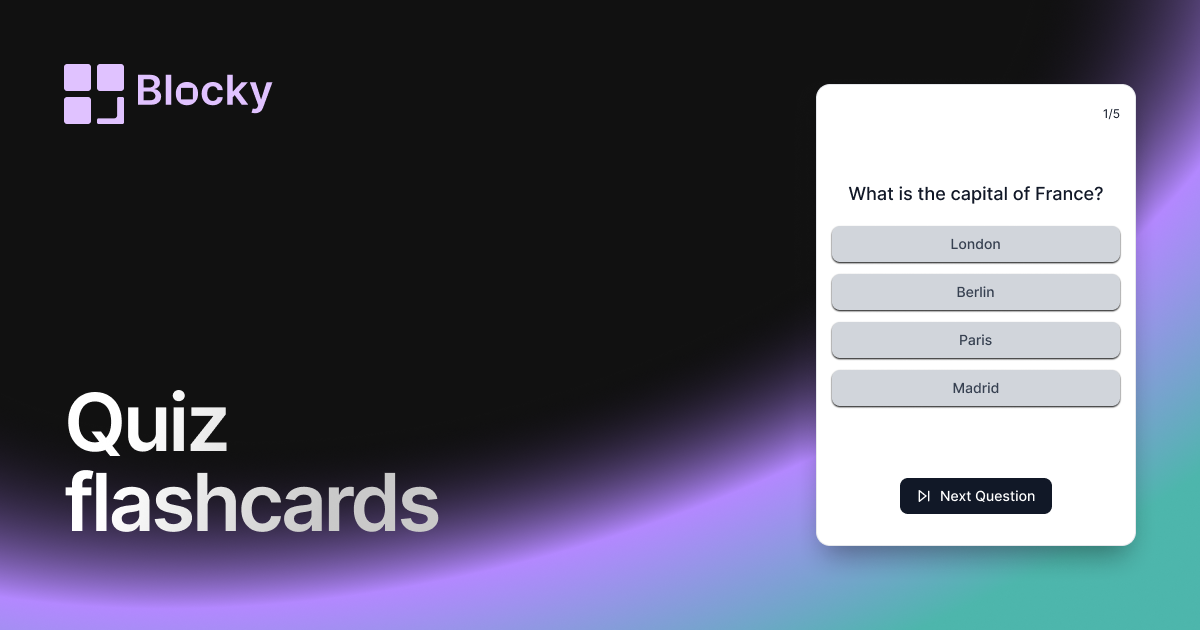
Related variant
Quiz Flashcards
Turn Notion flashcards into quiz-style reviews with multiple-choice answers, focused sessions, and embedded study widgets.
Open related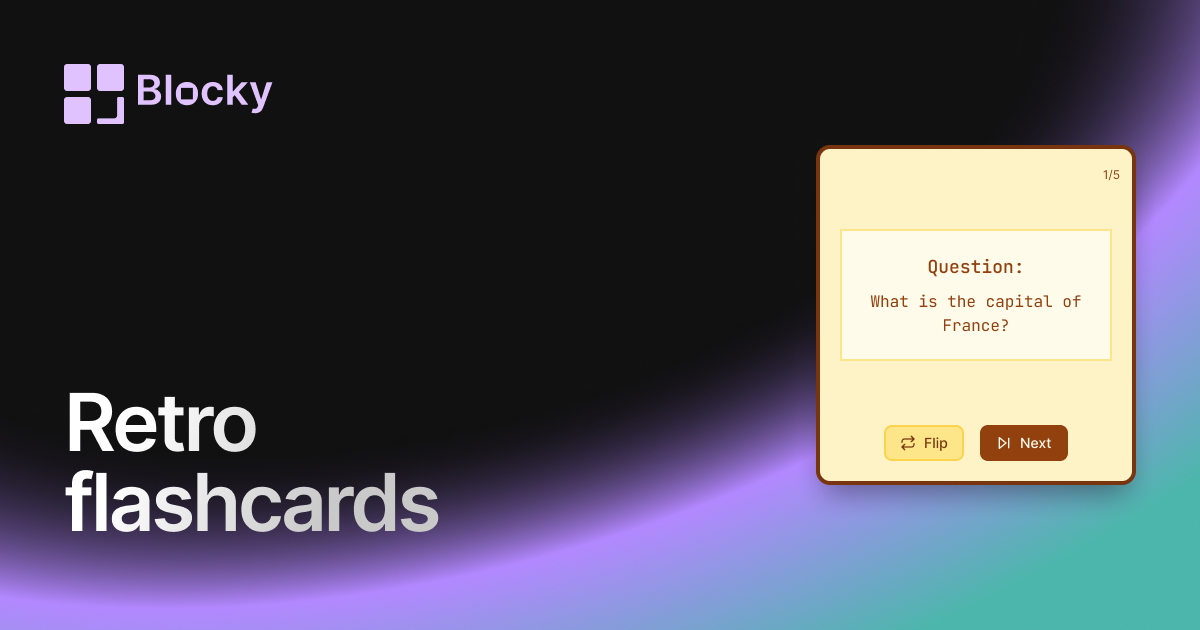
Related variant
Retro Flashcards
Use a retro Notion flashcard widget for focused review sessions, nostalgic styling, and clear question-and-answer cards.
Open related