

Retro Pomodoro
Bring vintage charm to your productivity routine with a pixel-inspired Retro Pomodoro timer for Notion.
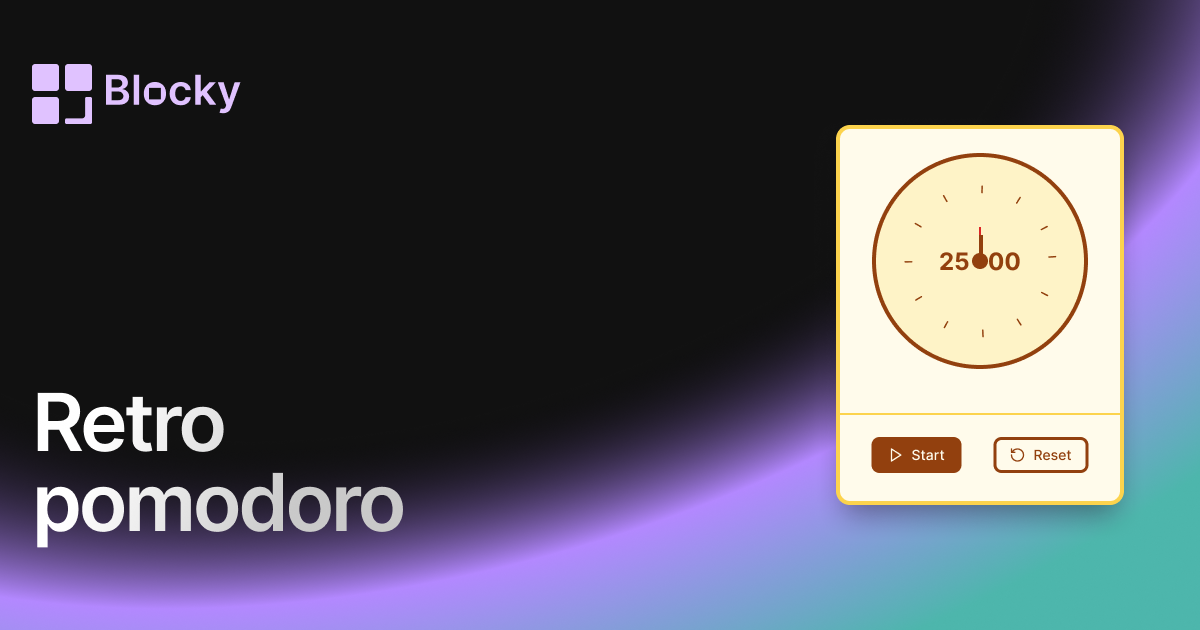
Inspect the widget before it reaches a live page.
Tune labels, data, colors, and layout from one editor.
Embed the finished specimen back into Notion.
Specimen notes — Retro Pomodoro
Retro Pomodoro Timer for Notion
The Retro Pomodoro Timer transforms your Notion dashboard into a nostalgic productivity zone. With warm tones, pixel-style visuals, and vintage color palettes, this timer evokes the charm of analog clocks, 80s tech, and retro desk setups — all while keeping you focused with Pomodoro-style timeboxing.
If you love pixel fonts, cozy themes, or themed Notion dashboards, this one's for you.
What Is It?
The Retro Pomodoro Timer functions just like a classic Pomodoro tool — offering timed focus intervals and breaks — but wrapped in a nostalgic, analog-style skin. With rotating clock hands, rounded markers, and golden-accented buttons, it adds character to your daily routine.
It’s not just a timer — it’s a vibe.
Use Cases
- Themed Dashboards: Perfect for retro-themed Notion layouts, pixel art lovers, or old-school journaling pages.
- Creative Routine Tracking: Add personality while maintaining your focus.
- Gamified Pomodoros: Feels like a productivity minigame when paired with other vintage widgets.
- Aesthetic Study Setups: Match your study page with warm, analog energy.
Customization Options
While the retro aesthetic is opinionated, you still get full control over key visuals and behavior.
Editable Settings:
- Focus, Short Break, and Long Break durations
- Clock face, hands, and background colors
- Timer text and border colors
- Start/Reset button design
- Card and footer styling
Dial in the throwback feel — from golden yellows to sepia tones — or blend vintage with modern for a unique twist.
How It Works
Like every Pomodoro timer in Blocky, this variant supports:
- Custom focus sessions (e.g., 25 minutes)
- Short/long breaks (5–15 minutes)
- Manual start/reset controls
- Real-time countdown and visual feedback
But unlike other variants, it also looks like an old-school desktop timer, complete with rotating minute and second hands.
How to Embed It in Notion
- Go to Blocky and select the Retro Pomodoro Timer.
- Set your session durations.
- Choose your clock style and colors.
- Copy the embed link.
- Paste it into your Notion page using
/embed.
Now you’re tracking time like it’s 1992 — but smarter.
Nearby variants for the same type.
The current specimen is excluded so the grid only offers alternate treatments.
Related variant
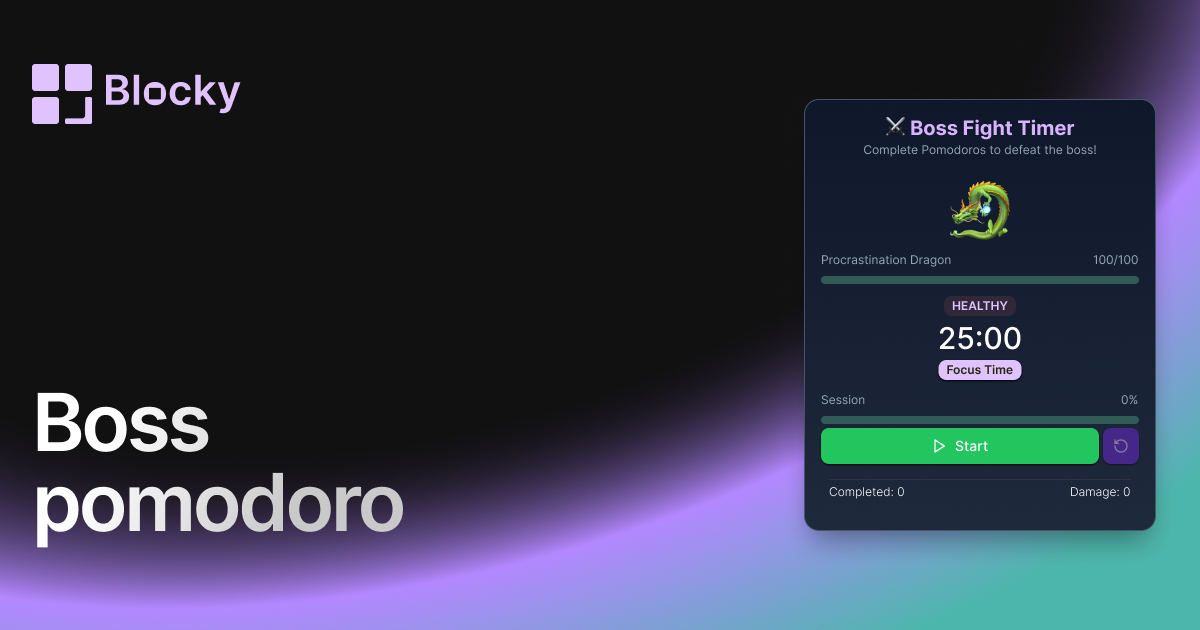
Boss Pomodoro
Turn your focus sessions into a battle! Defeat a boss with each completed Pomodoro cycle, making productivity feel like an RPG quest inside Notion.
Open related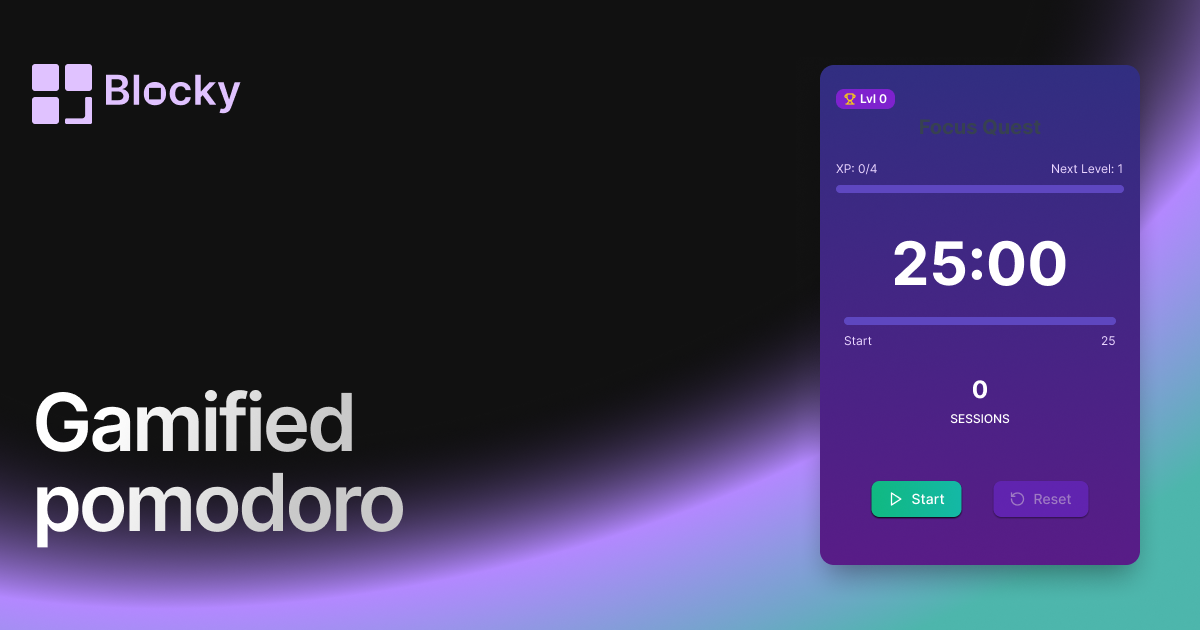
Related variant
Gamified Pomodoro
Stay productive with a gamified Pomodoro timer for Notion — level up your focus and earn rewards as you go.
Open related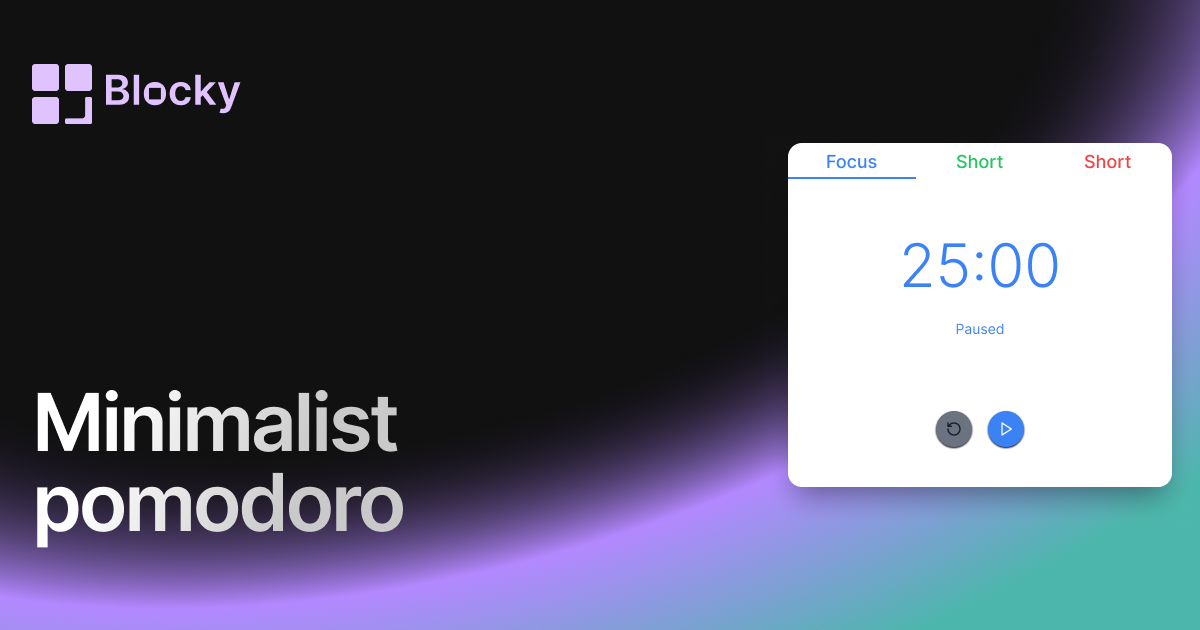
Related variant
Minimalist Pomodoro
Stay focused with a distraction-free minimalist Pomodoro timer — designed to blend perfectly with clean Notion layouts.
Open related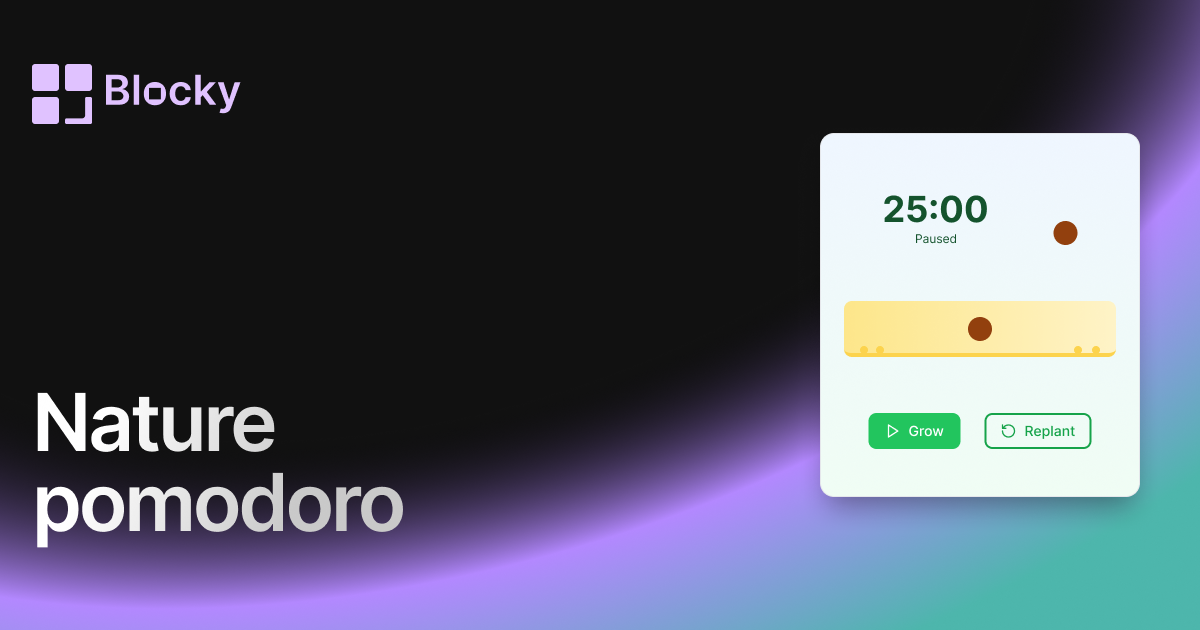
Related variant
Nature Pomodoro
Bring calm and clarity to your workflow with a nature-themed Pomodoro timer — complete with gradients and growing plants.
Open related