

Circular Progress Tracker
Track progress with a beautiful circular widget that fits cleanly in your Notion dashboard.
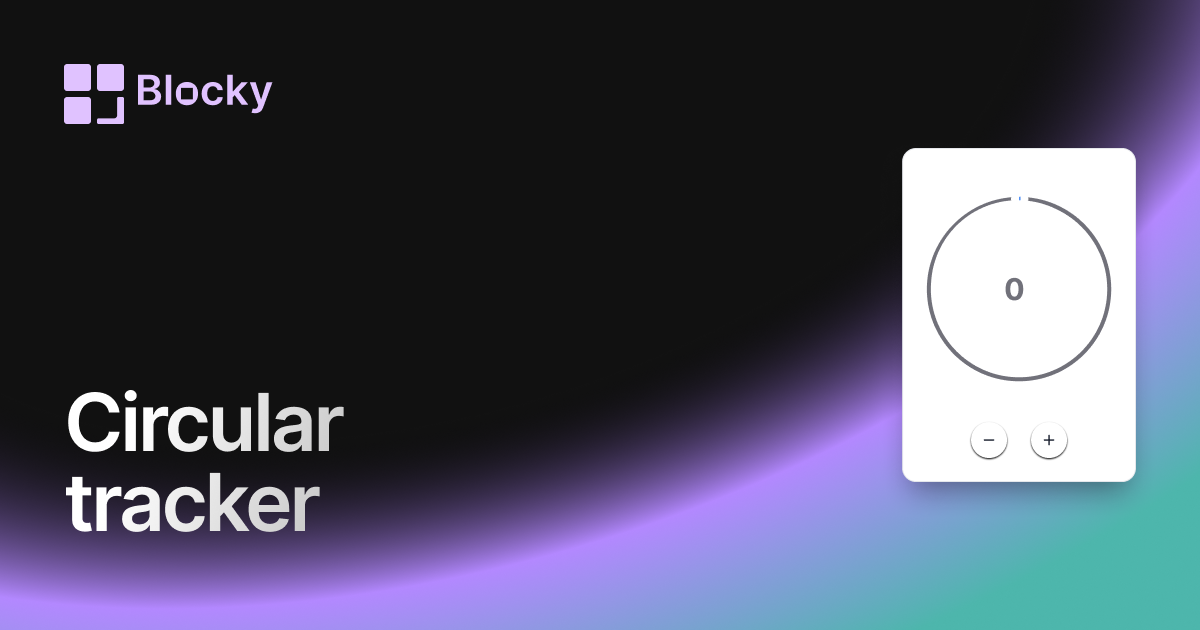
Inspect the widget before it reaches a live page.
Tune labels, data, colors, and layout from one editor.
Embed the finished specimen back into Notion.
Specimen notes — Circular Progress Tracker
Circular Progress Tracker Widget for Notion
The Circular Progress Tracker offers a compact, modern way to visualize your progress using a round format. Ideal for dashboards that focus on goals, habits, or milestones, this widget brings balance and beauty to your Notion workspace—while staying 100% in sync with your data.
Whether you're aiming for 100 study sessions or tracking a project countdown, this circle shows your progress at a glance.
Use Cases
- Goal Rings: Track percentage-based progress toward a personal or team goal.
- Study Completion: Show how many chapters or review sessions are done.
- Fitness Milestones: Display progress toward reps, workouts, or time targets.
- Project Wrap-Up: Embed progress rings for tasks, bugs, or features.
- Challenge Dashboards: Track 30-day or 100-day challenges visually.
Features
- Circular ring that fills based on Notion data
- Center text for % complete, raw numbers, or custom label
- Optional animation when value updates
- Clean visual appearance for dashboards and columns
- Responsive sizing for wide or narrow layouts
Customization Options
- Link to a Notion database with “done” and “total” fields
- Adjust thickness, radius, and stroke color
- Customize center text style, format, and font
- Choose animation type: smooth, bounce, or static
- Light/dark theme support with auto-detect
- Optional label: title, emoji, or icon inside/outside the ring
Real-Time Notion Sync
As your database updates—whether tasks are completed or goals move forward—the Circular Progress Tracker reflects the latest state instantly. No syncing required.
How to Embed in Notion
- Visit Blocky and select the Circular Progress Tracker variant.
- Connect your Notion database.
- Choose your total and completed field setup.
- Customize the ring style, size, and display format.
- Copy your embed URL and paste into Notion with
/embed.
That’s it—round, reliable progress, always in view.
Nearby variants for the same type.
The current specimen is excluded so the grid only offers alternate treatments.
Related variant
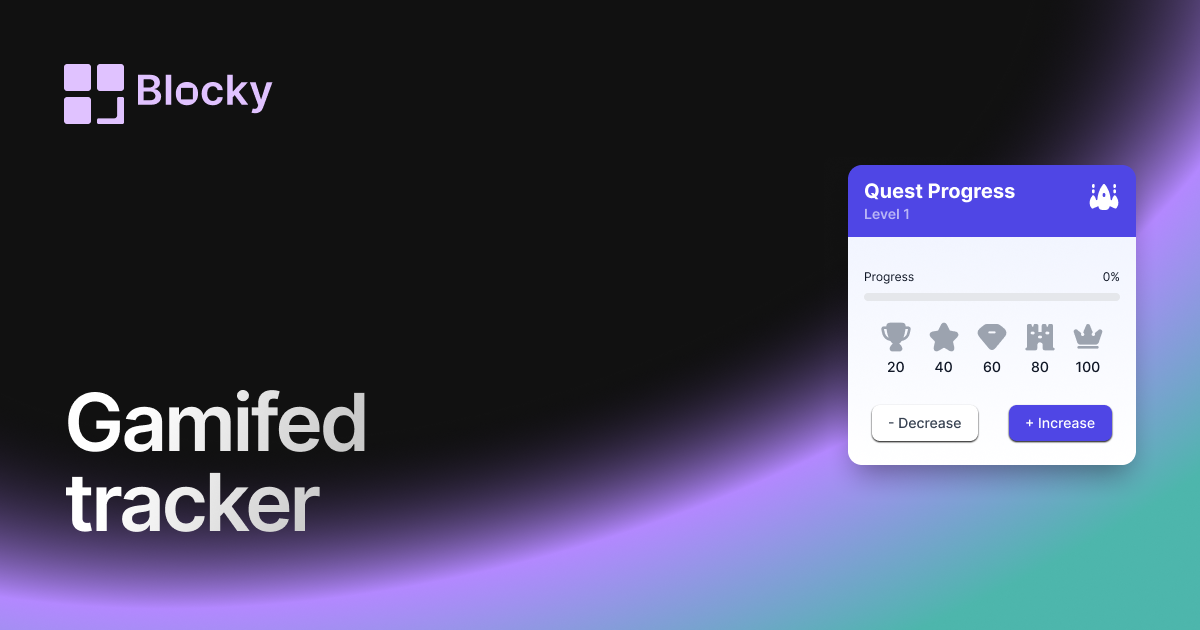
Gamified Progress Tracker
Track Notion goals with a gamified progress widget that adds rewards, milestones, and motivation to daily dashboards.
Open related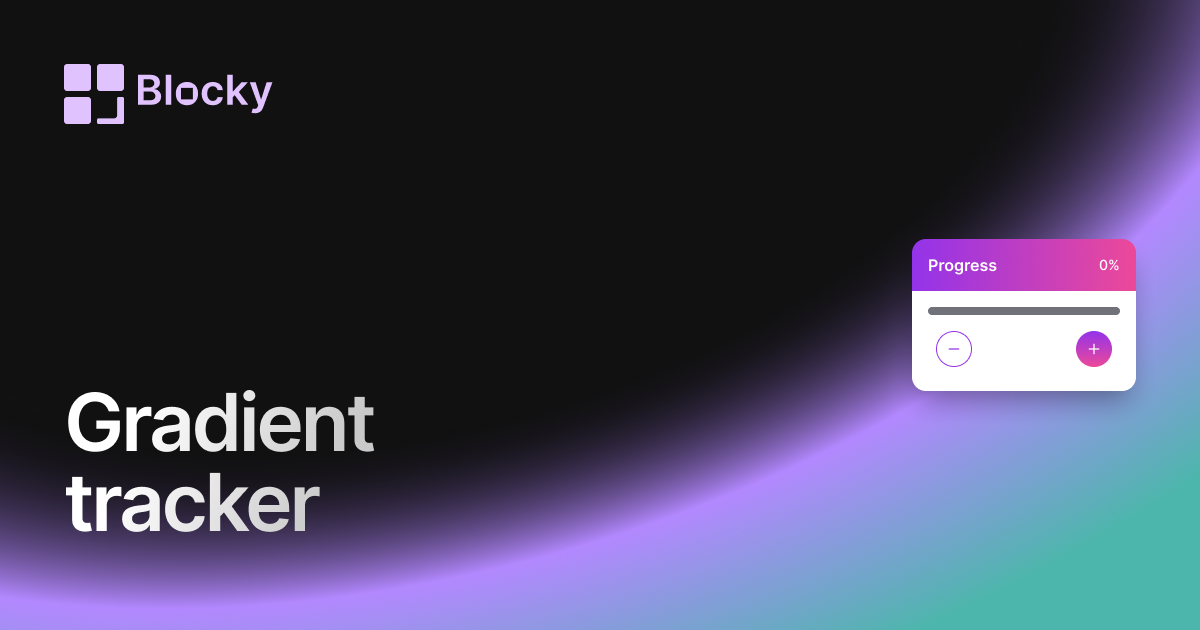
Related variant
Gradient Progress Tracker
Add a gradient progress tracker to Notion for colorful goal tracking, study progress, project milestones, and habits.
Open related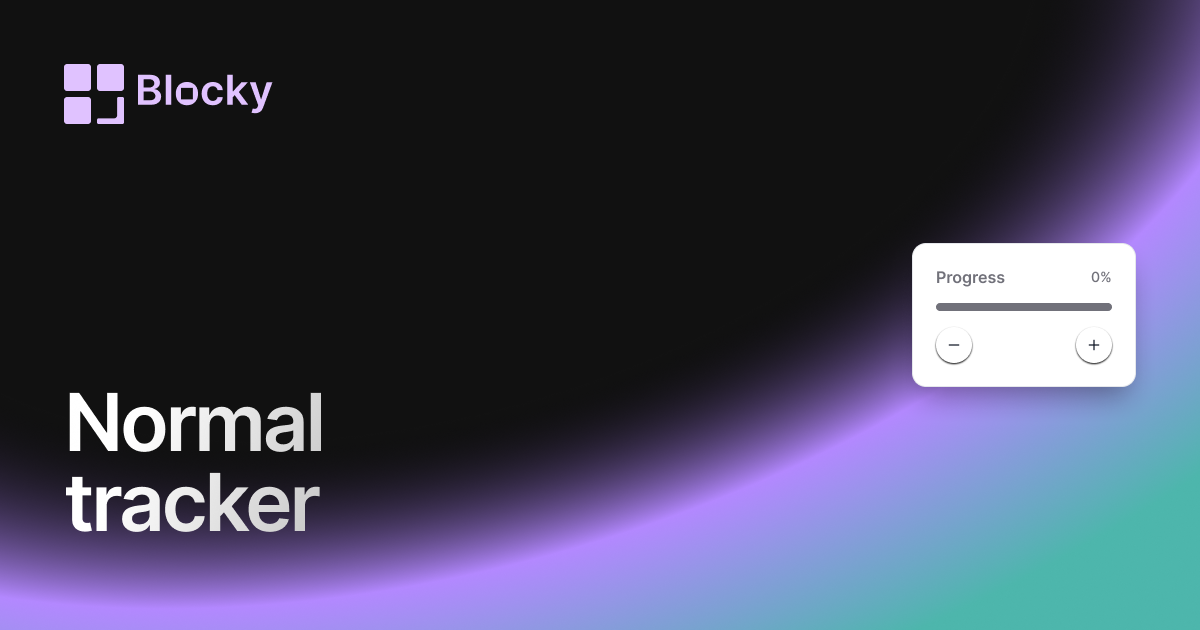
Related variant
Normal Progress Trackers
Track goals and habits in Notion with a clean progress tracker widget for projects, study plans, and routines.
Open related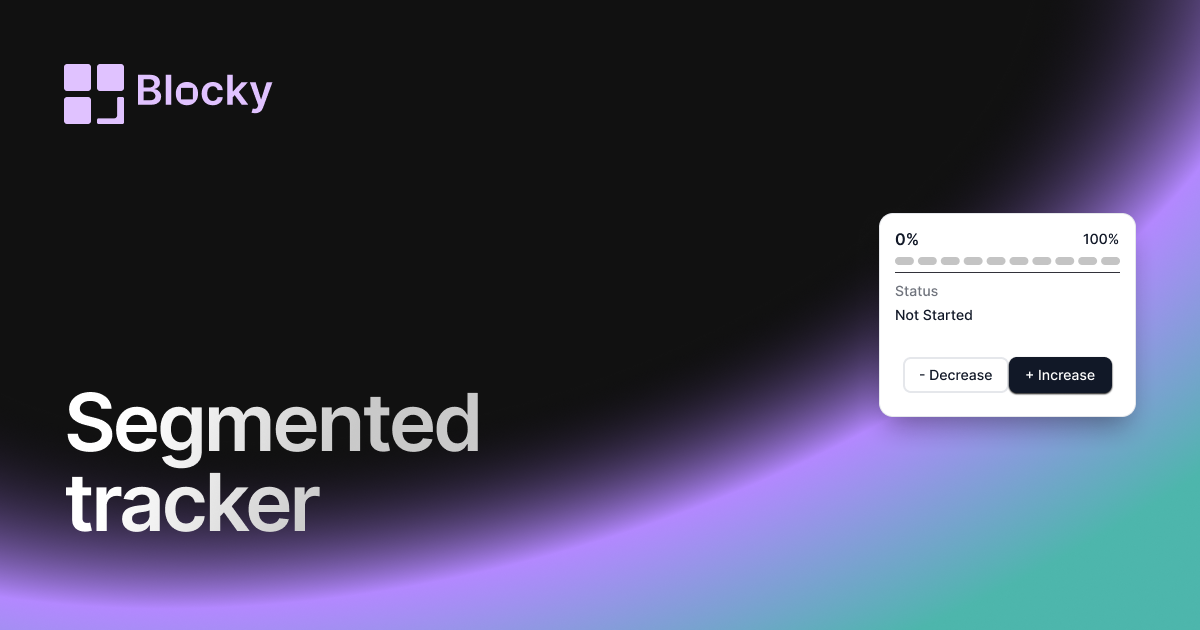
Related variant
Segmented Progress Tracker
Track Notion goals step by step with segmented progress bars for projects, habits, courses, and milestone dashboards.
Open related