

Segmented Progress Tracker
Track Notion goals step by step with segmented progress bars for projects, habits, courses, and milestone dashboards.
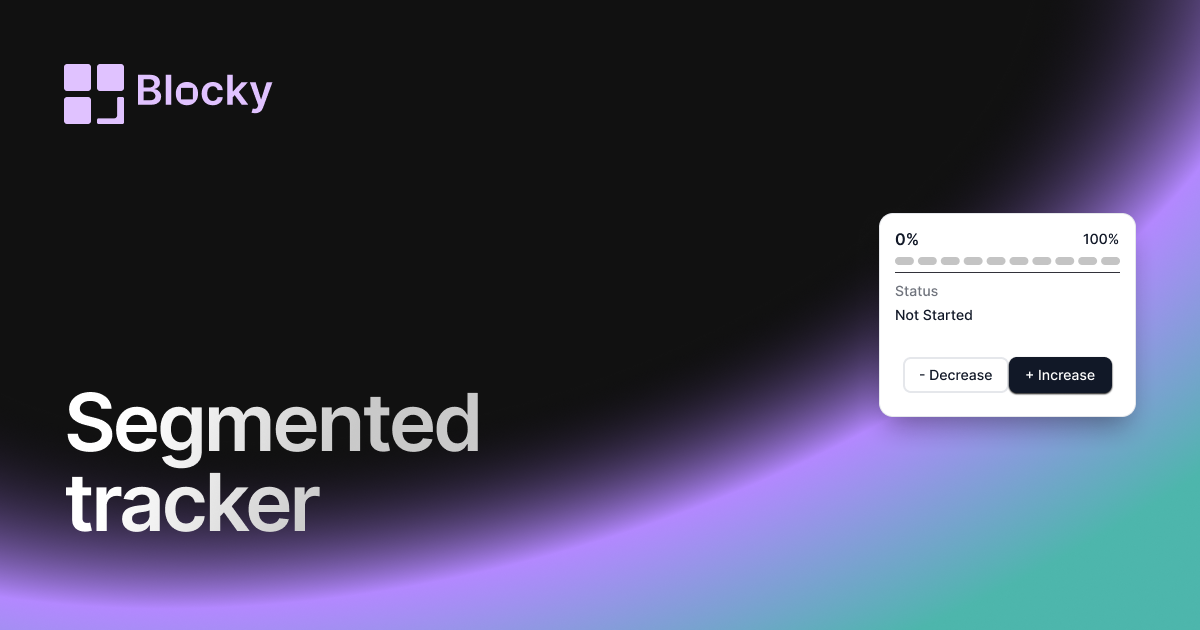
Inspect the widget before it reaches a live page.
Tune labels, data, colors, and layout from one editor.
Embed the finished specimen back into Notion.
Specimen notes — Segmented Progress Tracker
Segmented Progress Tracker Widget for Notion
The Segmented Progress Tracker visualizes your progress one step at a time. Rather than a continuous fill, it uses distinct blocks or segments to show how many milestones or items you’ve completed. It’s ideal for workflows that emphasize structure, rhythm, or incremental wins.
Perfect for study sprints, habit chains, or building a system that shows how small steps lead to big results.
Use Cases
- Study Sessions: Visualize 5 out of 10 completed chapters or lessons.
- Step-by-Step Goals: Track project stages or multi-step plans.
- Weekly Habit Loops: Mark off habits daily using segments.
- Roadmap Progress: Show how close you are to each phase in a launch or build.
- Checklist Visuals: Tie the number of completed tasks to a segmented visual bar.
Features
- Displays progress as discrete blocks or segments
- Fills segments individually as completion increases
- Optional labels for each step or milestone
- Flexible layout: horizontal, vertical, stacked, or grid
- Supports both percentage and raw value modes
Customization Options
- Connect to a Notion database with item count or manual goal total
- Choose number of segments (auto or fixed)
- Set segment spacing, radius, color (static or dynamic)
- Toggle labels: number, percentage, or step titles
- Align layout for sidebars, full-width dashboards, or mobile
- Enable animations for each segment reveal
Syncs with Notion Automatically
The Segmented Progress Tracker updates in real-time as your database entries are checked off or values updated. Each segment represents tangible progress toward your goal.
How to Embed in Notion
- Go to Blocky and choose the Segmented Progress Tracker variant.
- Connect your Notion database.
- Set your completion fields and number of segments.
- Style your tracker (color, size, labels).
- Copy your embed link and paste it into Notion using
/embed.
Now every step forward is visually rewarding.
Nearby variants for the same type.
The current specimen is excluded so the grid only offers alternate treatments.
Related variant
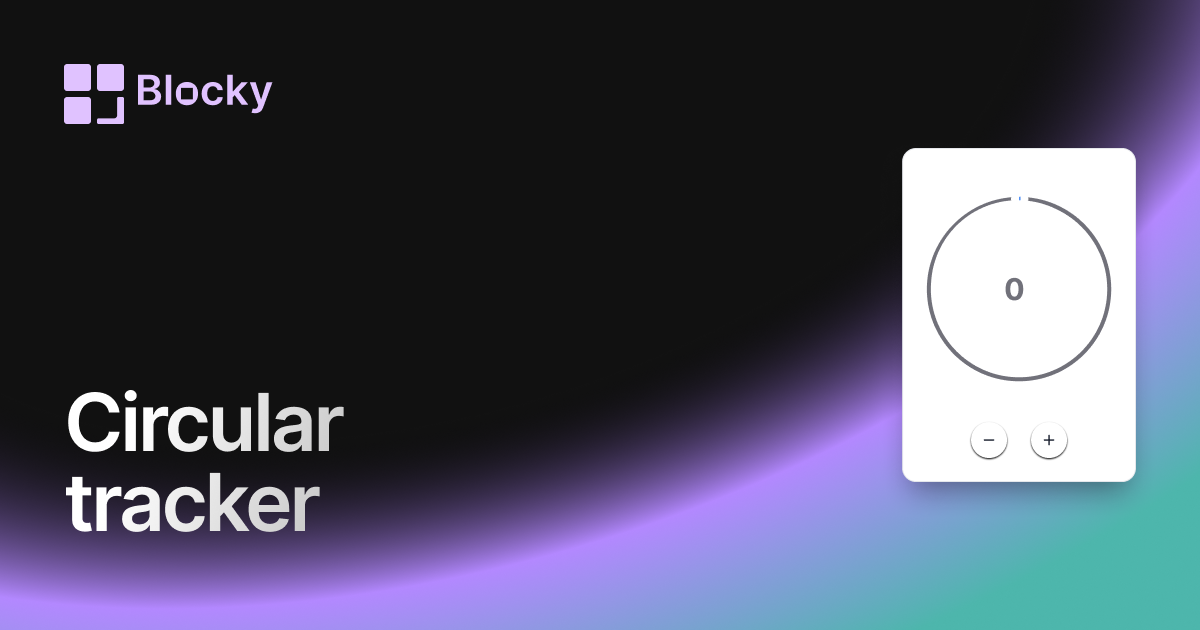
Circular Progress Tracker
Track progress with a beautiful circular widget that fits cleanly in your Notion dashboard.
Open related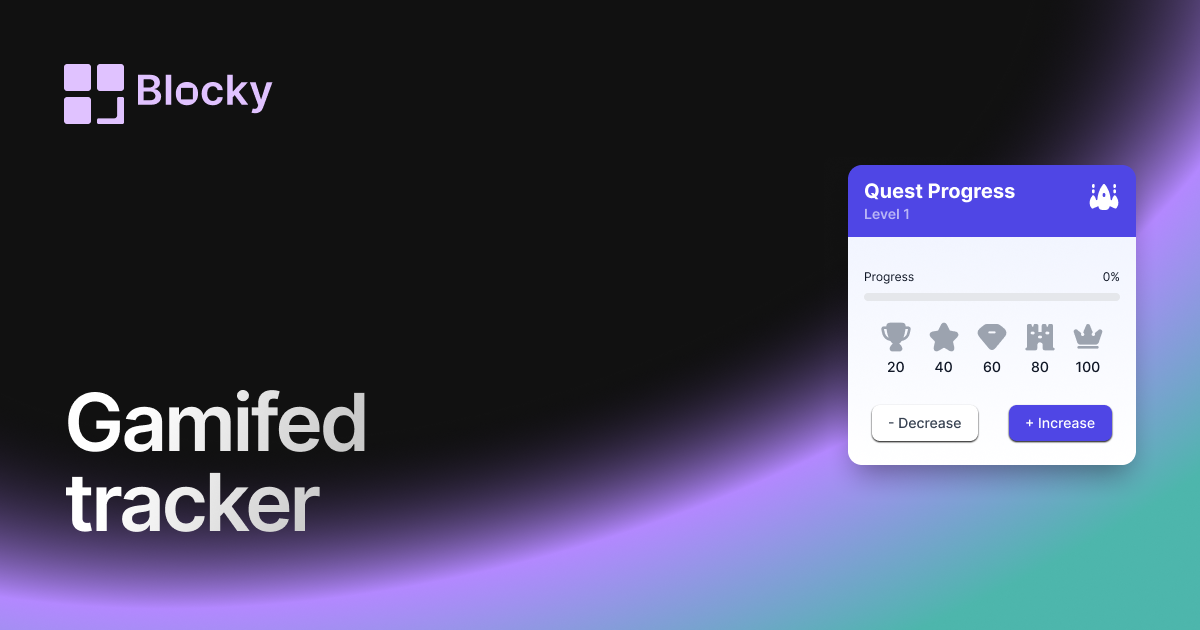
Related variant
Gamified Progress Tracker
Track Notion goals with a gamified progress widget that adds rewards, milestones, and motivation to daily dashboards.
Open related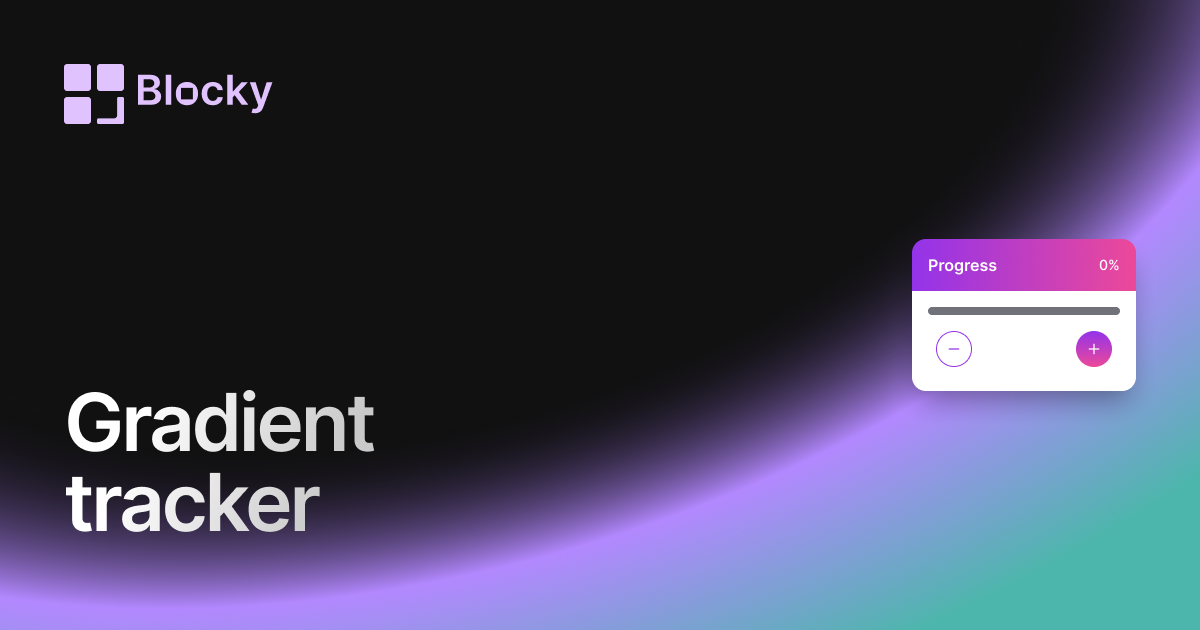
Related variant
Gradient Progress Tracker
Add a gradient progress tracker to Notion for colorful goal tracking, study progress, project milestones, and habits.
Open related
Related variant
Normal Progress Trackers
Track goals and habits in Notion with a clean progress tracker widget for projects, study plans, and routines.
Open related