

Normal Progress Trackers
Track goals and habits in Notion with a clean progress tracker widget for projects, study plans, and routines.
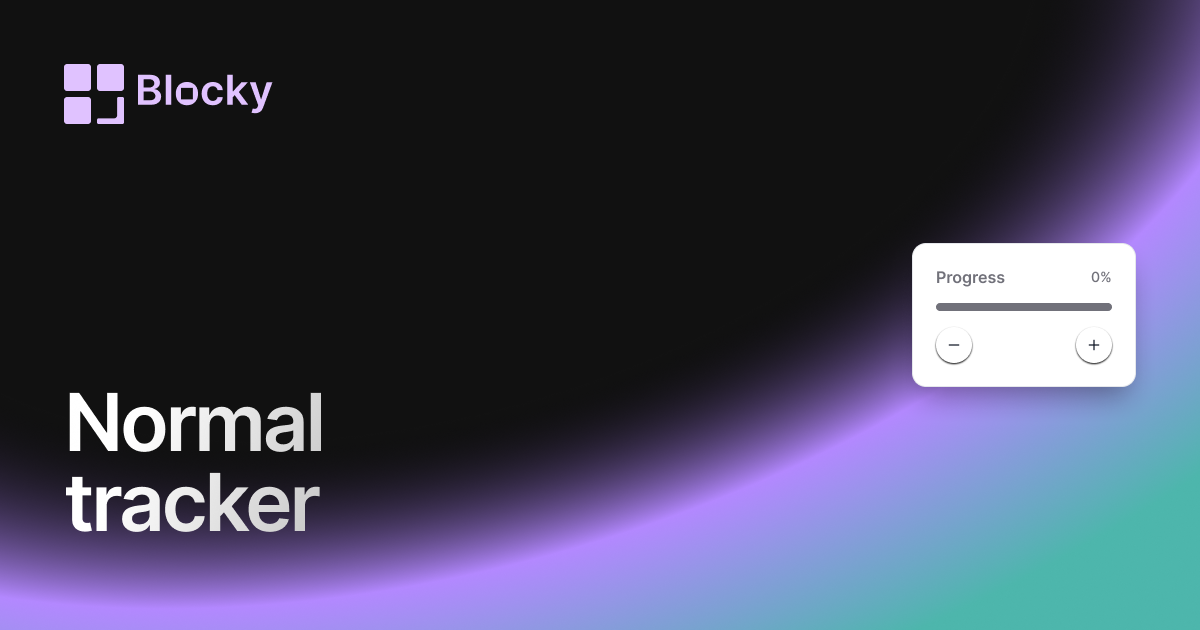
Inspect the widget before it reaches a live page.
Tune labels, data, colors, and layout from one editor.
Embed the finished specimen back into Notion.
Specimen notes — Normal Progress Trackers
Normal Progress Tracker Widget for Notion
The Normal Progress Tracker is a straightforward and effective way to visualize progress from your Notion database. Whether you’re managing tasks, learning objectives, or personal goals, this horizontal progress bar shows exactly how far you’ve come—without distraction.
It’s the ideal productivity companion for clean dashboards, study routines, and life trackers.
Use Cases
- Study Progress: Visualize % of chapters or lessons completed.
- Project Completion: Show how much of a task list or sprint is done.
- Goal Tracking: Track long-term goals like books read or milestones reached.
- Habit Logs: Visualize cumulative entries for a recurring habit.
- OKR Dashboards: Display objective progress across any time frame.
Features
- Classic horizontal progress bar with percent fill
- Label display for raw numbers and percentage
- Supports filters and formulas from Notion
- Responsive width for any block or column layout
- Compatible with light and dark themes
Customization Options
- Connect a Notion database with countable items
- Define total (manual, formula, or field-based)
- Customize fill color, background, and border radius
- Toggle percentage label, raw values, or both
- Choose bar thickness and alignment
- Optional animation when bar updates
Always in Sync with Notion
As your Notion data changes—checklist items completed, entries added—the progress bar updates instantly. No need to rebuild or sync manually.
How to Embed in Notion
- Head to Blocky and choose the Normal Progress Tracker widget.
- Connect your Notion database.
- Define your “completed” and “total” fields.
- Customize the bar style and colors.
- Copy the embed link and paste into Notion with
/embed.
Simple. Visual. Always up to date.
Nearby variants for the same type.
The current specimen is excluded so the grid only offers alternate treatments.
Related variant
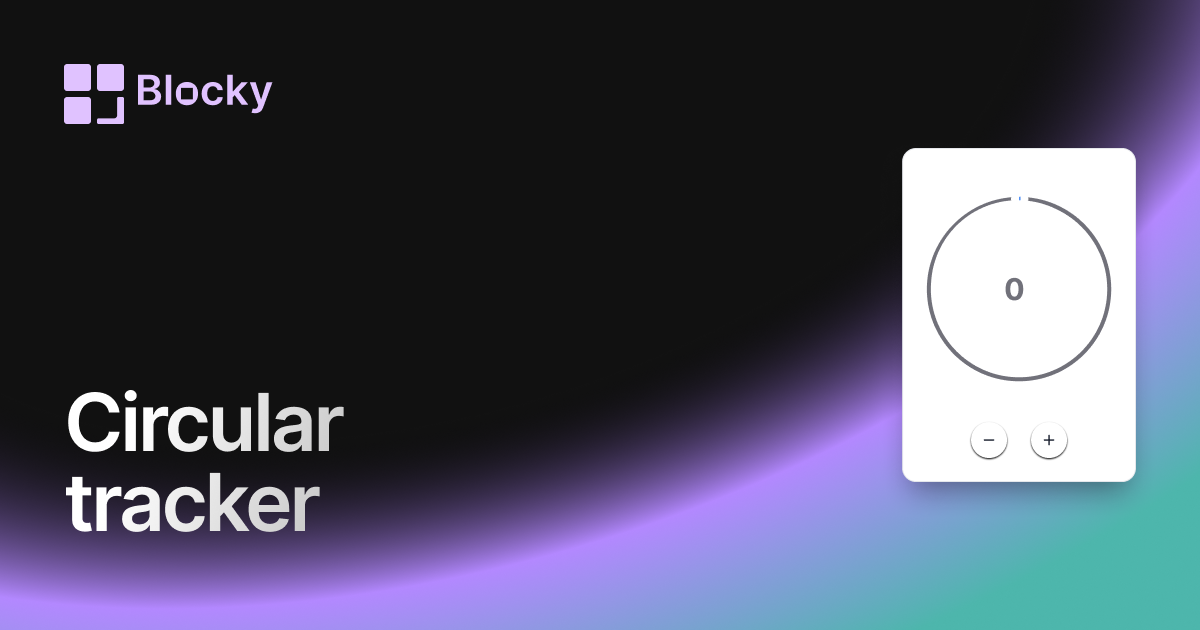
Circular Progress Tracker
Track progress with a beautiful circular widget that fits cleanly in your Notion dashboard.
Open related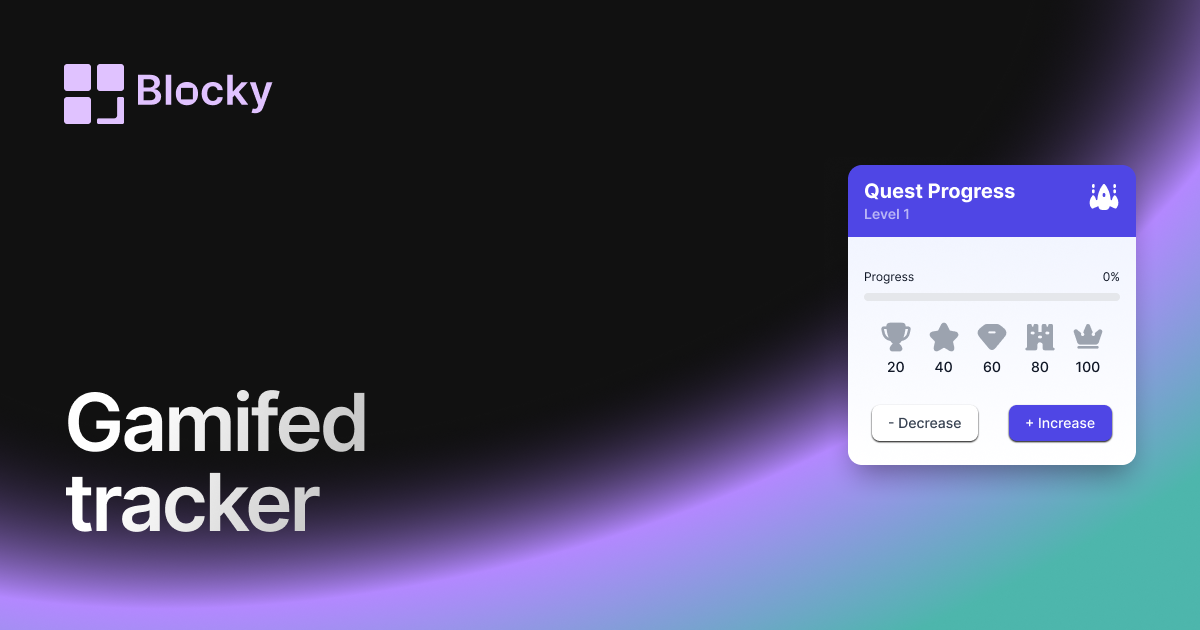
Related variant
Gamified Progress Tracker
Track Notion goals with a gamified progress widget that adds rewards, milestones, and motivation to daily dashboards.
Open related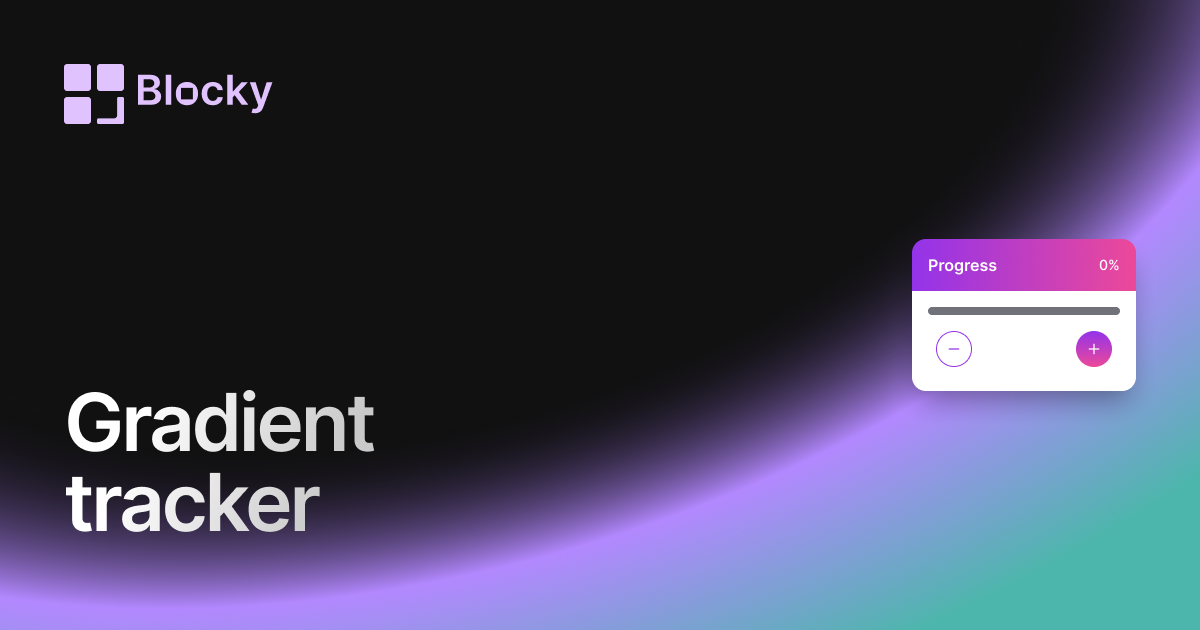
Related variant
Gradient Progress Tracker
Add a gradient progress tracker to Notion for colorful goal tracking, study progress, project milestones, and habits.
Open related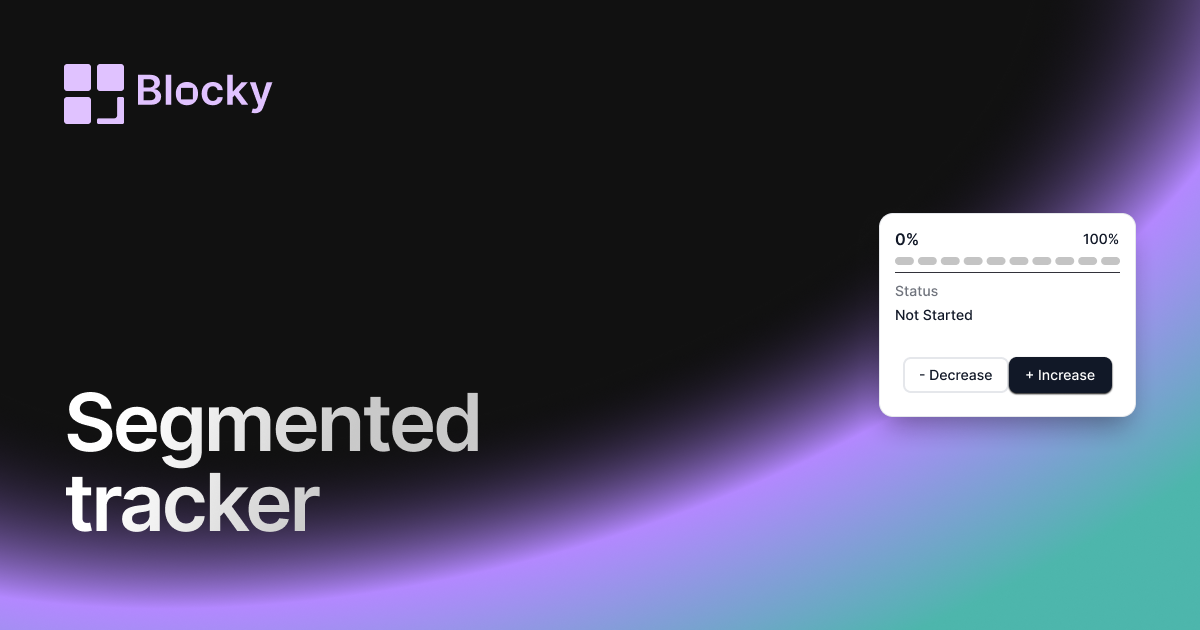
Related variant
Segmented Progress Tracker
Track Notion goals step by step with segmented progress bars for projects, habits, courses, and milestone dashboards.
Open related