

Gamified Progress Tracker
Track Notion goals with a gamified progress widget that adds rewards, milestones, and motivation to daily dashboards.
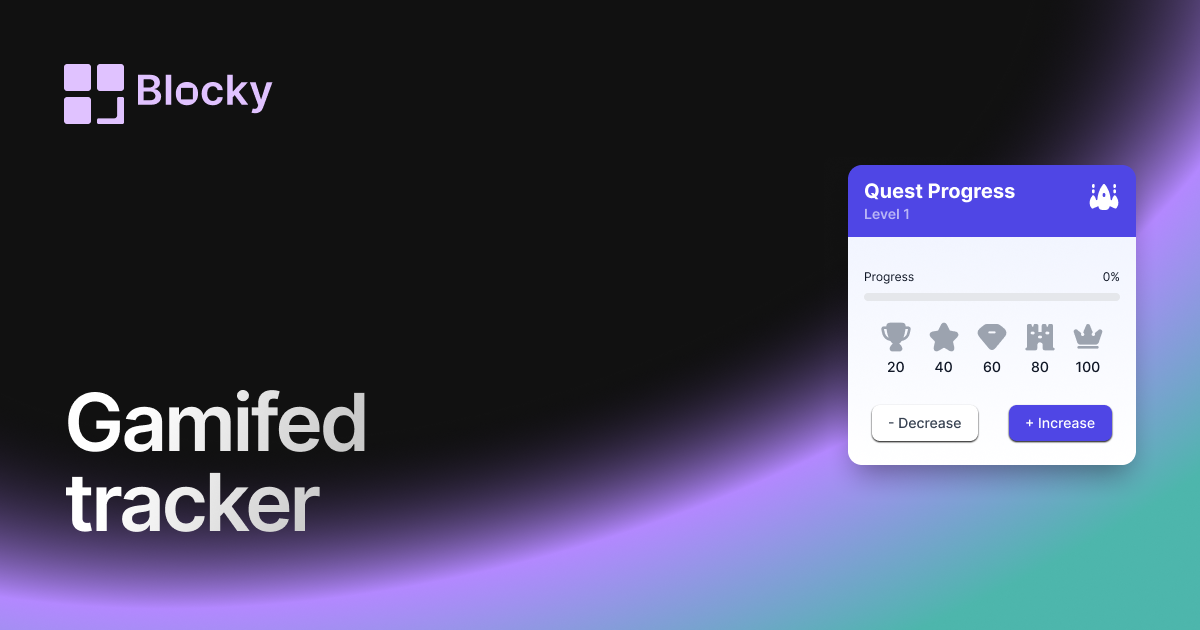
Inspect the widget before it reaches a live page.
Tune labels, data, colors, and layout from one editor.
Embed the finished specimen back into Notion.
Specimen notes — Gamified Progress Tracker
Quest Progress
Level 1Gamified Progress Tracker Widget for Notion
The Gamified Progress Tracker transforms your daily goals and study milestones into a quest for XP. Inspired by video games and habit RPGs, this tracker adds rewards, leveling, and visual feedback to your progress—making consistency more fun and addictive.
Whether you’re studying, building, or growing, this widget keeps you motivated with satisfying visuals and a sense of achievement.
Use Cases
- Habit RPG Systems: Earn XP for every completed task and level up visually.
- Study Challenges: Make each flashcard or reading session feel like a win.
- Work Gamification: Track task completion with score-based motivation.
- Streak-Based Projects: Add a sense of momentum and competition to long-term goals.
- Life Dashboards: Gamify your entire dashboard with quest-like visuals.
Features
- XP system based on completion metrics
- Level bar with visual progress animation
- Animated confetti or glow on milestone unlock
- Custom icons (stars, orbs, potions, emojis)
- Optional sound or visual reward upon progress
Customization Options
- Connect to a Notion database with done/total or value fields
- Define XP per item or scale XP to percentage
- Customize progress bar: fantasy theme, glow, or gradient
- Choose icon style: retro pixels, RPG elements, or modern UI
- Enable or disable celebratory effects on completion
- Toggle label format: “Level 2”, “75 XP”, “Quest 3/5”, etc.
Always in Sync
The Gamified Progress Tracker updates live as your Notion database grows. Complete tasks, log progress, or update totals—and watch your XP and level bar evolve in real time.
How to Embed in Notion
- Visit Blocky and select the Gamified Progress Tracker variant.
- Connect your Notion database and assign progress values.
- Customize XP mechanics, themes, and rewards.
- Copy your embed link.
- Paste it into Notion using
/embed.
Level up your productivity—one block at a time.
Nearby variants for the same type.
The current specimen is excluded so the grid only offers alternate treatments.
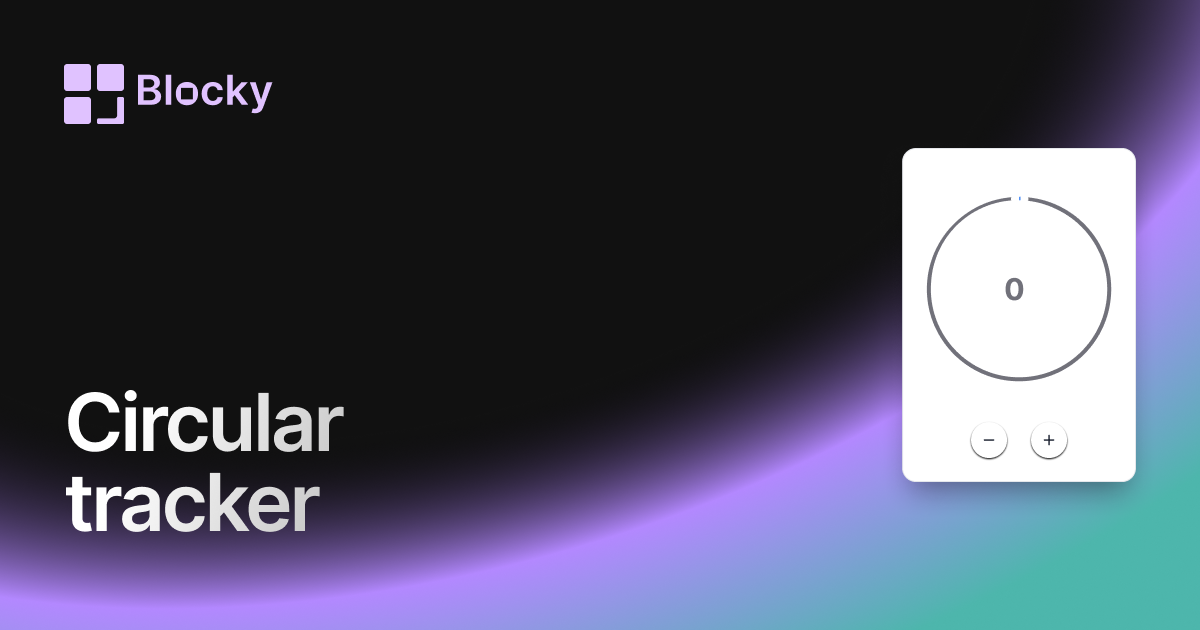
Related variant
Circular Progress Tracker
Track progress with a beautiful circular widget that fits cleanly in your Notion dashboard.
Open related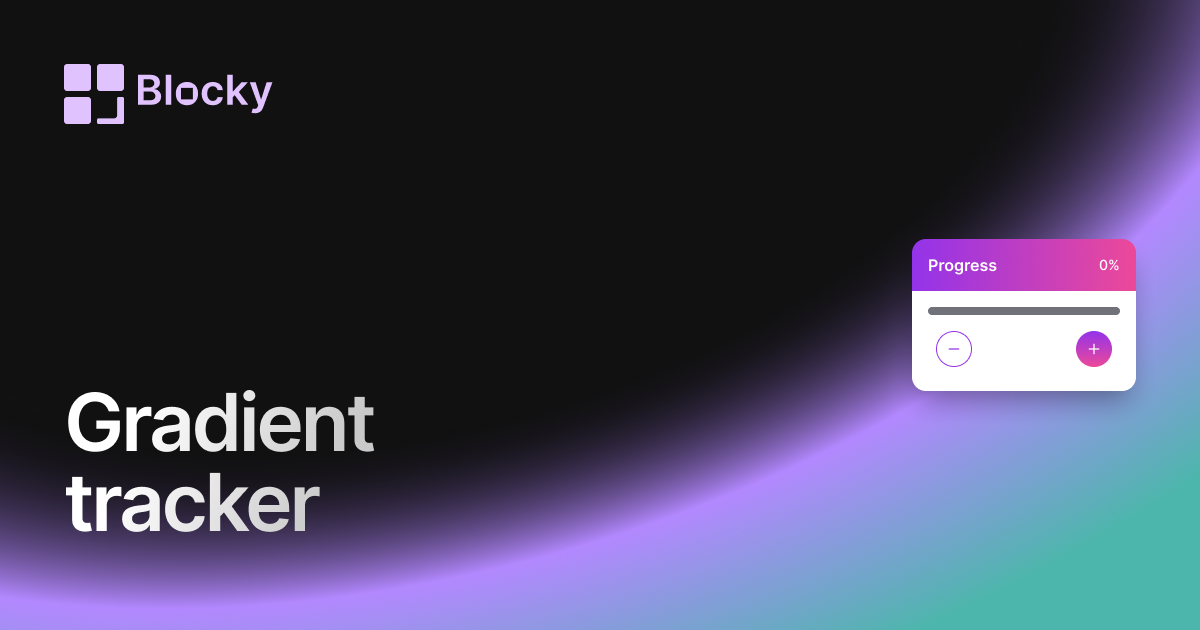
Related variant
Gradient Progress Tracker
Add a gradient progress tracker to Notion for colorful goal tracking, study progress, project milestones, and habits.
Open related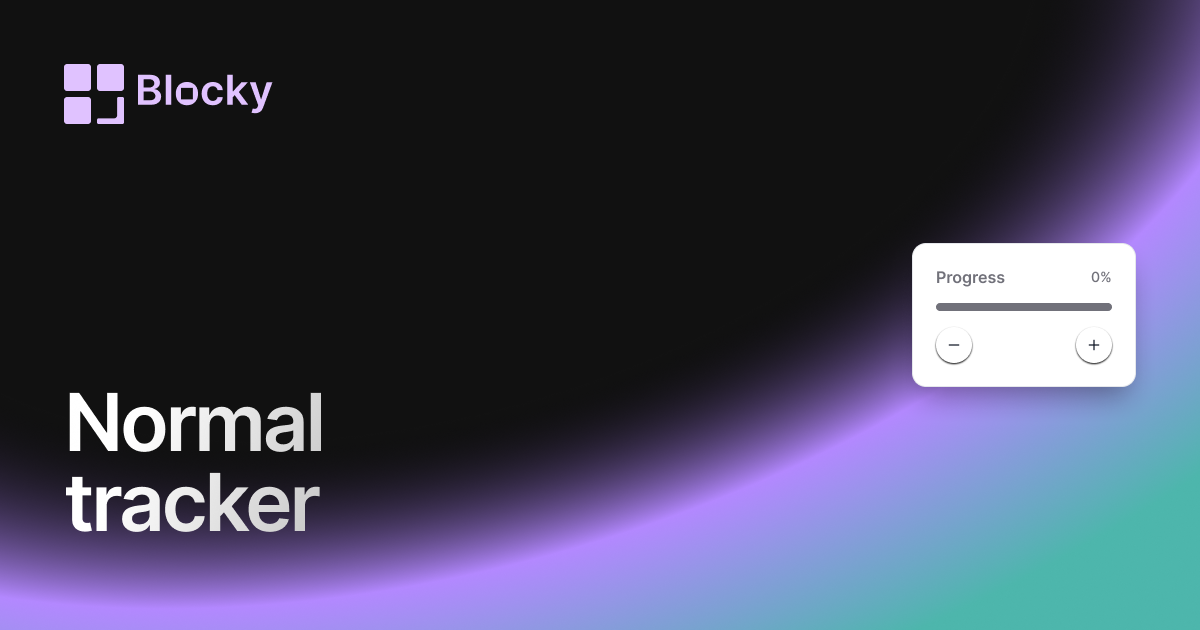
Related variant
Normal Progress Trackers
Track goals and habits in Notion with a clean progress tracker widget for projects, study plans, and routines.
Open related
Related variant
Segmented Progress Tracker
Track Notion goals step by step with segmented progress bars for projects, habits, courses, and milestone dashboards.
Open related